
AI Patchwork Tattoo Generator
Find your next patchwork tattoo idea and remix it into a design that fits your style.
No sign-up needed for your first preview
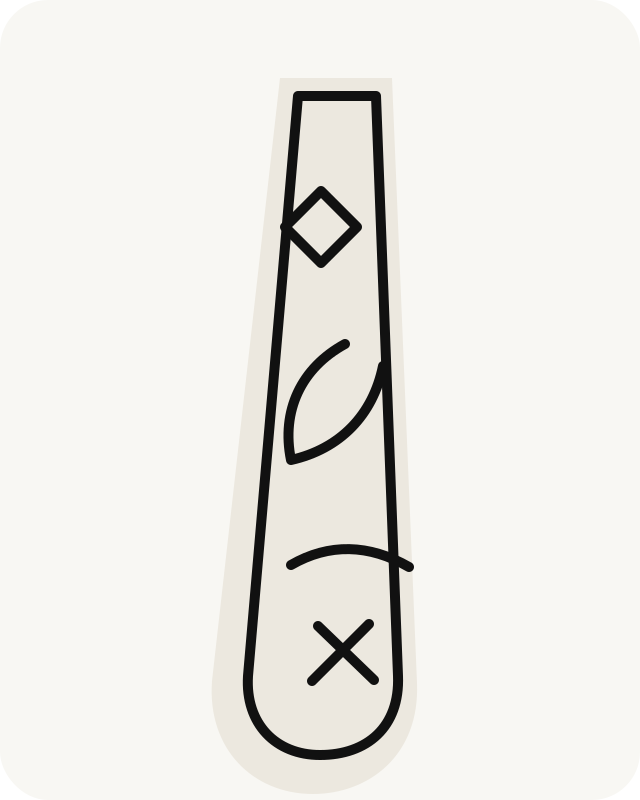
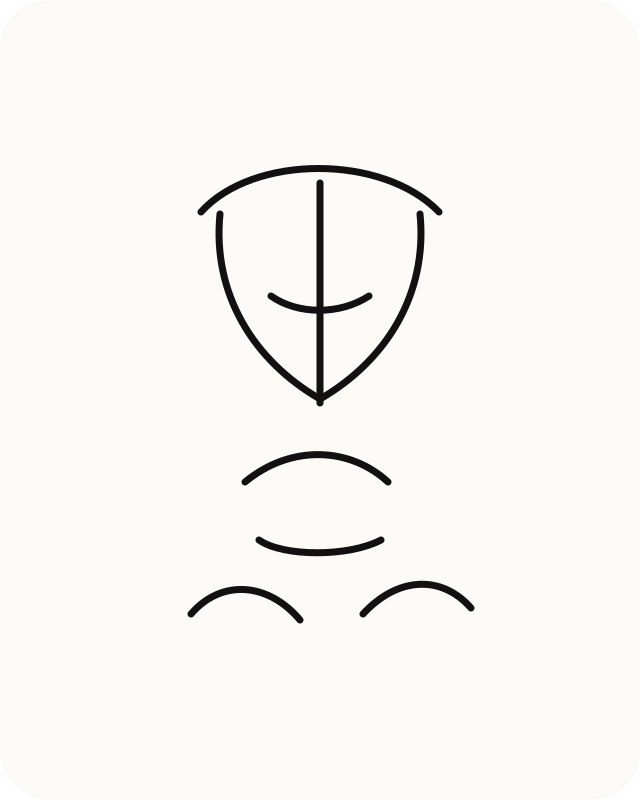
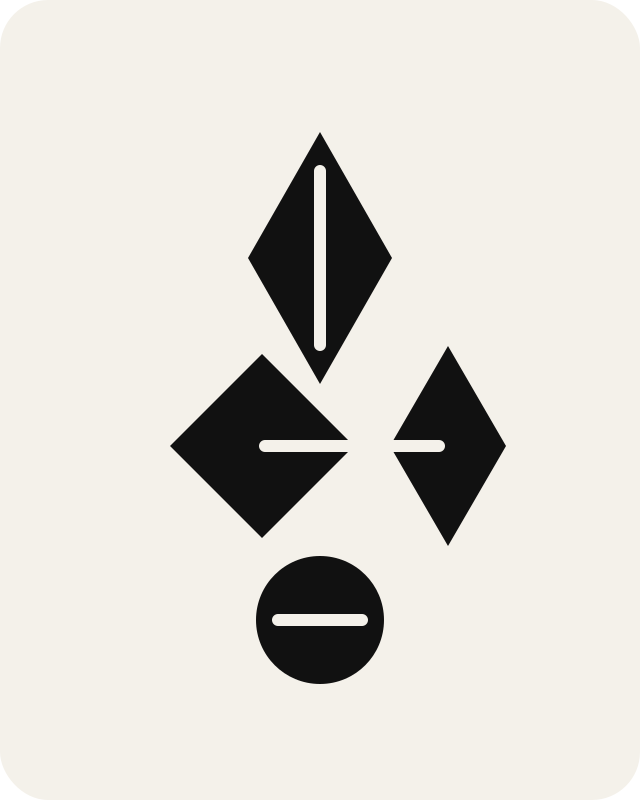
Patchwork Tattoo Ideas to Remix
Start from a curated patchwork tattoo direction, then adjust the placement, style, theme, and vibe before generating your own concept.
Leg Patchwork Tattoo
Remix thisFine Line Patchwork Tattoo
Remix thisBlackwork Patchwork Tattoo
Remix this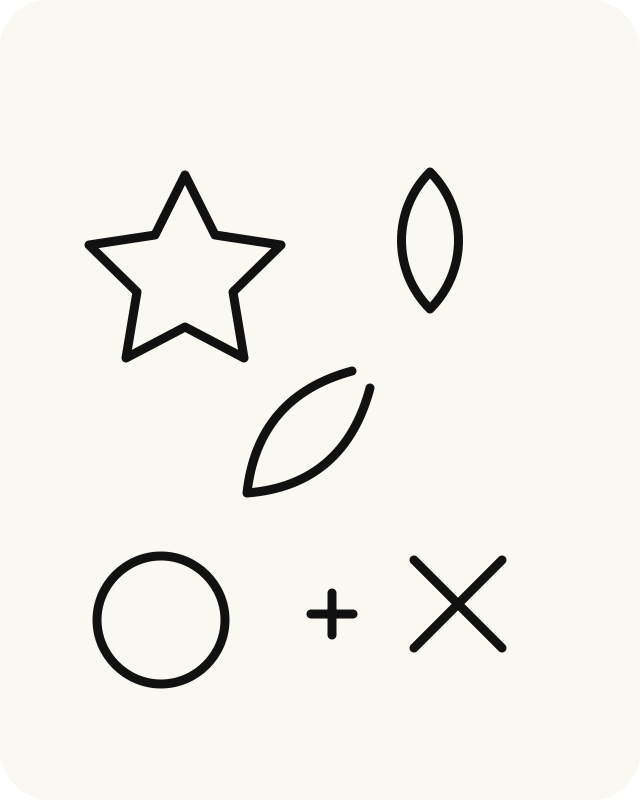
Patchwork Filler Ideas
Remix this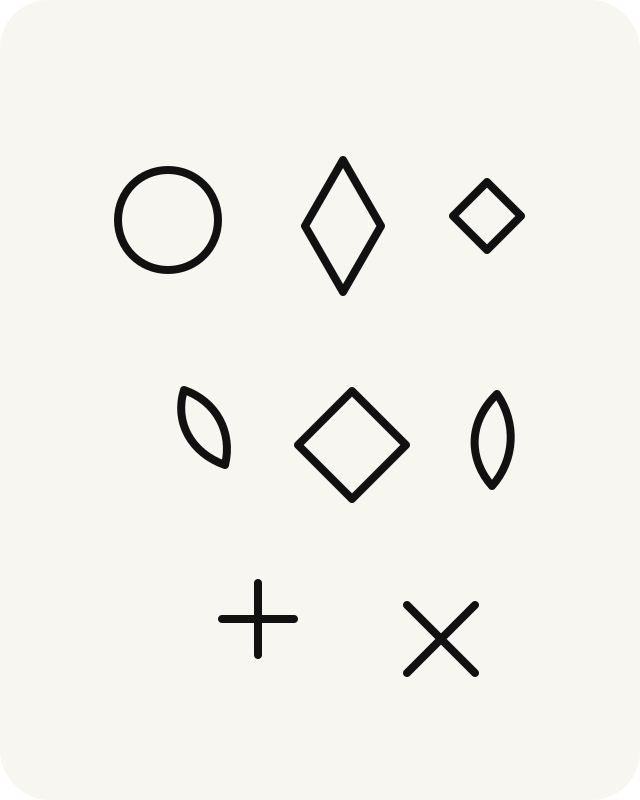
Small Patchwork Tattoo Pieces
Remix this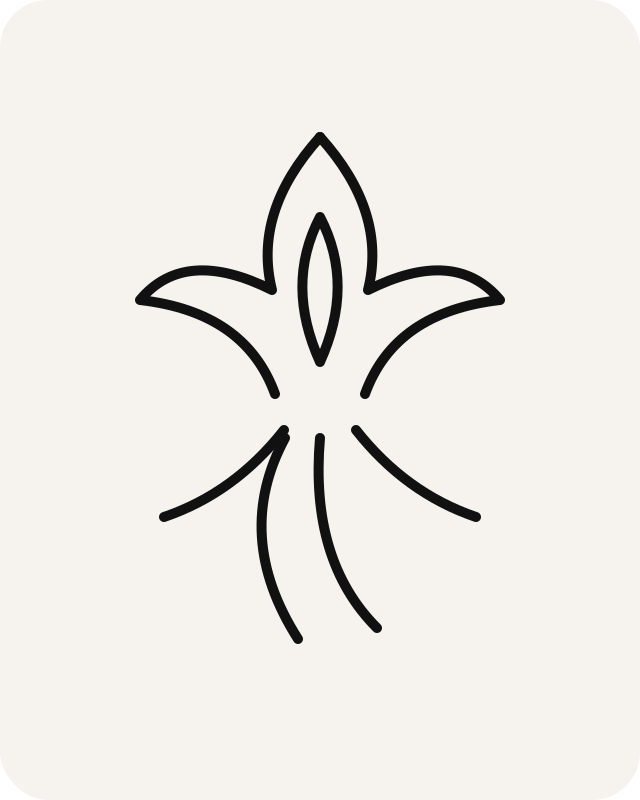
Phoenix Patchwork Tattoo
Remix this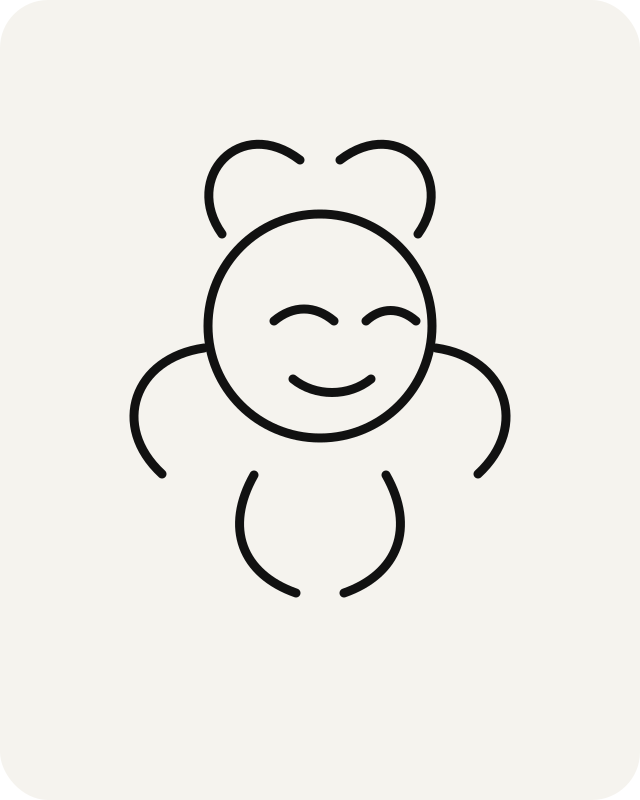
Medusa Patchwork Tattoo
Remix thisHow patchwork tattoos work
Patchwork tattoos look best when each piece has room to breathe and the whole layout still follows a clear visual rhythm.
Choose a direction
Start from a sleeve, filler, fine line, blackwork, phoenix, or medusa patchwork tattoo idea.
Remix the style
Adjust placement, theme, vibe, and a short description before making a preview.
Save the design
Keep the concept you like, remix it again, or export a cleaner version when you are ready.
Plan your patchwork tattoo before you ink
Use the generator to explore composition before you bring a reference to a tattoo artist. The best concepts are specific enough to guide a conversation, not replace one.
Patchwork sleeve spacing and layout
A good patchwork tattoo plan balances placement, spacing, line weight, and repeatable motifs before the first appointment.
Patchwork tattoo filler ideas
Use flowers, stars, dots, abstract shapes, small symbols, and soft shading to connect larger pieces without making the layout feel crowded.
Ready to make more patchwork tattoos?
Start with a preview, then choose the credit option that fits how many ideas you want to explore.
See pricingPatchwork tattoo FAQ
Quick answers before you plan spacing, style, and your first remix.
Do patchwork tattoos need to match?
They do not need to match exactly. A strong patchwork layout usually repeats one or two visual rules, such as line weight, spacing, or a shared blackwork style.
How many credits do I need to preview a design?
Your first low-res preview can start from the free trial credit. More previews, variations, and exports use credits from your account.
Can I use the design as a real tattoo stencil?
Use the image as inspiration and planning material. Always work with a professional tattoo artist before getting inked.
What makes a patchwork sleeve look balanced?
Leave breathing room between pieces, repeat a few shapes or line weights, and plan filler before the sleeve feels finished.
Can I remix a fine line idea into blackwork?
Yes. Pick a reference direction, then change style, placement, theme, and vibe before generating a new concept.
Are AI-generated tattoo images private?
Personal generated previews are treated as private account content. Public gallery images are curated separately.
What should I bring to a tattoo artist?
Bring the concept image, the placement you want, size notes, and examples of line weight or shading you like.
Can I make filler ideas for existing tattoos?
Yes. Describe the space, placement, and style you already have so the preview can focus on filler that fits the gap.