Same design · On-skin
Color Realism Red Rose Forearm Tattoo
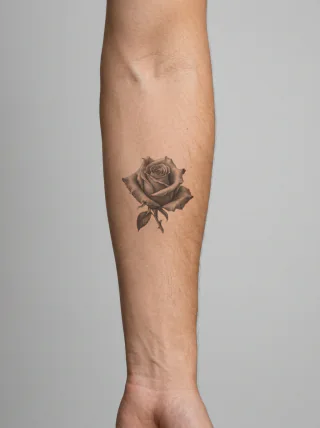
A saturated red rose in color realism with a tightly curled center, deep burgundy petal folds and bright crimson outer edges, centered on the forearm.
Color realismForearmRose
Build a patchwork layout from reviewed pieces, or generate a tattoo concept from your own direction.
Generate one focused tattoo concept with guided style, placement, and subject controls.
2 free concepts · No sign-up needed
Explore the AI Tattoo GeneratorDesigns that match your style, placement and subject. Pick one to start from it.
Finding designs…
Each reviewed pair shows a Clean Design beside the same design on skin. Start from one, then shape the placement, style, and mood.
Browse all ideasSame design · On-skin
A saturated red rose in color realism with a tightly curled center, deep burgundy petal folds and bright crimson outer edges, centered on the forearm.
Same design · On-skin
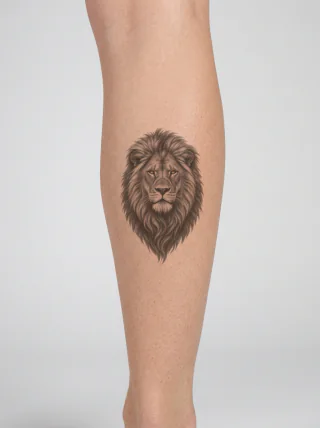
A black and grey lion head facing forward, with pale focused eyes, a broad dark nose, short muzzle fur and a long layered mane, shown vertically on the calf.
Same design · On-skin
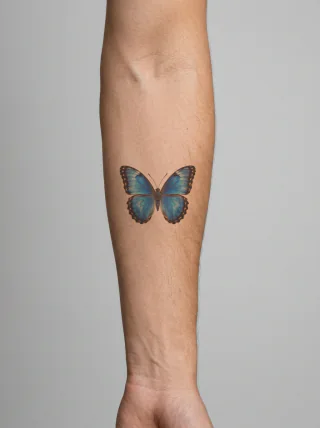
A black and grey butterfly in side profile with two upright closed wings, pale diagonal bands, a spotted dark rim and fine antennae, shown at wrist scale.
Same design · On-skin
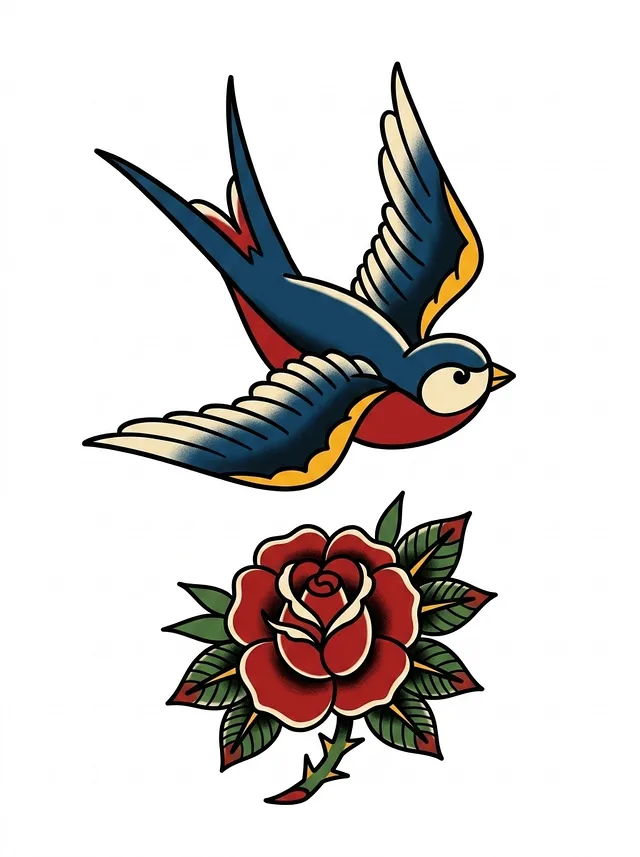
A blue and cream swallow flying right above a red rose with green leaves, drawn in bold traditional color for the outer calf.
Same design · On-skin
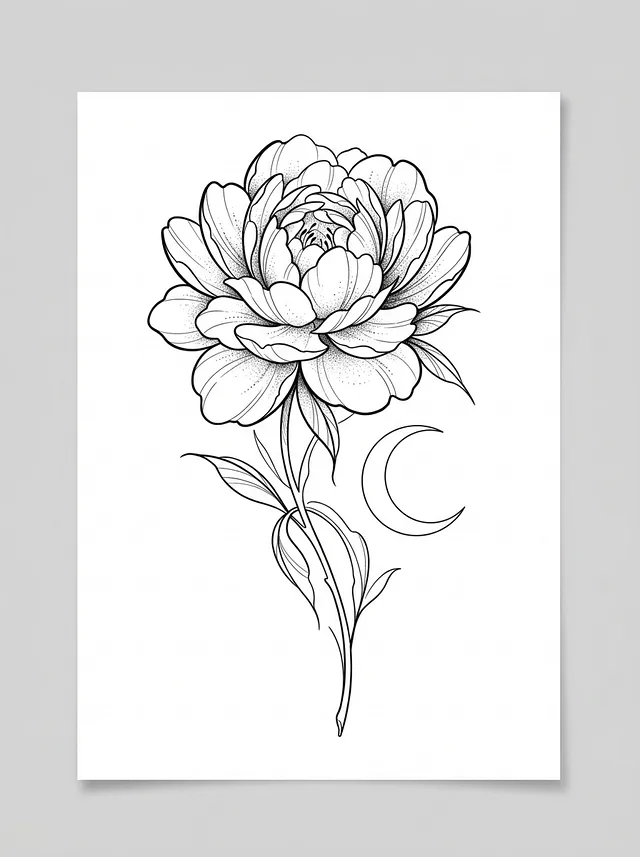
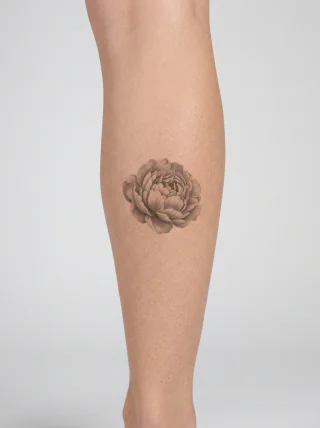
A fine-line peony with densely layered petals, a slim leafed stem and a separate crescent moon, shown running down the inner forearm.
Same design · On-skin
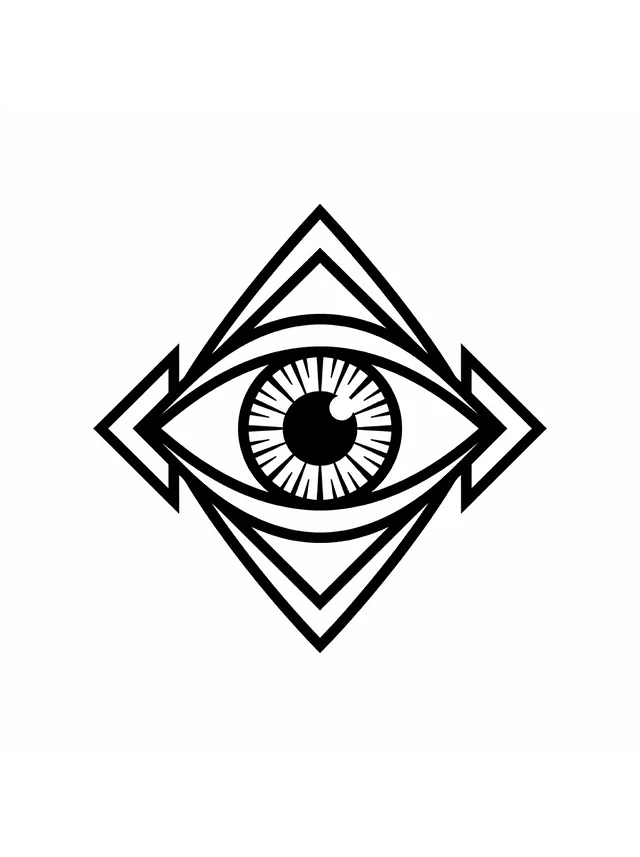
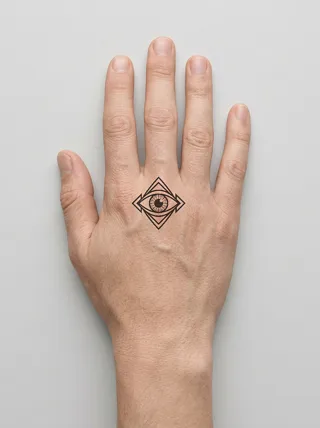
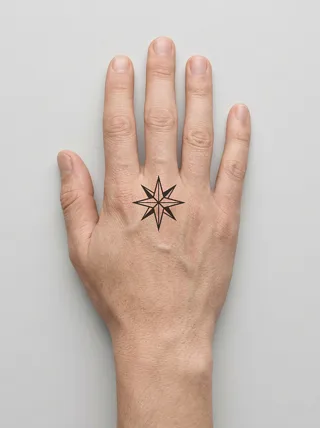
A bold blackwork eye with a spoked iris, set inside a layered diamond frame with arrow-shaped side points, shown at the center of the back of the hand.
Same design · On-skin
A blue and orange kingfisher in side profile, perched on a short textured branch with a long dark bill, layered wing feathers and small red feet, placed on the calf.
Same design · On-skin
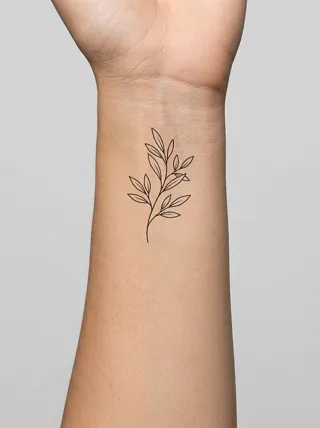
A slim fine-line olive branch with a lightly curved stem, seven pointed leaves and delicate internal veins, running vertically along the middle forearm.
Each collection gathers reviewed designs around one subject, body placement, or style, so you can compare silhouettes side by side before picking a direction. New collections open as the library grows.

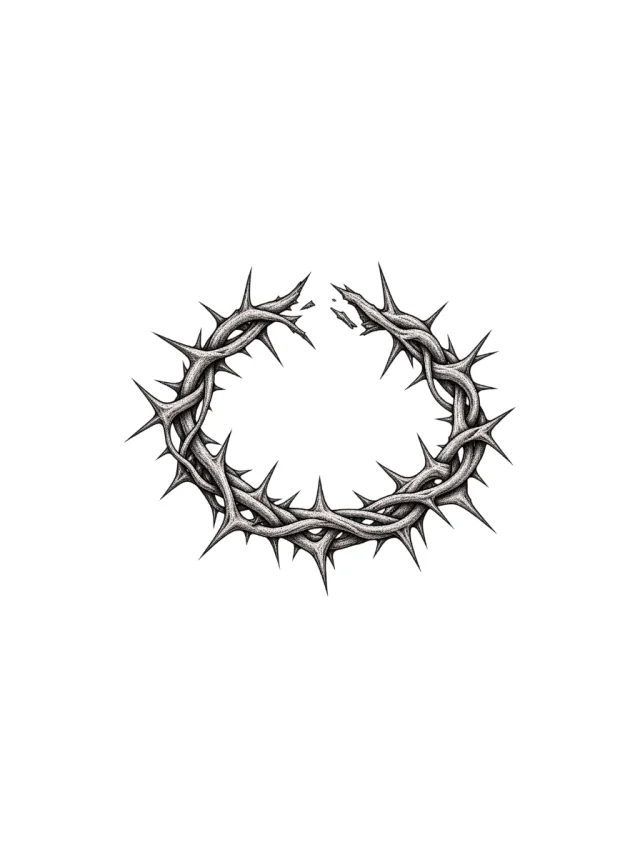
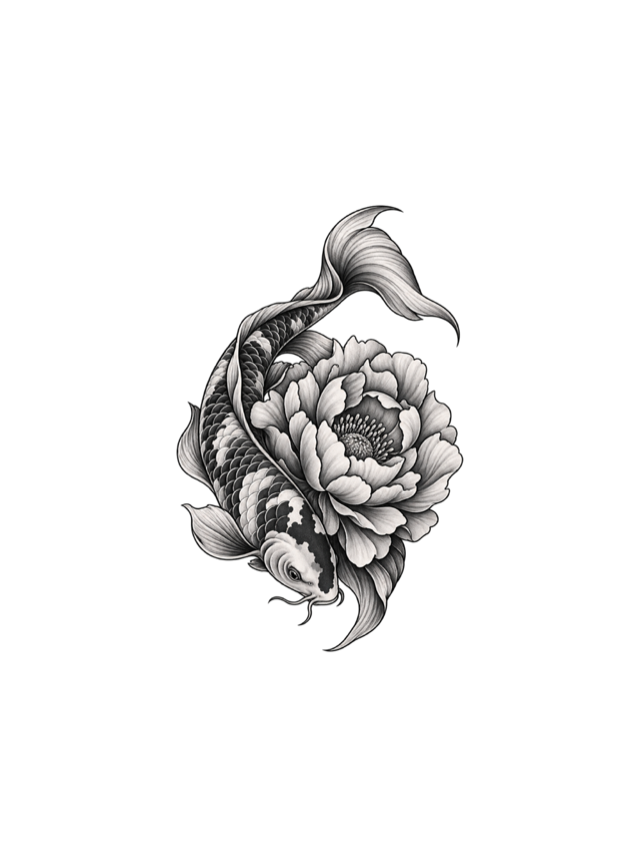
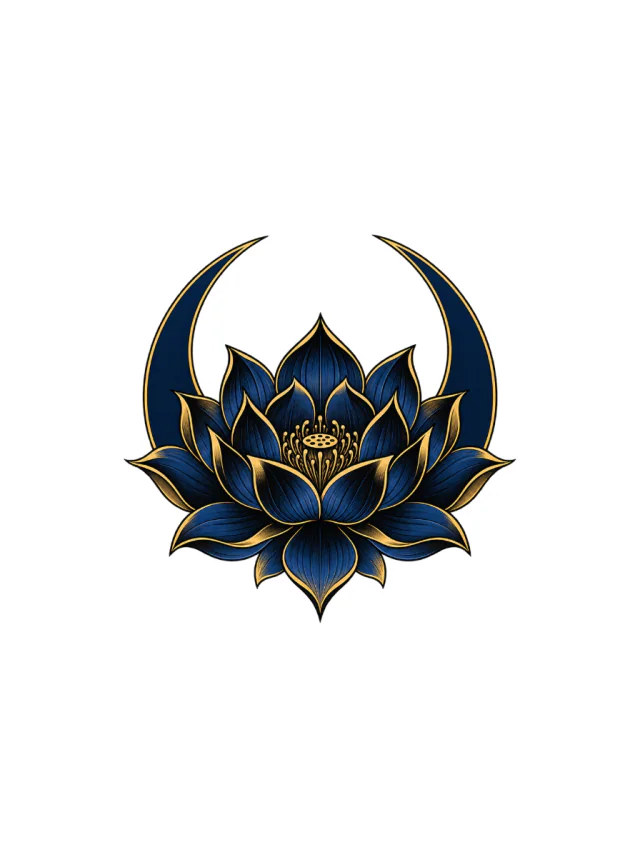 168 reviewed designsSleeve tattoo ideas168 reviewed sleeve designs, shown clean and on skin.BlackworkIllustrative6 placementsBrowse the collection

 166 reviewed designsColor tattoo ideas166 reviewed color designs, shown clean and on skin.IllustrativeNeo traditional8 placementsBrowse the collection
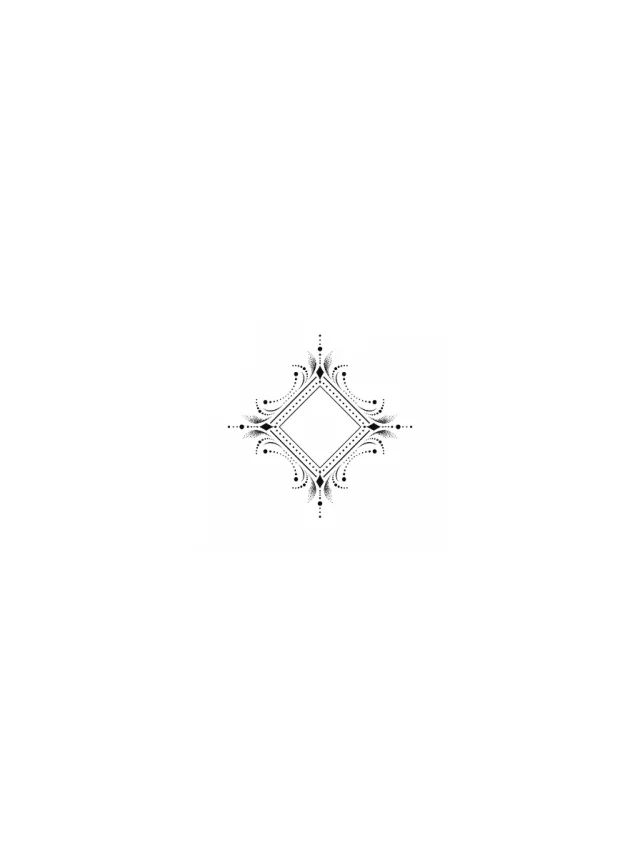 133 reviewed designsArm tattoo ideas133 reviewed arm designs, shown clean and on skin.BlackworkNeo traditional1 placementBrowse the collection
Patchwork tattoos look best when each piece has room to breathe and the whole layout still follows a clear visual rhythm.
Compare real Clean Designs with the same designs on skin, then choose a direction that fits your placement.
Keep what works, then change the primary motif, supporting details, style, placement, or mood.
Describe your own idea and review a Clean Design plus a same-design On-skin Preview for supported placements. Your first 2 concepts are free.
Patchwork tattoos combine separate designs into one evolving composition. Use the generator to test motifs, spacing, and placement before you commit skin or appointment time.
Treat the result as a planning reference: bring the Clean Design, target size, body placement, and examples of the line weight you like to your tattoo artist for a final, body-safe adaptation.
Open the Patchwork BuilderPlan the largest pieces first, then leave consistent negative space so each tattoo stays readable when your arm bends. Repeating a line weight, black-and-grey treatment, or small visual motif can make separate designs feel related without forcing every patch to use the same subject.
Choose filler only after the main tattoos and gaps are mapped. Small stars, dots, leaves, abstract marks, or soft shading can connect awkward spaces, but the filler should preserve breathing room and follow the line weight and contrast already used by the surrounding pieces.
Start with 2 free concepts. Pick a plan for ongoing patchwork planning, or a one-time credit pack for a single tattoo.
Quick answers before you plan spacing, style, and your first remix.
They do not need to match exactly. A strong patchwork layout usually repeats one or two visual rules, such as line weight, spacing, or a shared blackwork style.
Your first 2 concepts are free, with or without an account: a Clean Design plus an On-skin Preview for supported placements. After that, each concept uses 20 credits and a 4K export uses 20 credits.
Yes. Bring the Clean Design, placement, size notes, and style references into your tattoo artist consultation.
Leave breathing room between pieces, repeat a few shapes or line weights, and plan filler before the sleeve feels finished.
Yes. Pick a reference direction, then change style, placement, theme, and vibe before generating a new concept.
Personal generated previews are treated as private account content. Public gallery images are curated separately.
Bring the concept image, the placement you want, size notes, and examples of line weight or shading you like.
Yes. Describe the space, placement, and style you already have so the preview can focus on filler that fits the gap.