Clean Design
Design 01 · Shoulder
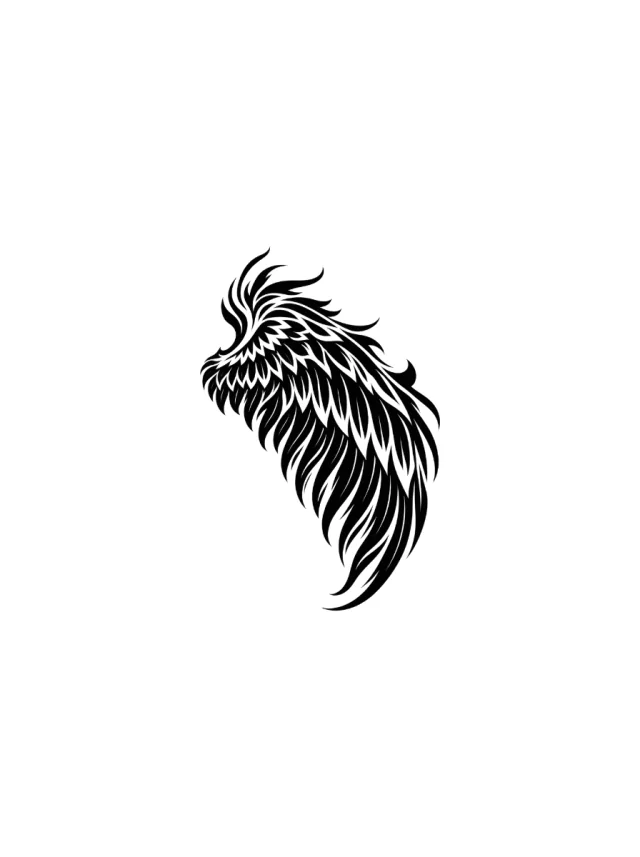
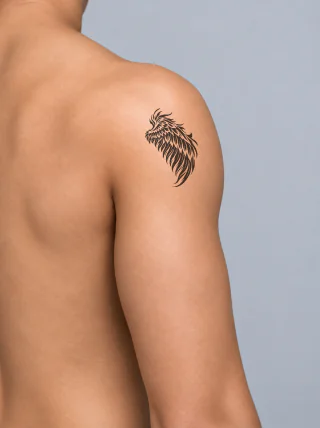
Blackwork Phoenix Wing Shoulder Tattoo
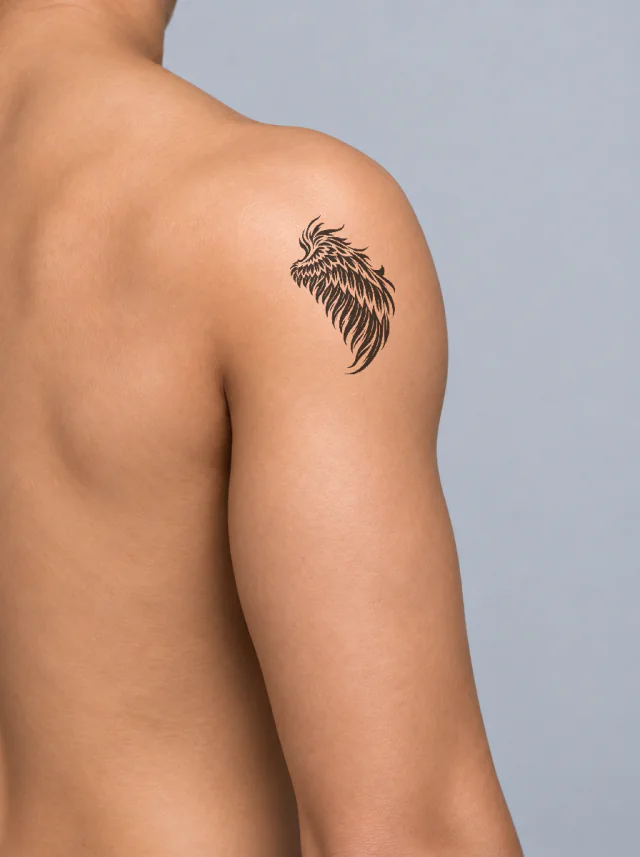
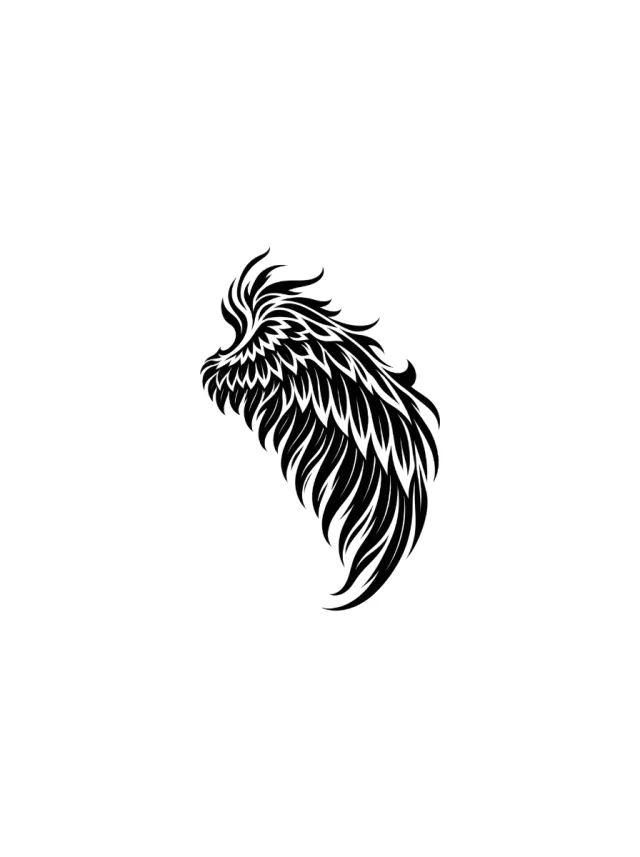
A swept blackwork phoenix wing with layered white feather cuts and a long hooked tip, following the outer curve of the shoulder cap.
BlackworkPhoenix
46 reviewed designs · 1 placement
Shoulder tattoos can crown a sleeve or stand alone as a rounded piece. Use the clean design and preview to compare scale, then have an artist fit the final stencil to the shoulder cap.
Builder placements: Shoulder. Every piece opens in Remix or enters the Builder as the matching reviewed asset.
AI tattoo generator
Describe it and get a clean design plus an on-skin preview. Your first 2 concepts are free, no sign-up needed.
Read the silhouette first, then check how the same lines sit on the suggested body area.
Florals
Animals
Celestial
Objects
Nature
Mythology
People
Geometric
Arm
Leg
Hand
Wrist
Chest
Back
Neck & face
Abdomen
Showing 46 of 46 reviewed designs
Clean Design
Design 01 · Shoulder
A swept blackwork phoenix wing with layered white feather cuts and a long hooked tip, following the outer curve of the shoulder cap.
Clean Design
Design 02 · Shoulder
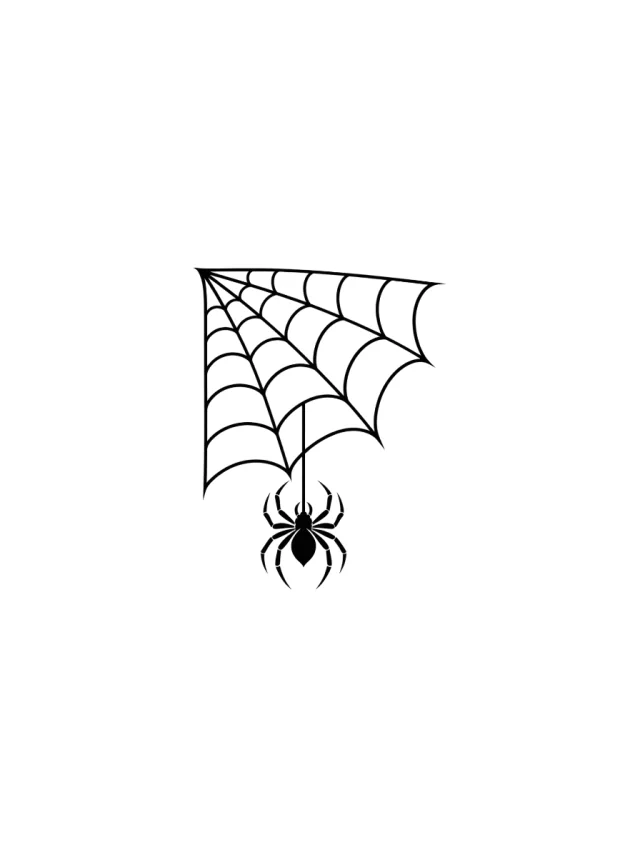
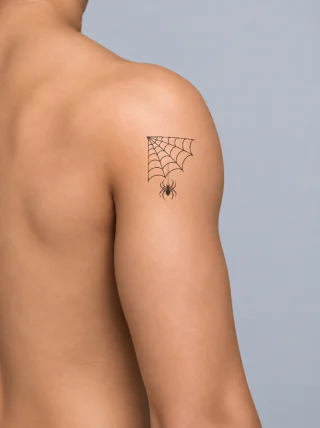
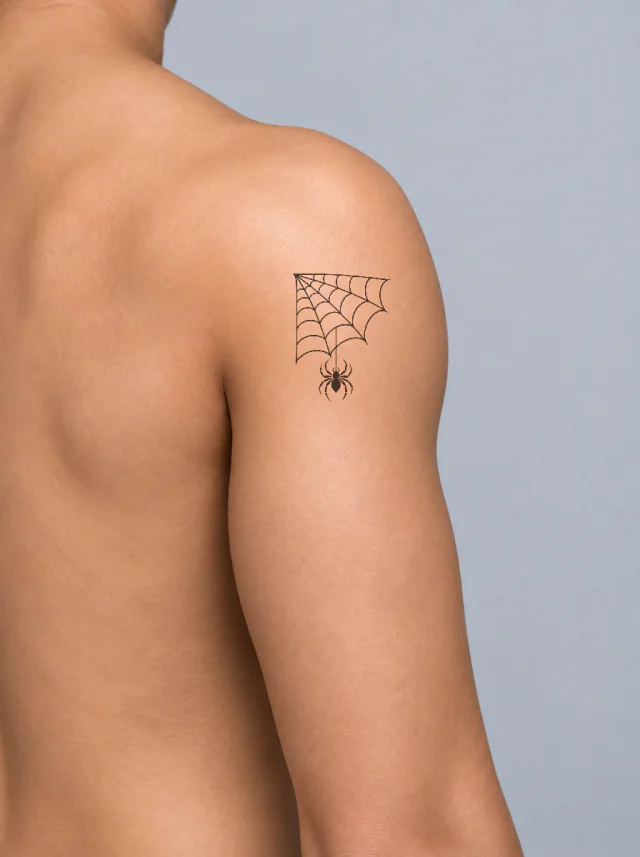
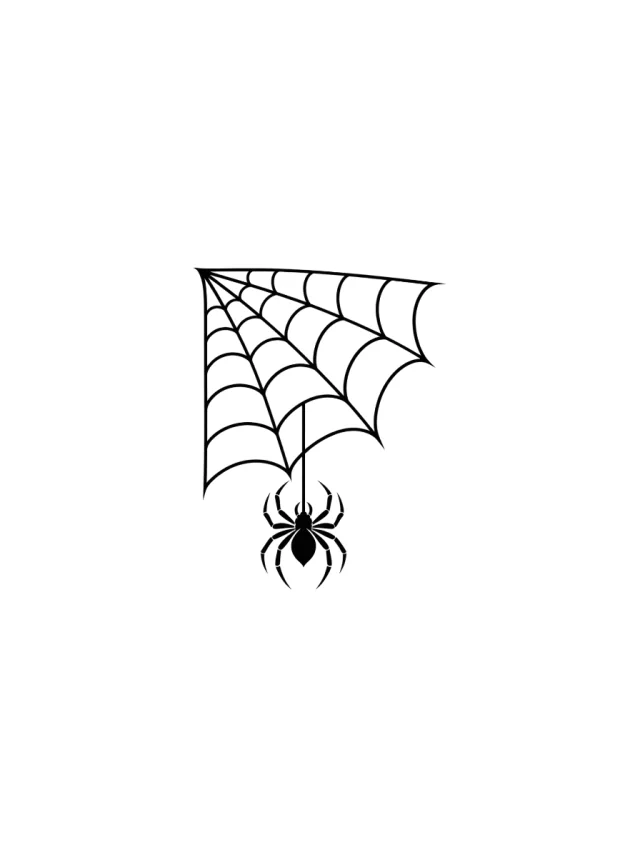
A black corner spider web with widening curved strands and one small hanging spider, placed high across the shoulder cap.
Clean Design
Design 03 · Shoulder
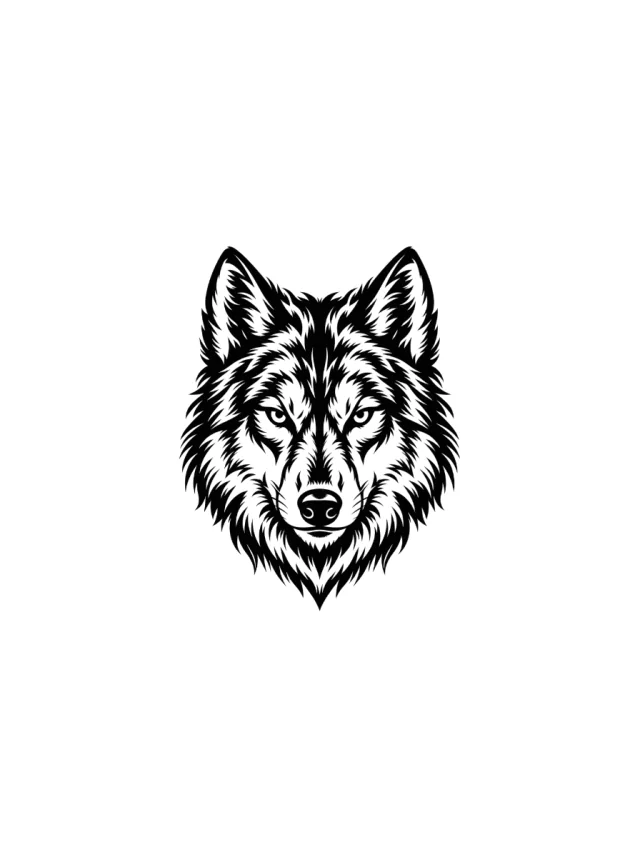
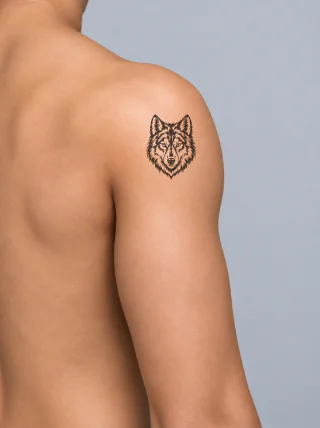
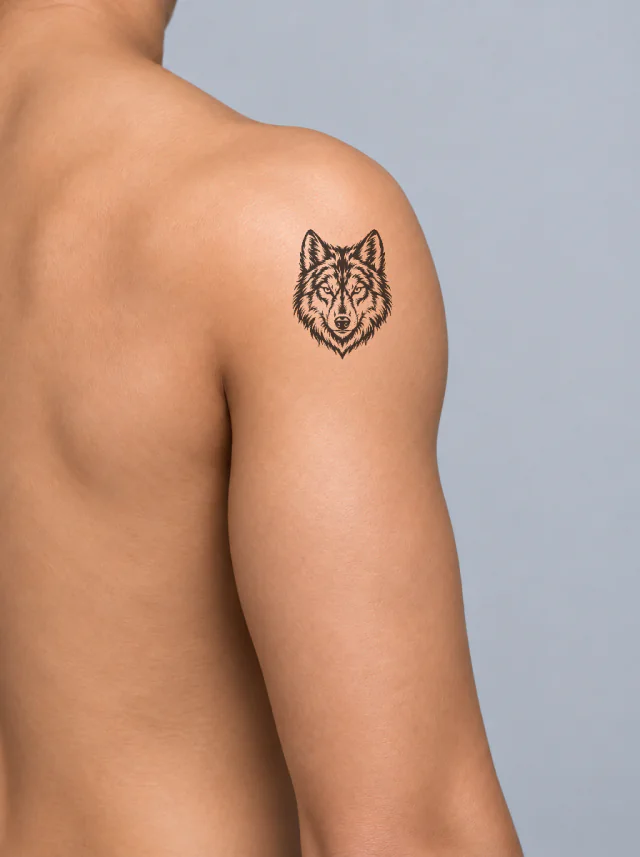
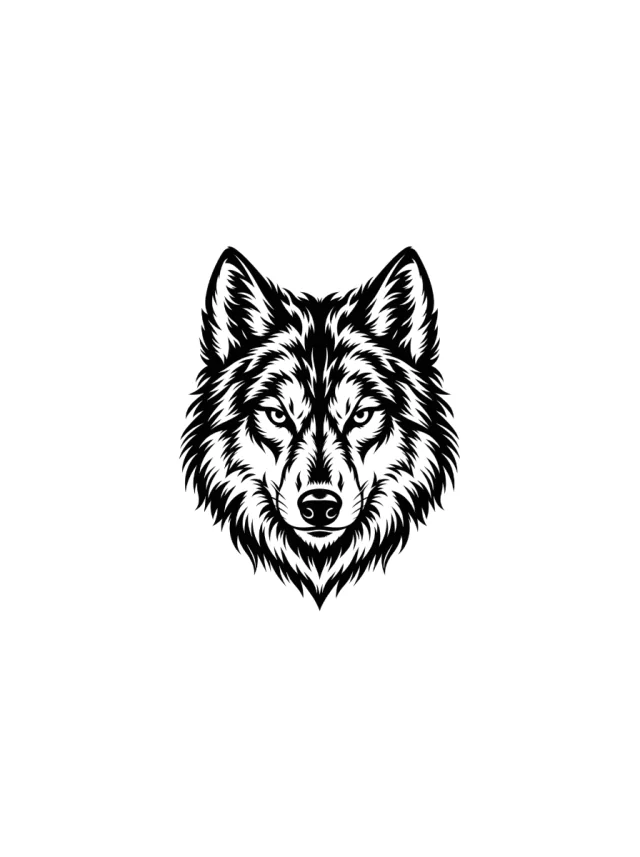
A front-facing blackwork wolf head with upright ears, narrowed eyes, pale muzzle channels, and serrated cheek fur centered on the shoulder.

Clean Design
Design 04 · Shoulder
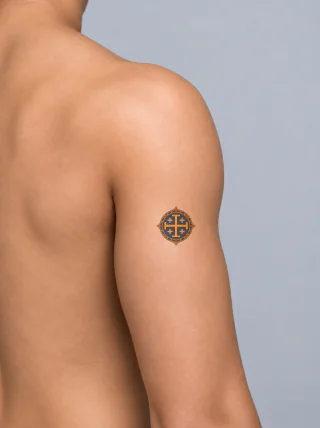
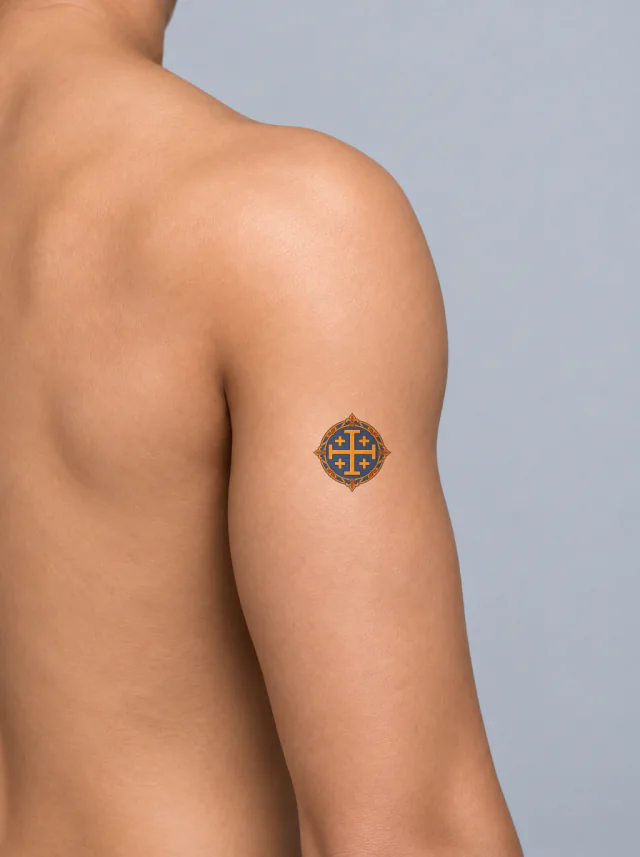
A gold Jerusalem five-cross emblem sits in a deep blue roundel with red gems and ornate gold edging, shown thumbnail-sized on the upper arm.
Clean Design
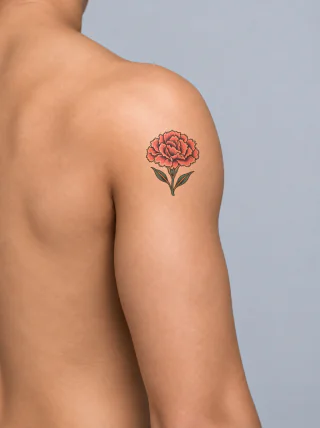
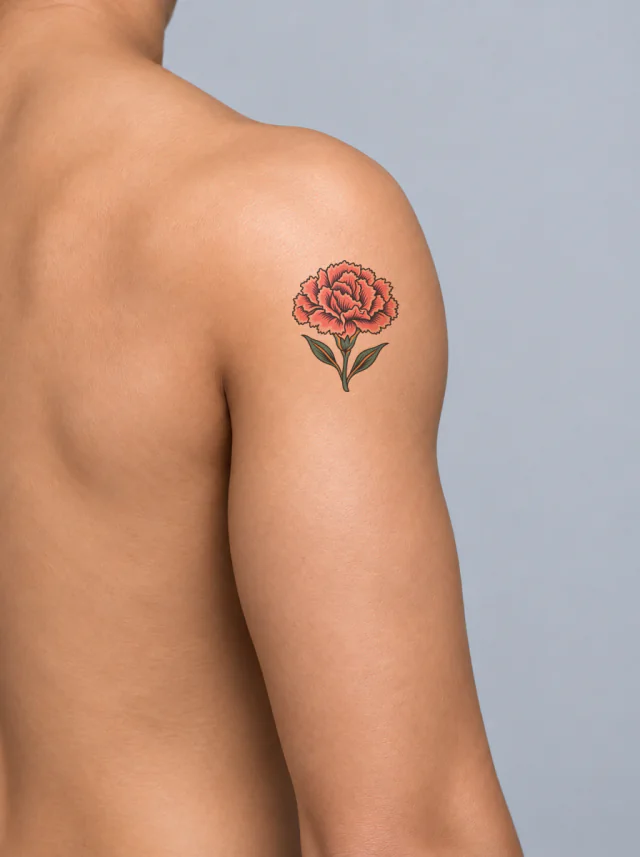
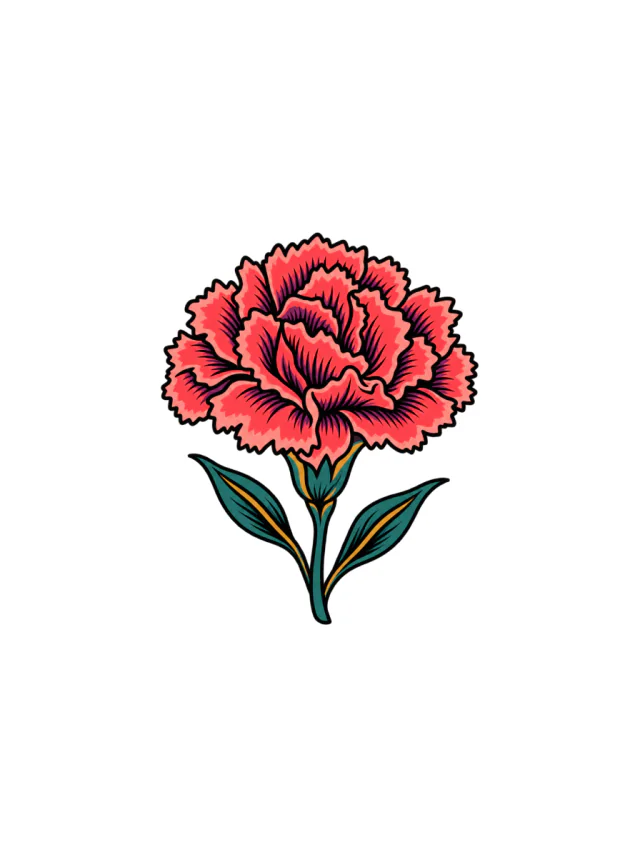
Design 05 · Shoulder
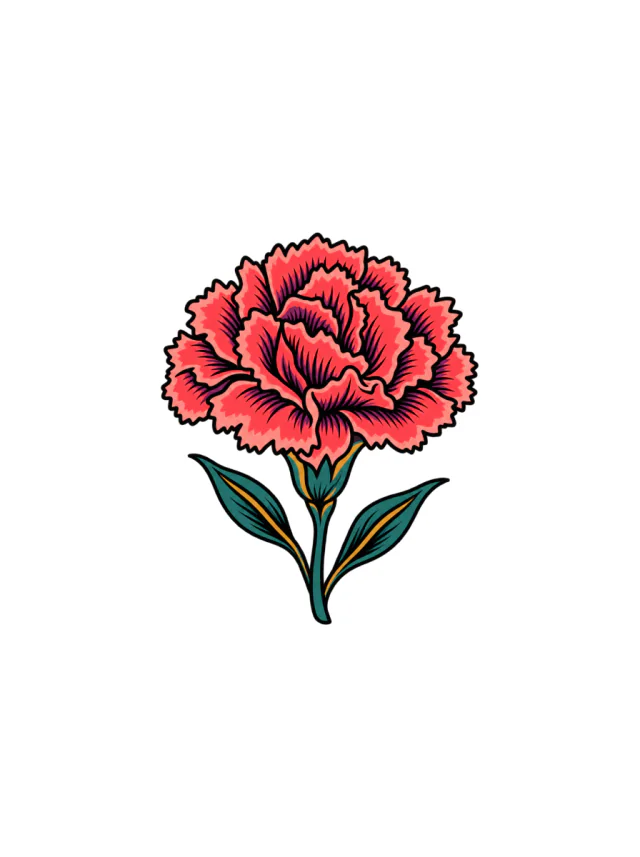
A bold coral-pink carnation with black petal folds, two teal leaves and gold vein accents, shown as a compact flower on the upper shoulder.
Clean Design
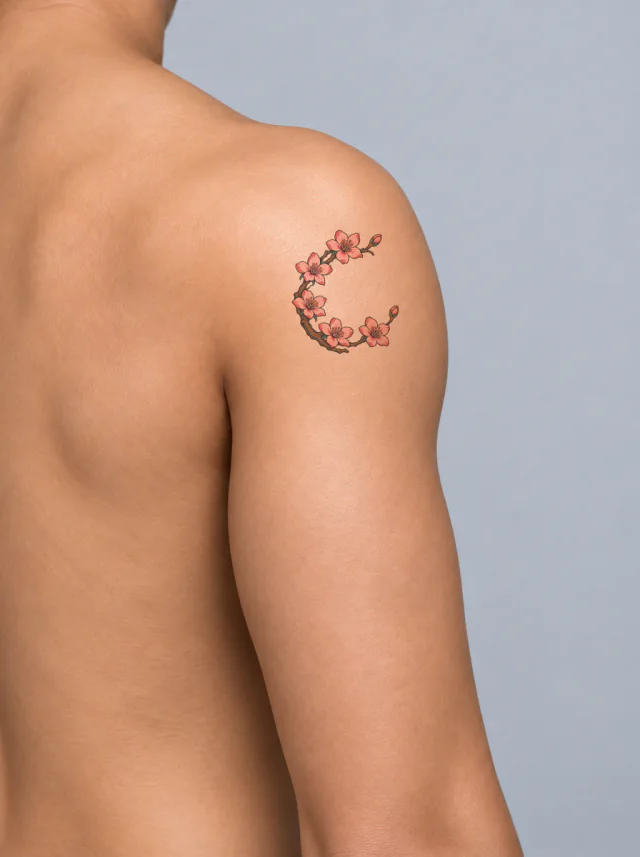
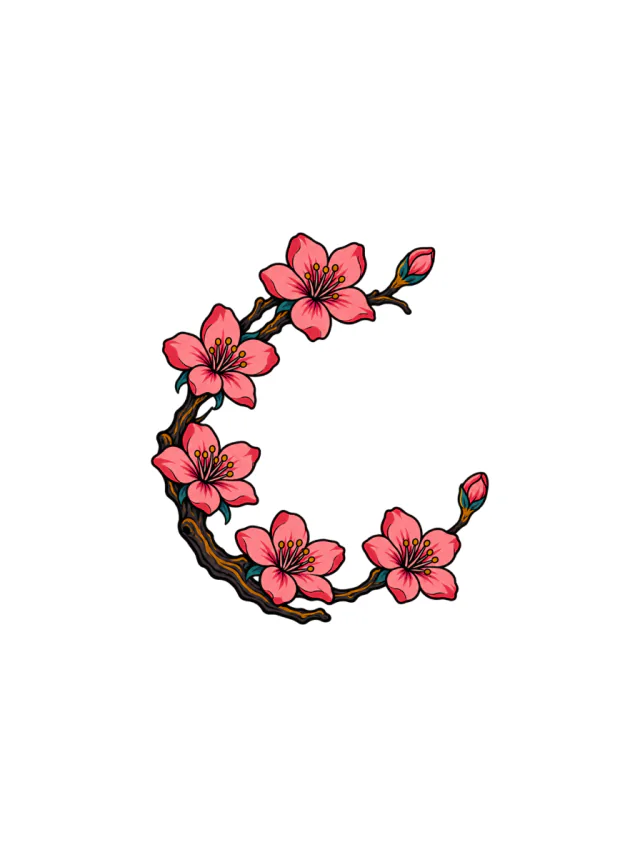
Design 06 · Shoulder
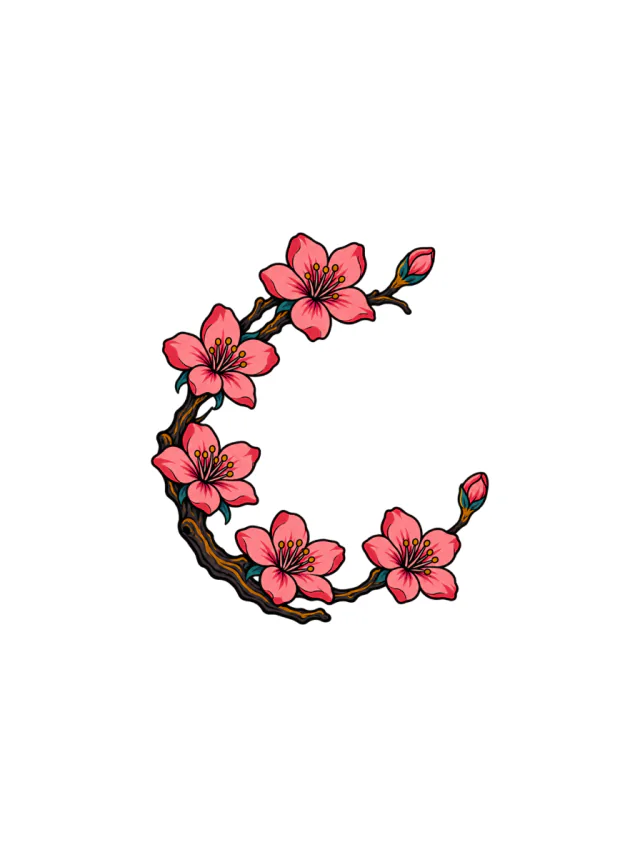
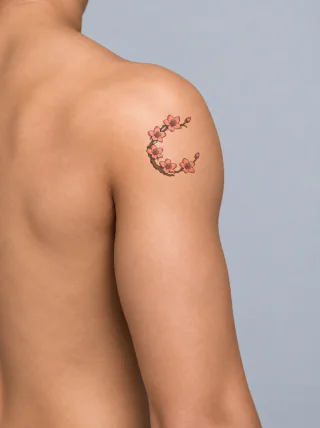
Five pink cherry blossoms trace an open crescent branch with two unopened buds, dark bark, teal leaves, and warm yellow centers on the shoulder.
AI tattoo generator
Describe it and get a clean design plus an on-skin preview. Your first 2 concepts are free, no sign-up needed.
Clean Design
Design 07 · Shoulder
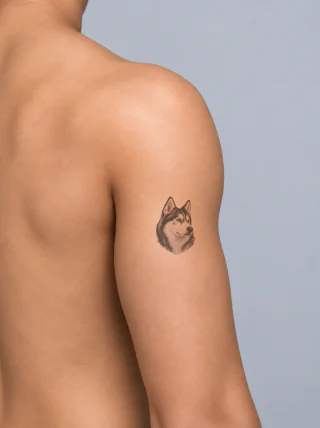
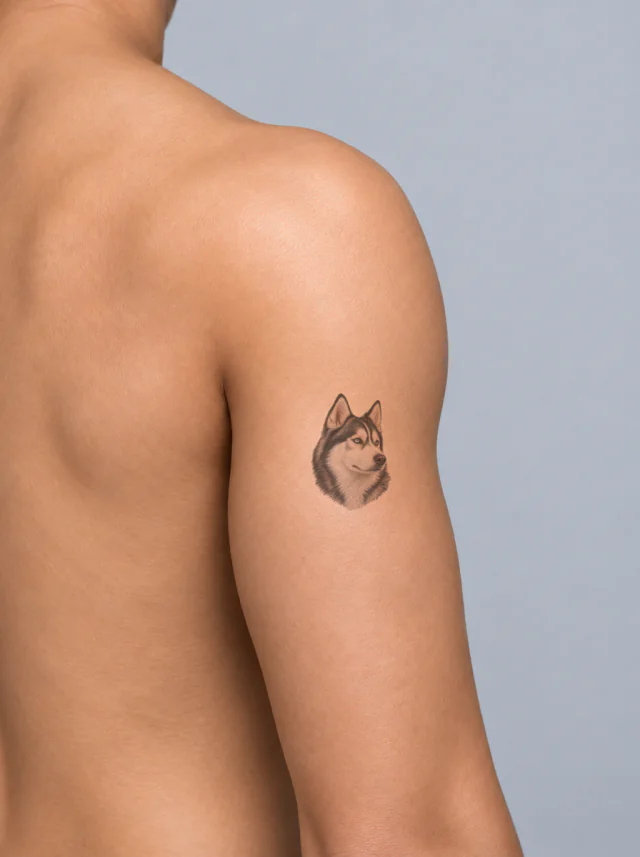
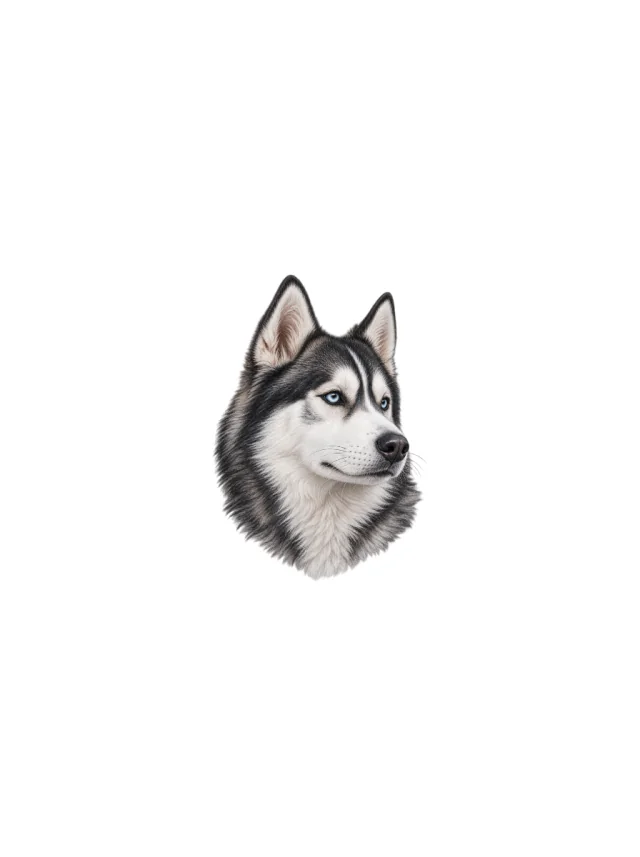
A right-facing Husky portrait pairs ice-blue eyes with a charcoal mask, white blaze and silver neck ruff. See its shoulder preview and pairing ideas.
Clean Design
Design 08 · Shoulder
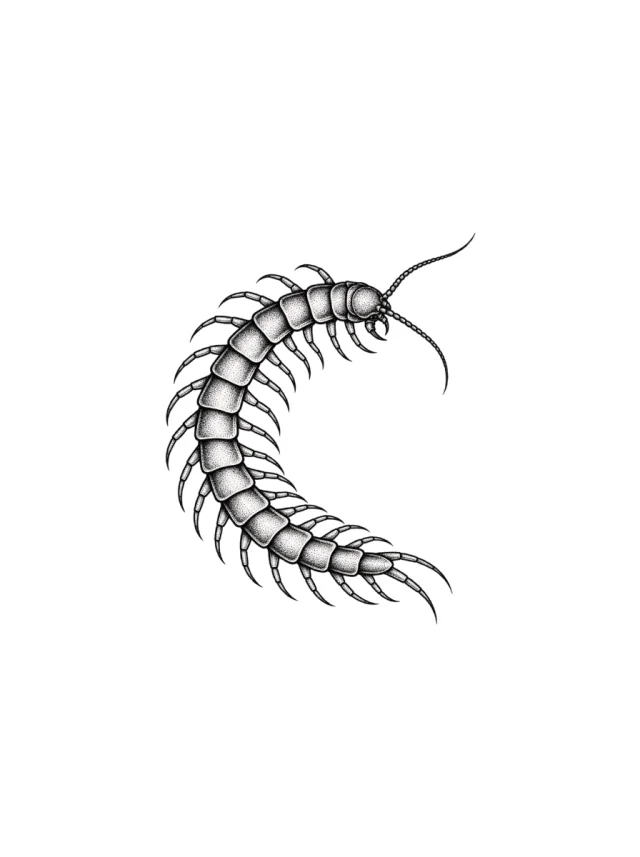
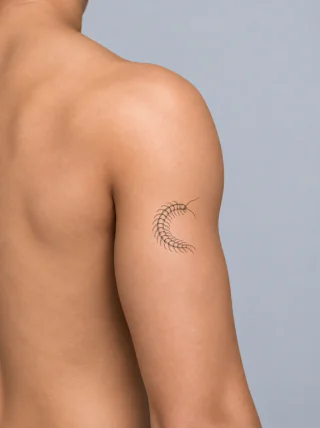
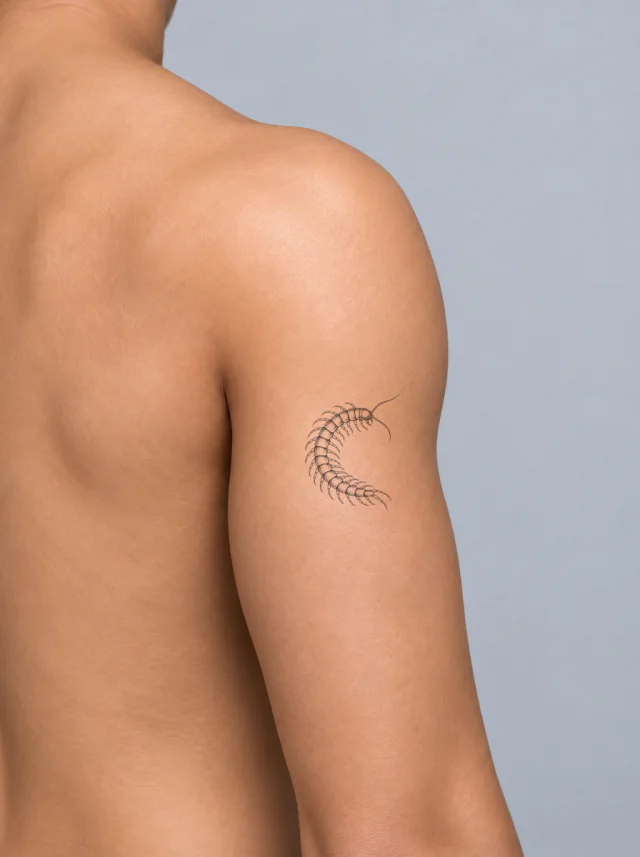
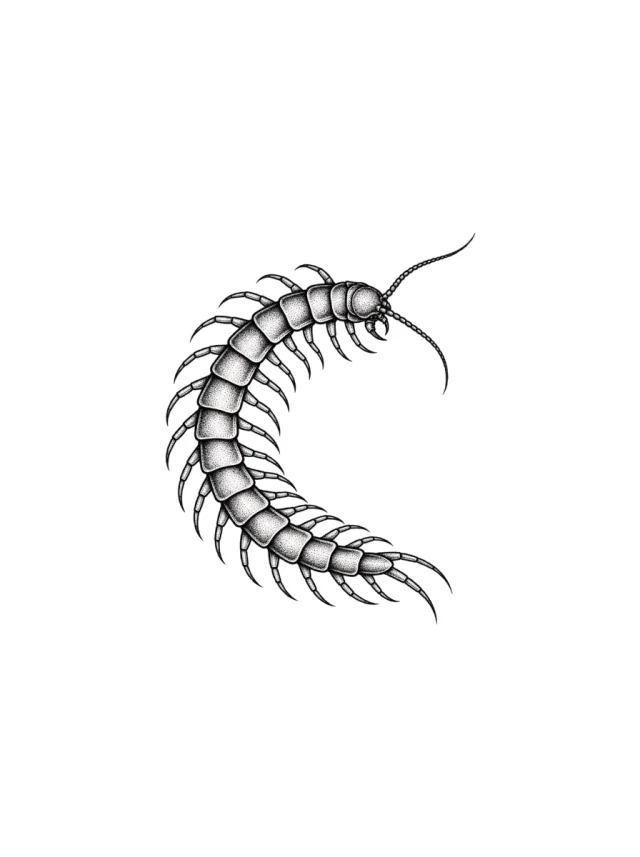
A stippled centipede curls into a broad open crescent with hooked legs and long antennae, shown at thumb-and-a-half length on the upper arm.
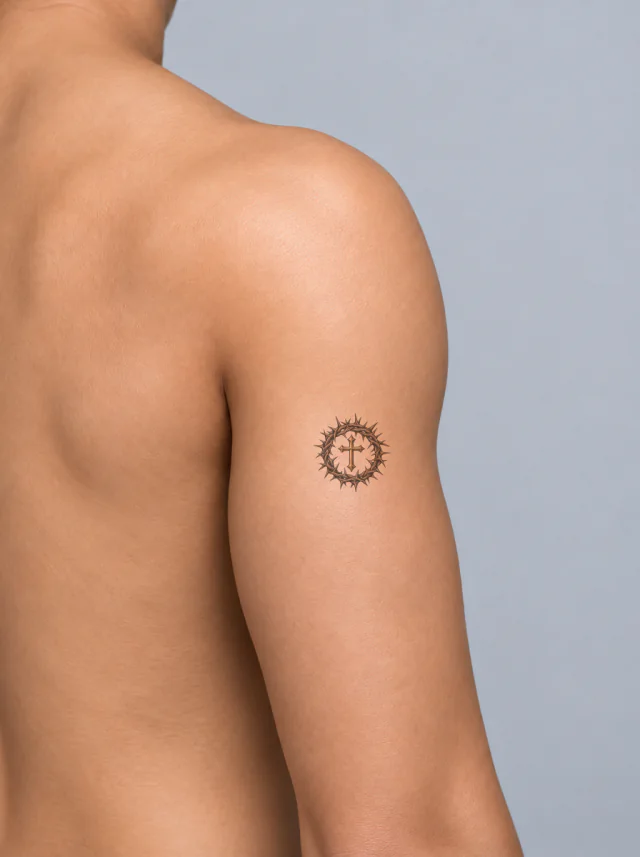
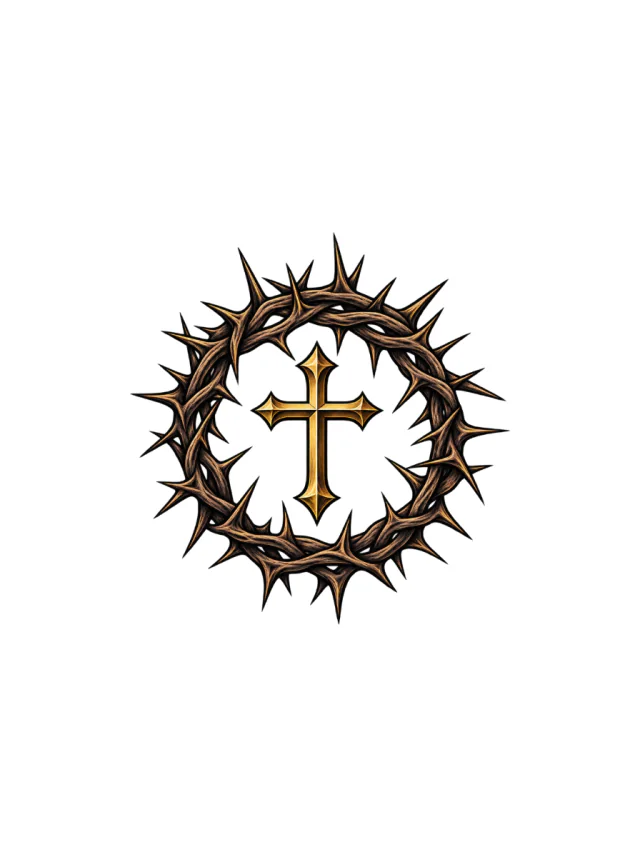
Clean Design
Design 09 · Shoulder
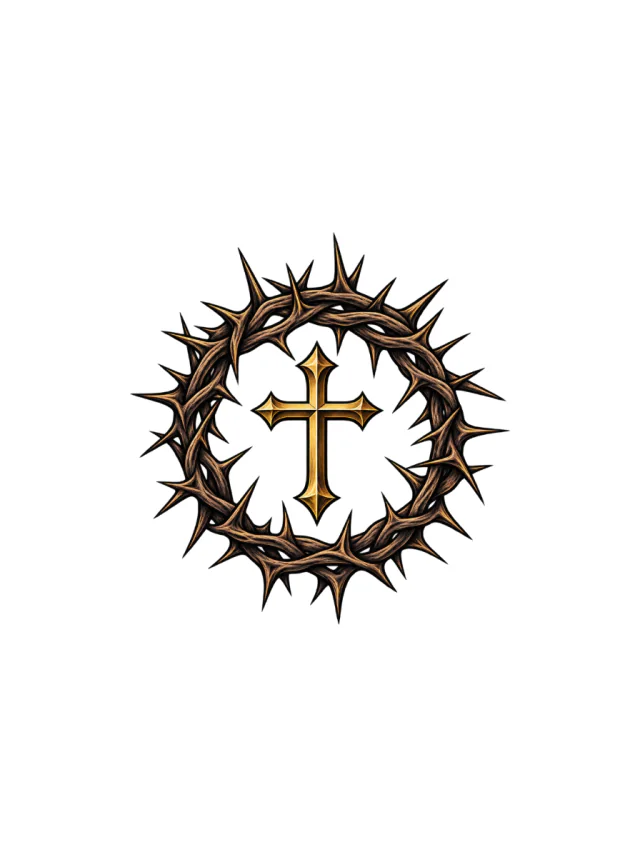
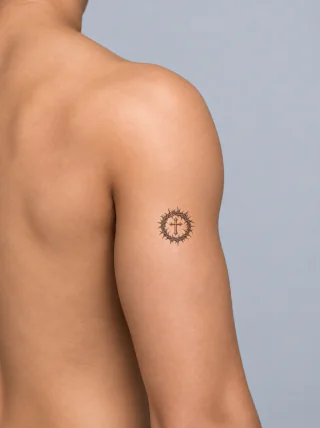
A brown thorn crown surrounding a small gold Latin cross with pointed ends and black outlines, shown high on the outer shoulder.
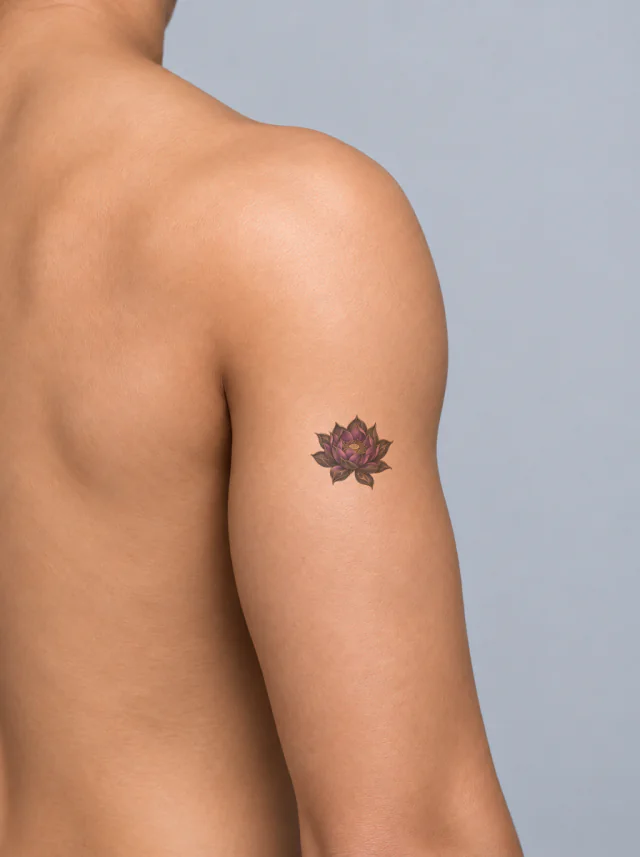
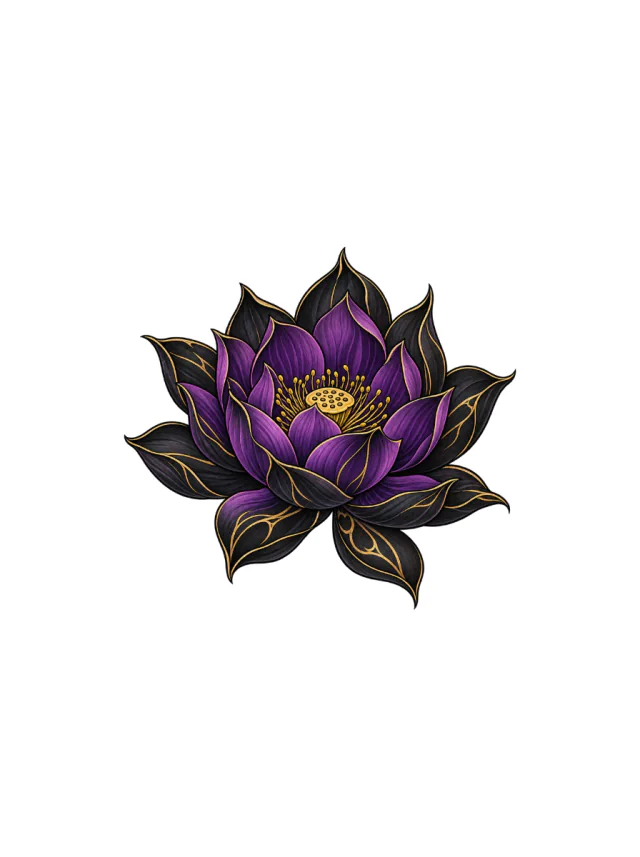
Clean Design
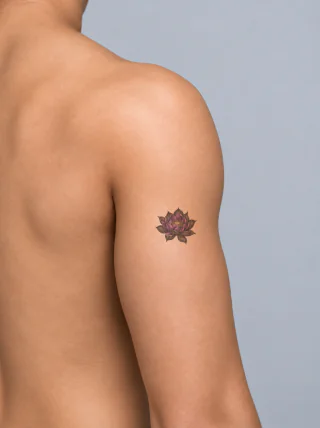
Design 10 · Shoulder
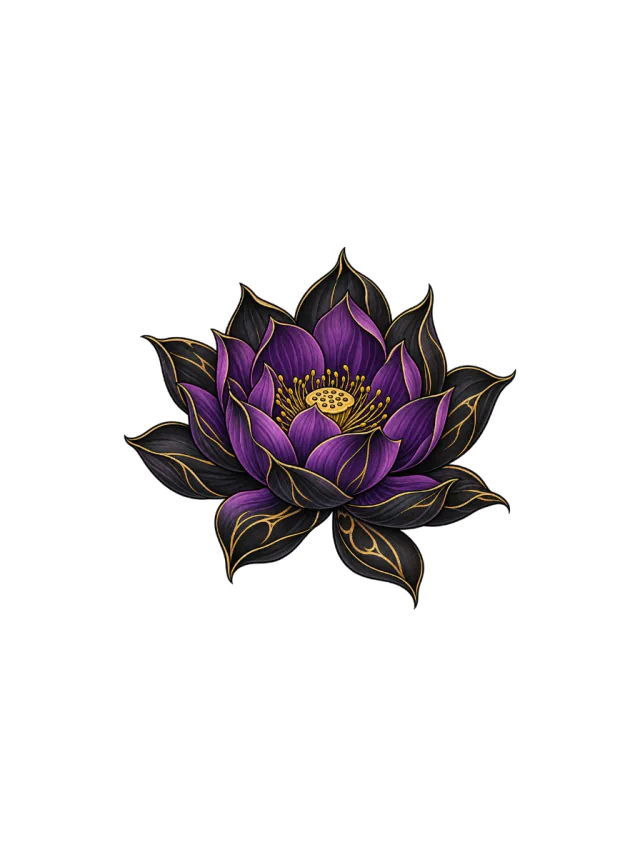
A purple lotus with black outer petals, gold vein accents and a dotted gold seed pod, shown as a small upright bloom on the outer shoulder.
Clean Design
Design 11 · Shoulder
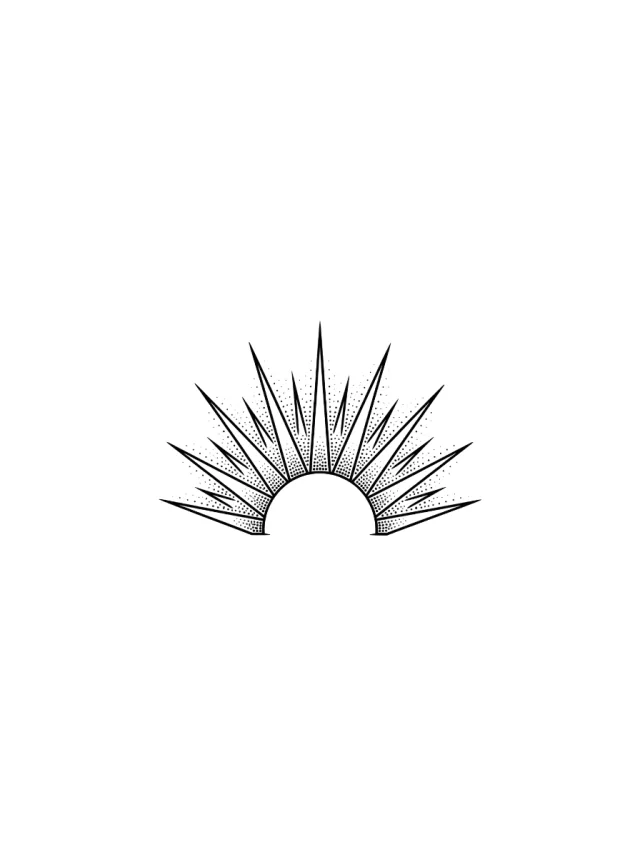
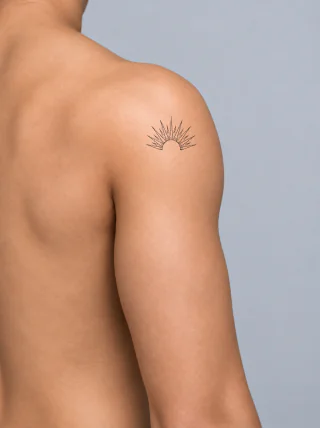
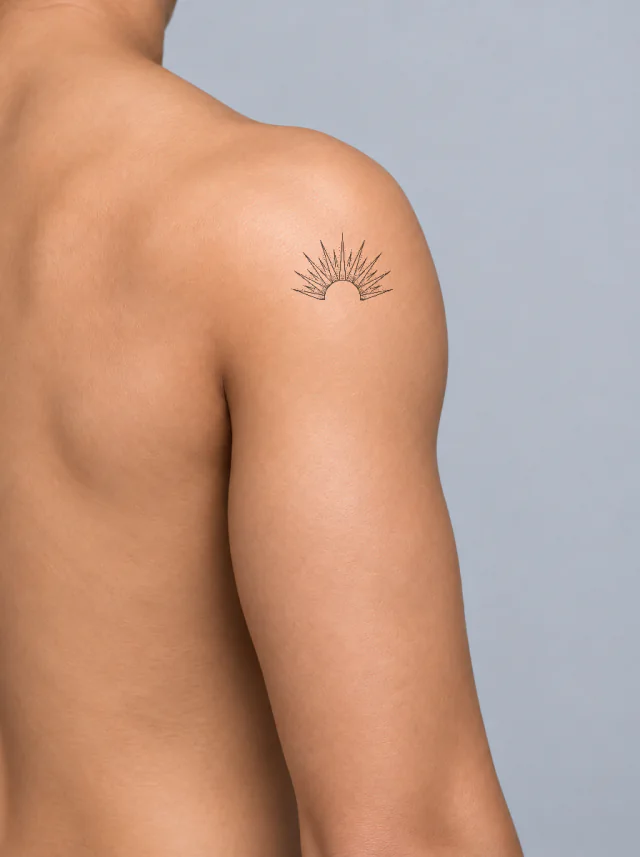
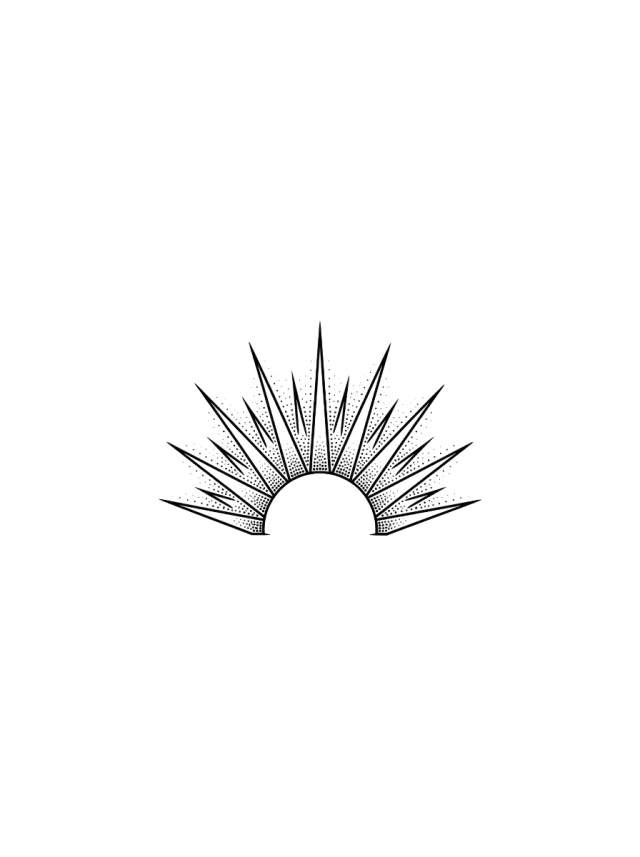
A dotwork half sun with a clean semicircle, long pointed rays and stippled triangular fields, spanning the shoulder cap.
Clean Design
Design 12 · Shoulder
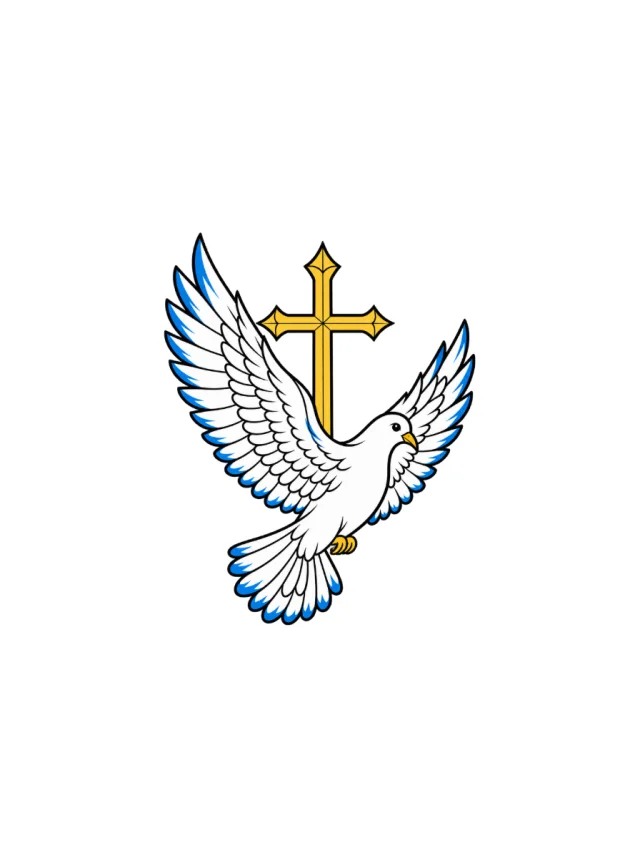
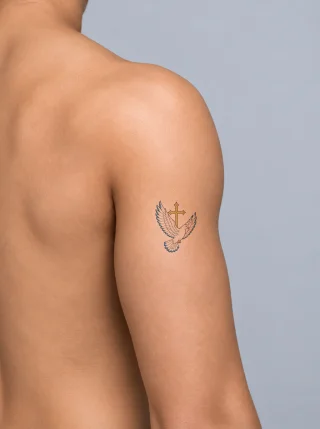
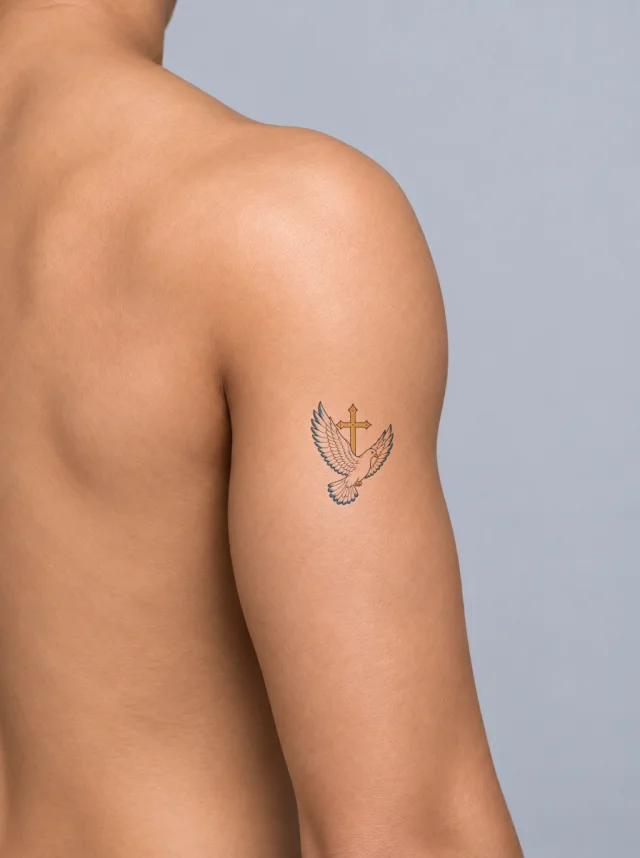
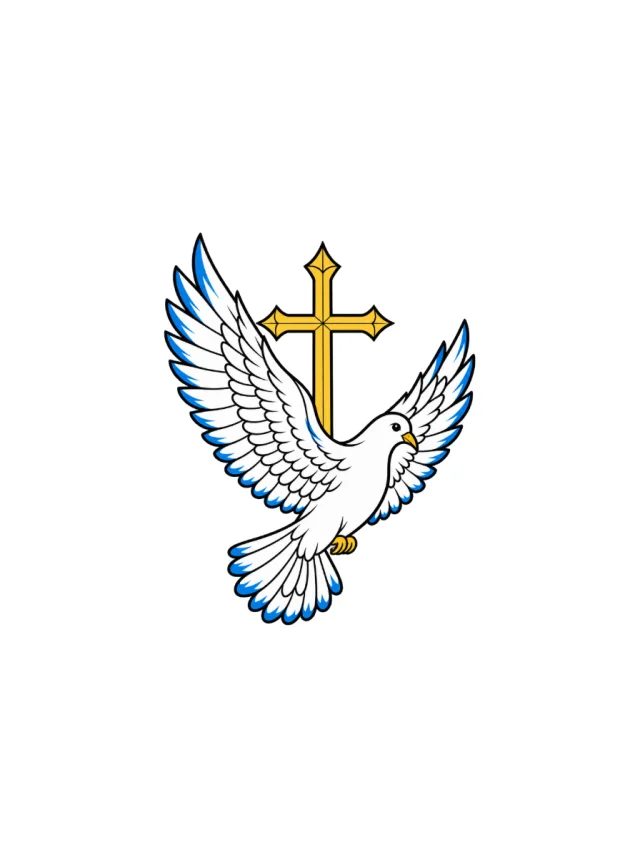
A white dove flies before a gold cross with wings spread wide, blue feather tips and small gold feet, placed high on the outer arm.
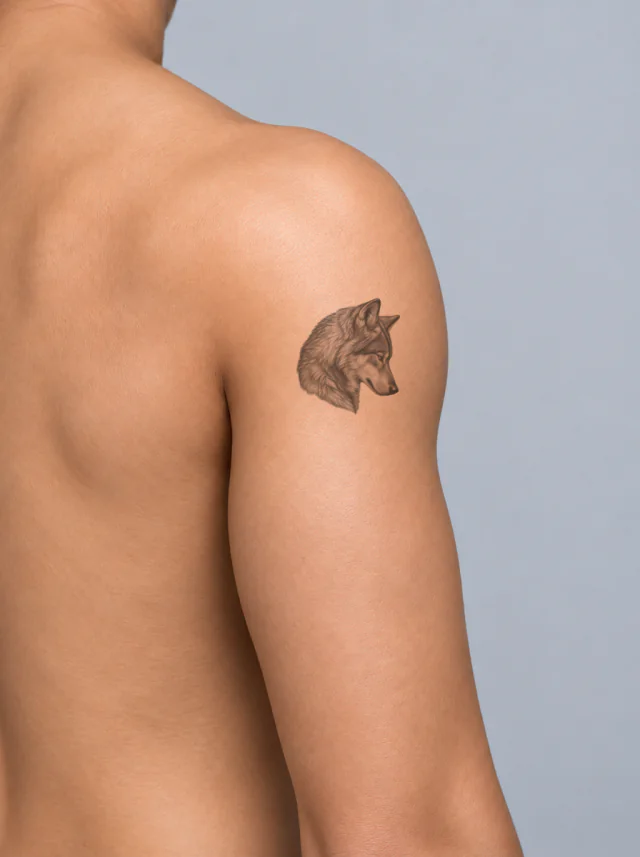
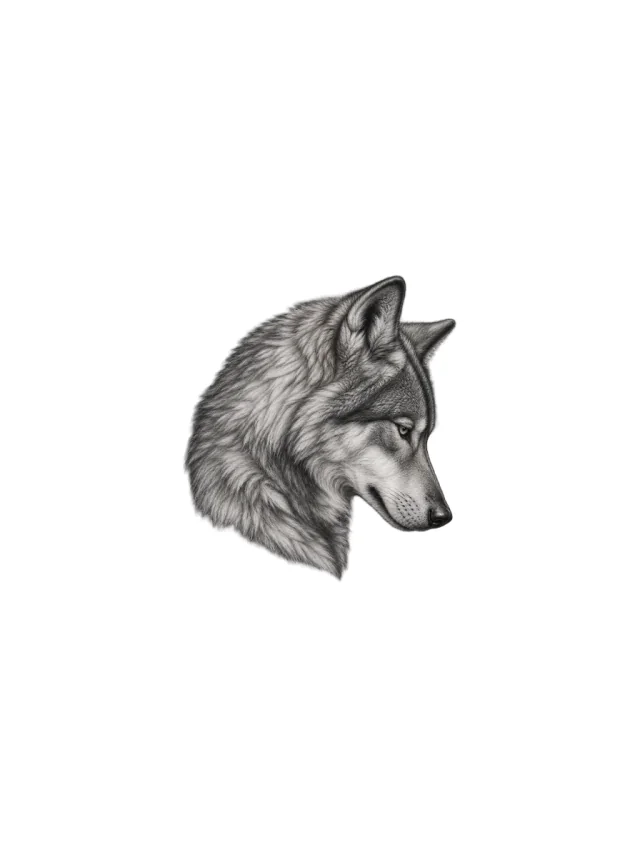
Clean Design
Design 13 · Shoulder
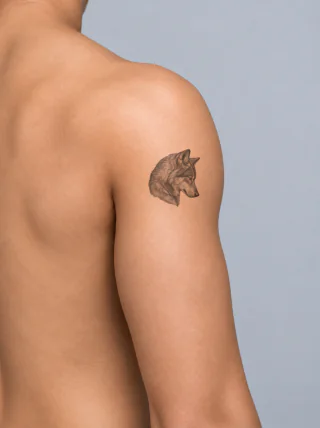
A grey wolf lowers its head in a compact shoulder portrait, with a closed muzzle, layered fur, and soft black-and-grey modelling.
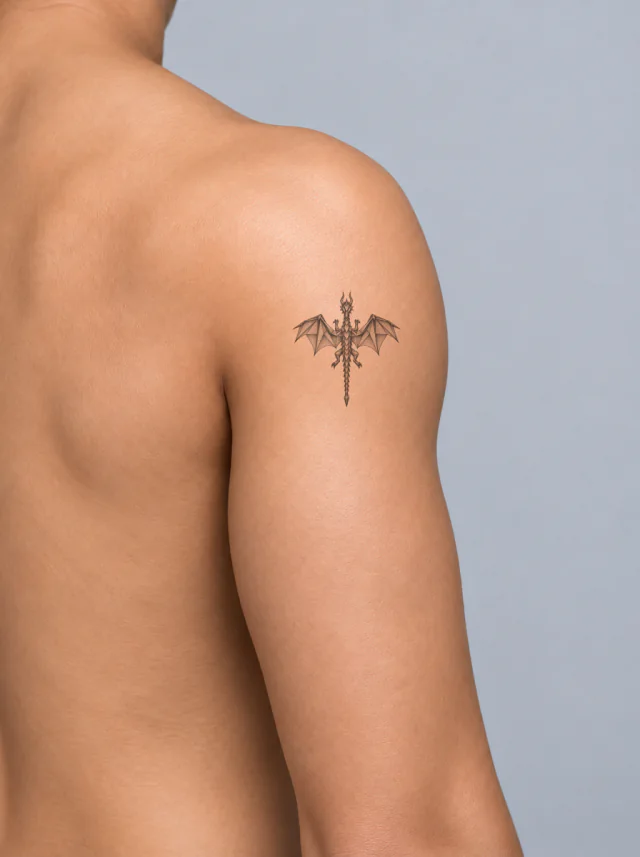
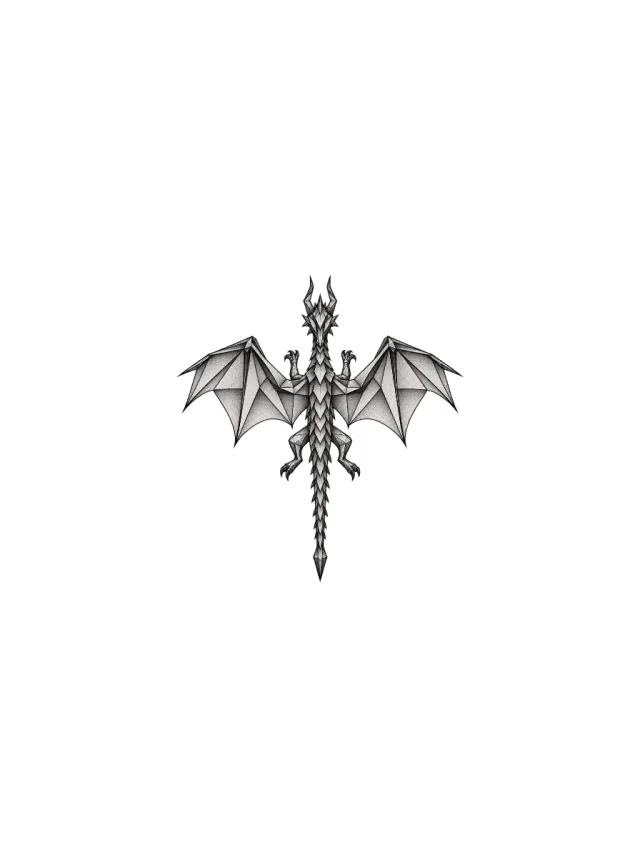
Clean Design
Design 14 · Shoulder
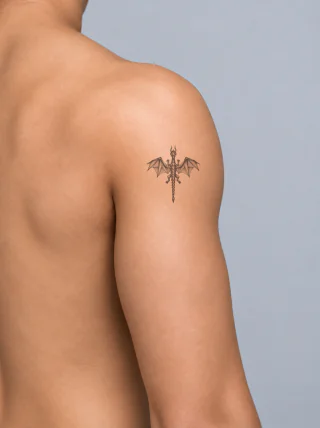
An overhead dragon design with angular grey wing panels, a narrow plated body and a pointed tail, shown as a small shoulder preview.
Clean Design
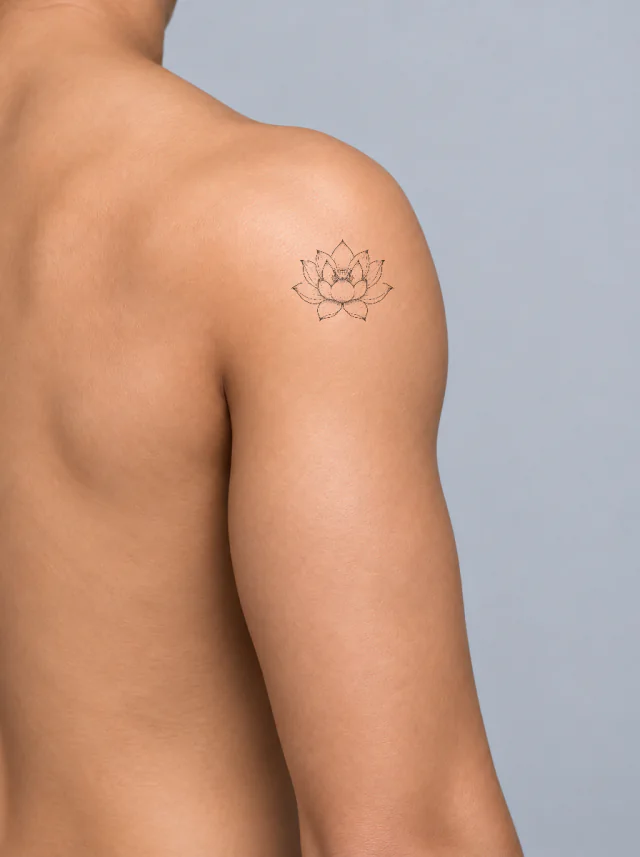
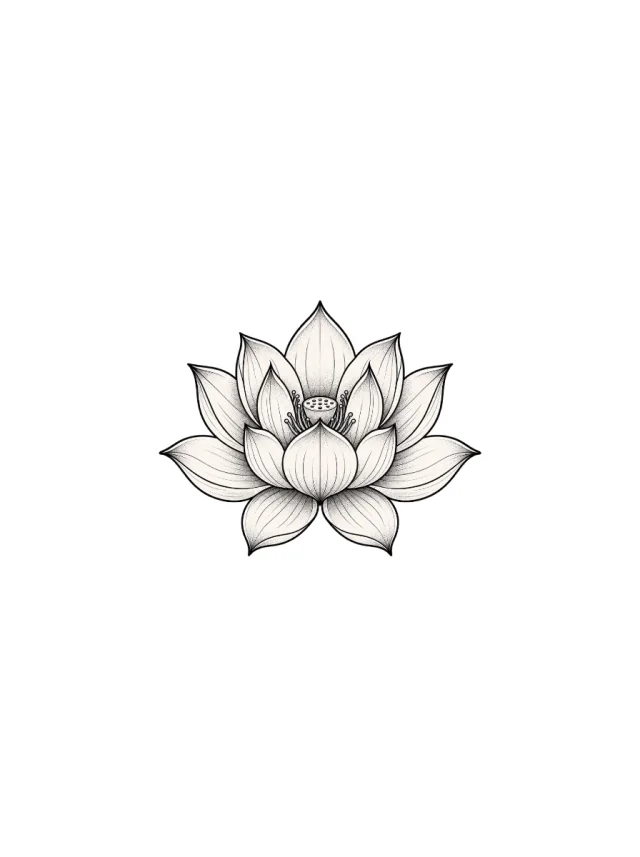
Design 15 · Shoulder
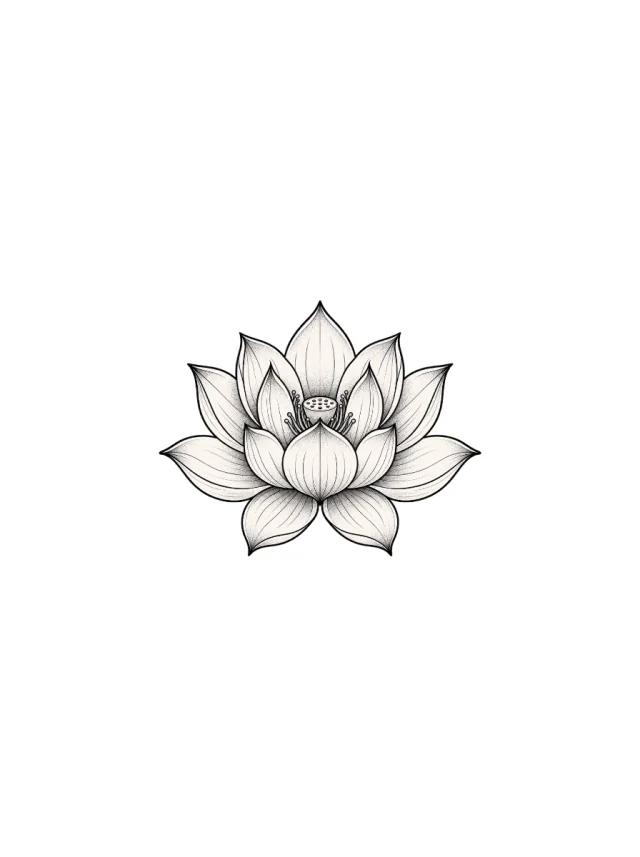
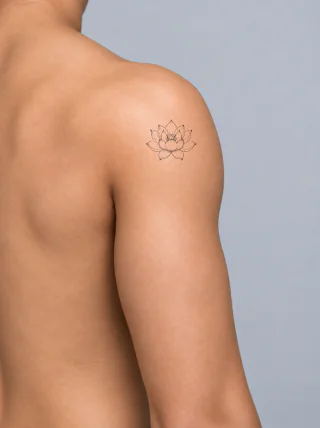
A fine-line lotus with layered pointed petals, soft vein marks and a dotted seed pod, resting on the outer shoulder cap.
Clean Design
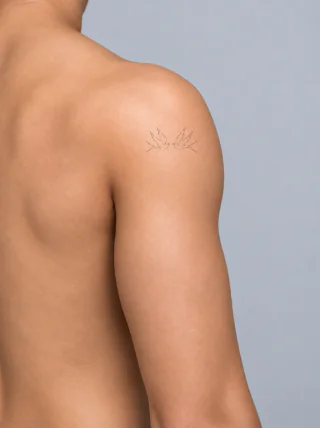
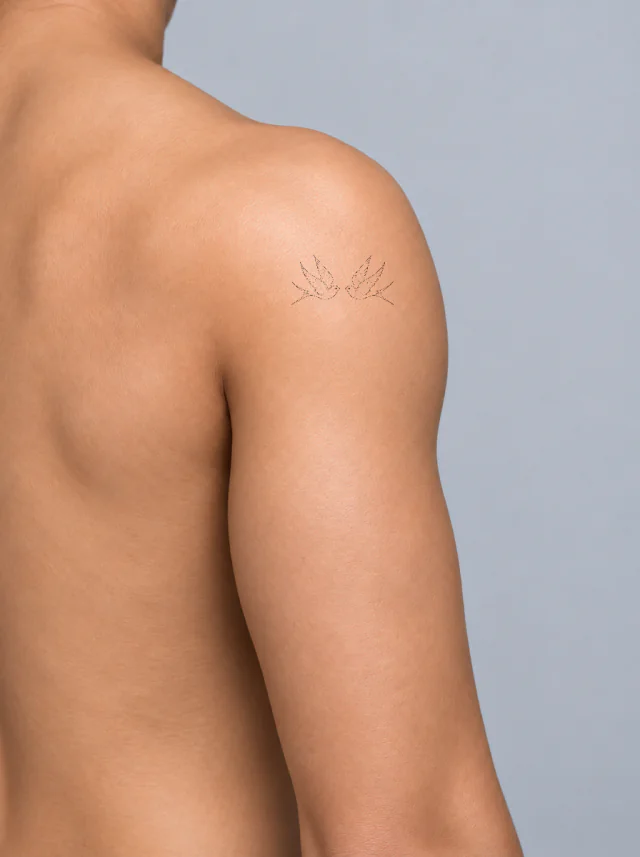
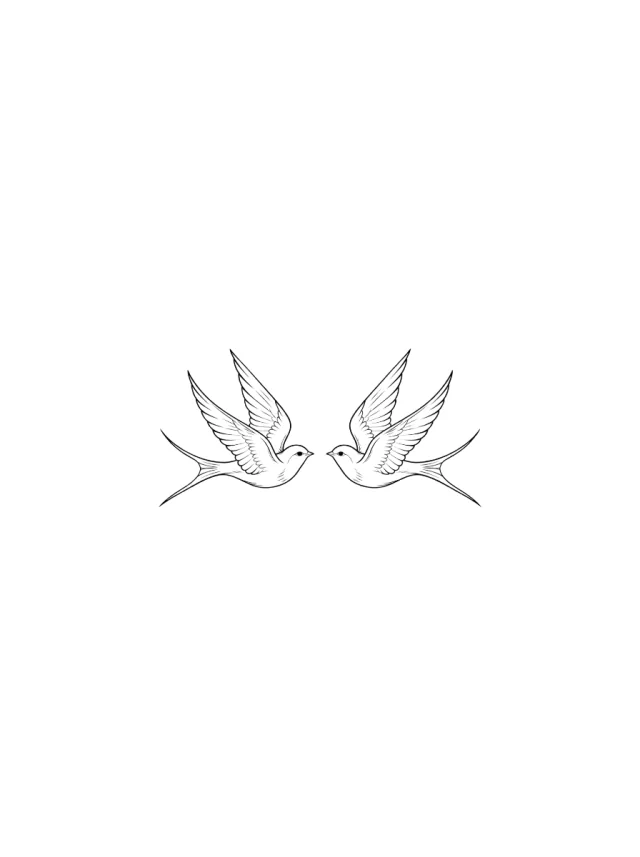
Design 16 · Shoulder
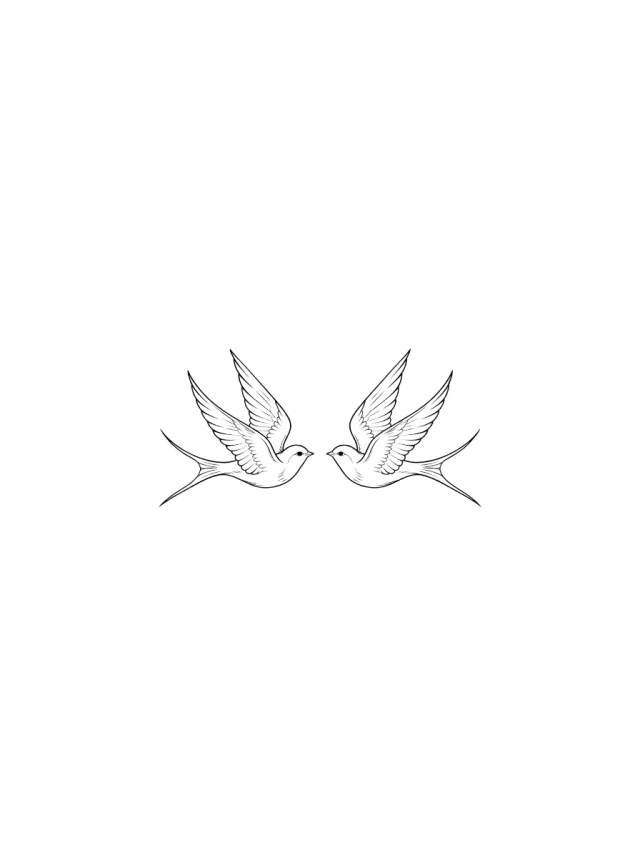
Two fine-line swallows fly inward across the shoulder with raised wings, feather hatching, tiny beaks, and long forked tails held apart.
Clean Design
Design 17 · Shoulder
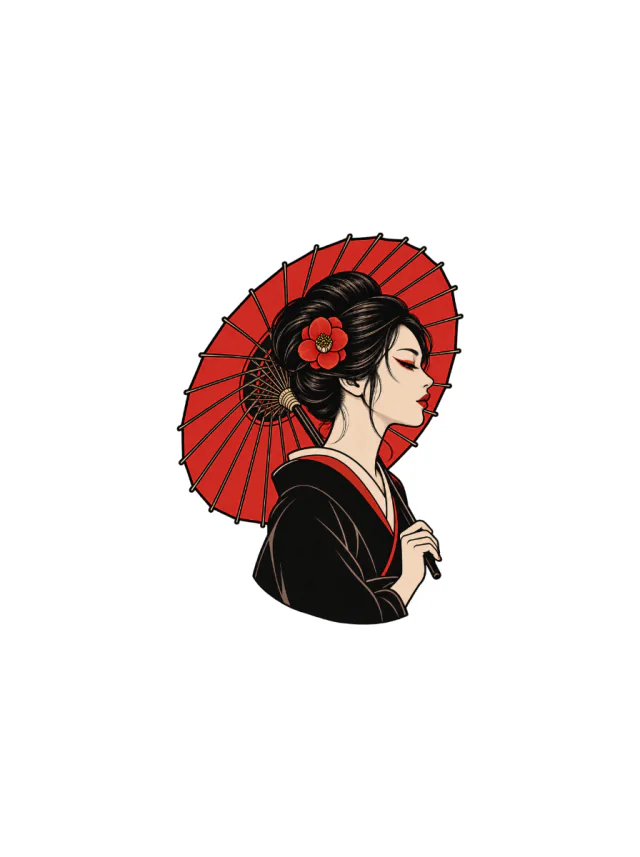
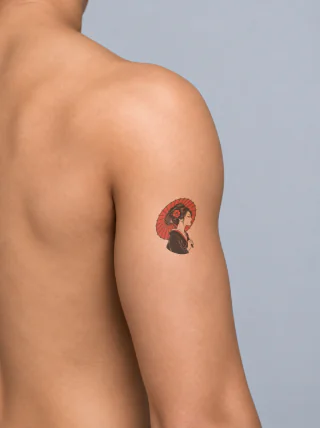
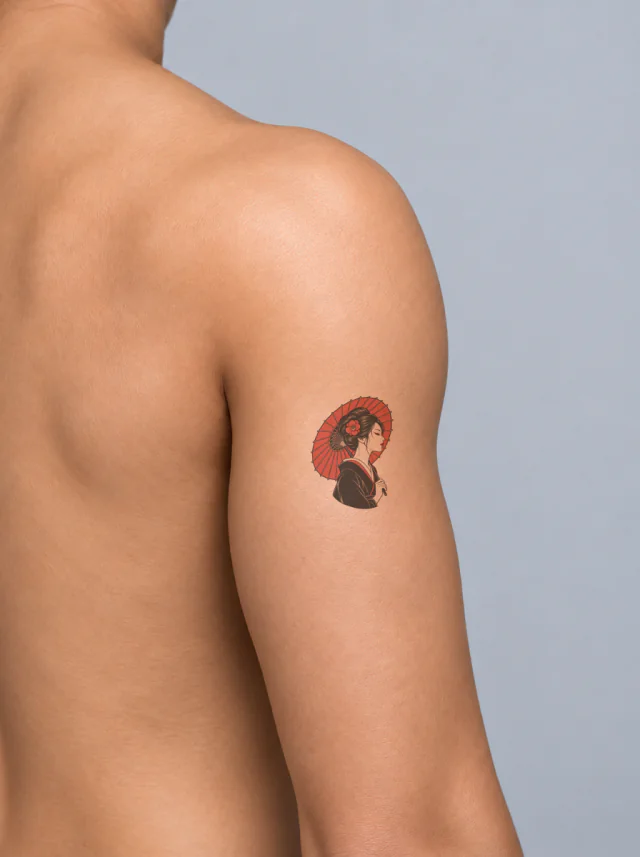
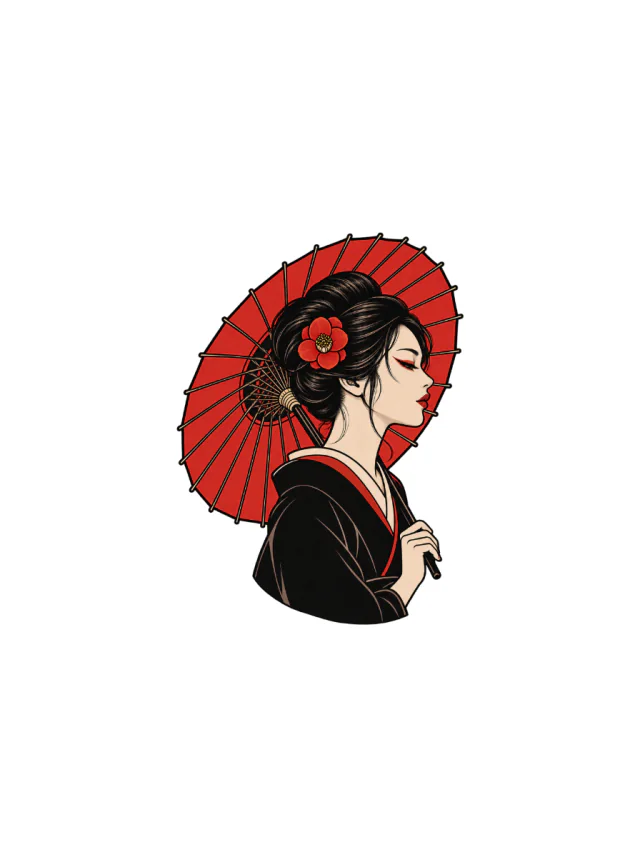
A side-profile woman beneath a bright red paper umbrella, with a red camellia in her dark bun and a black robe edged in red, shown on the shoulder.
Clean Design
Design 18 · Shoulder
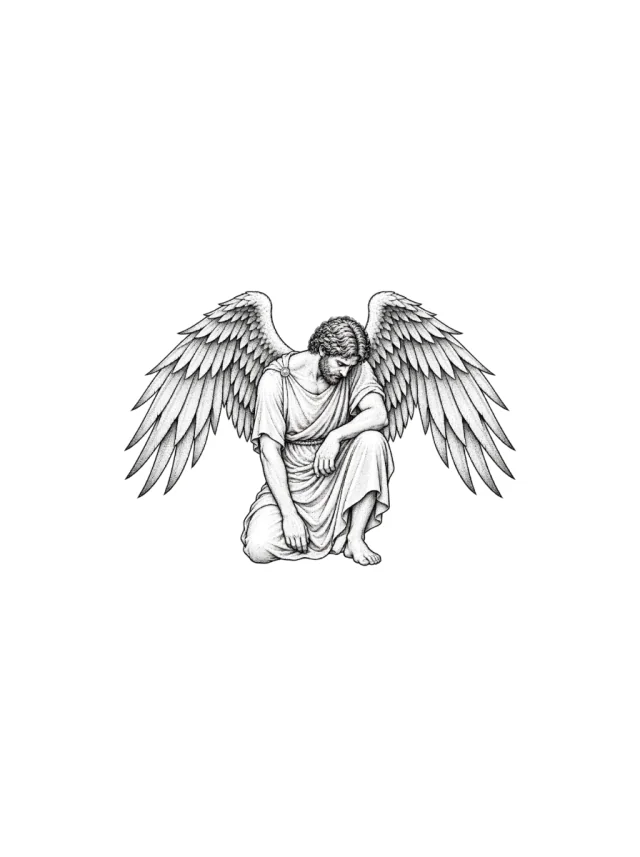
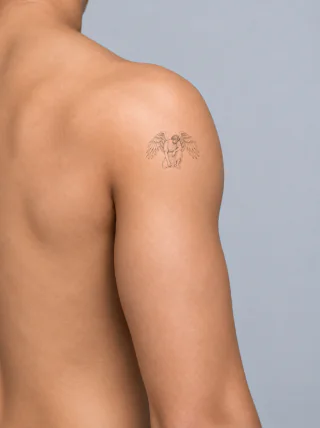
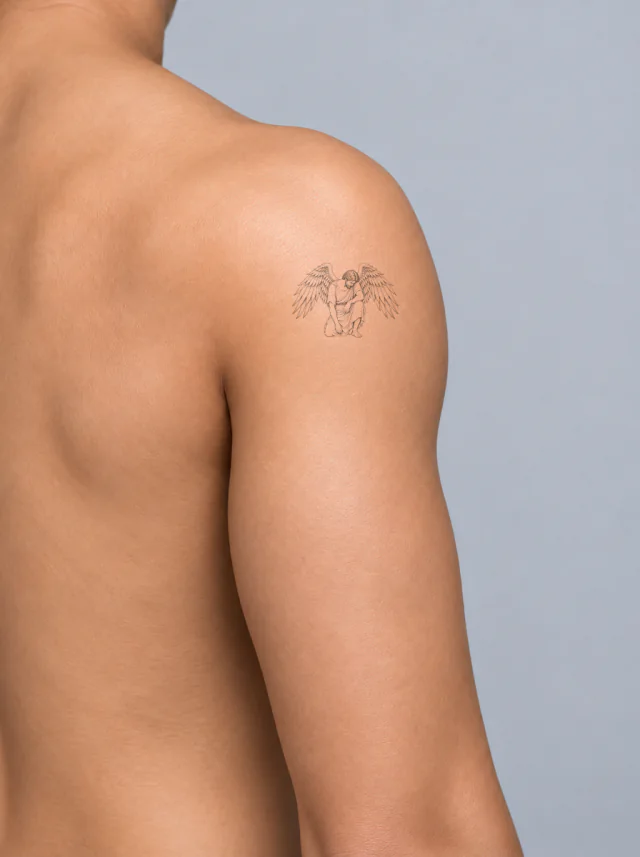
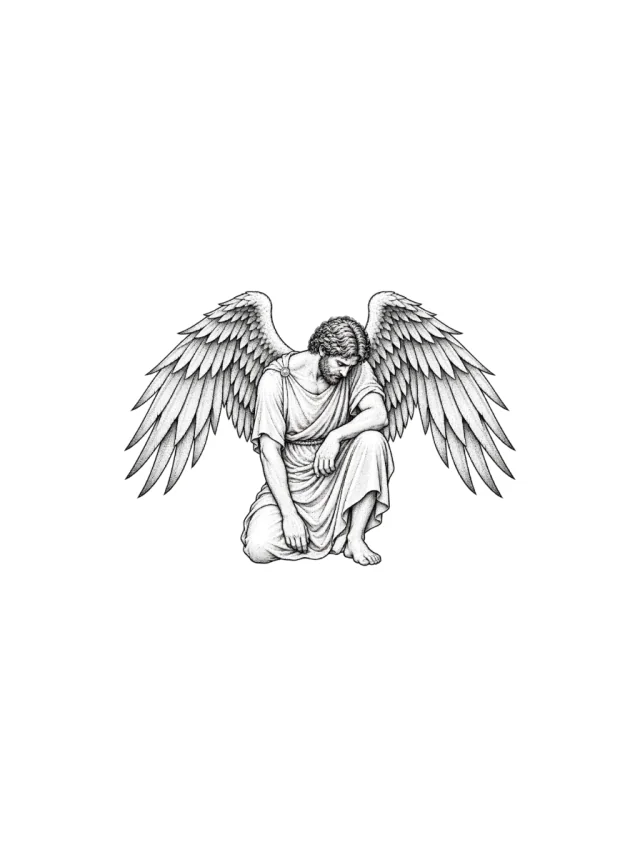
A black-and-grey kneeling winged figure with folded robe, bowed head and broad symmetrical feathered wings, shown small on the upper shoulder.
Clean Design
Design 19 · Shoulder
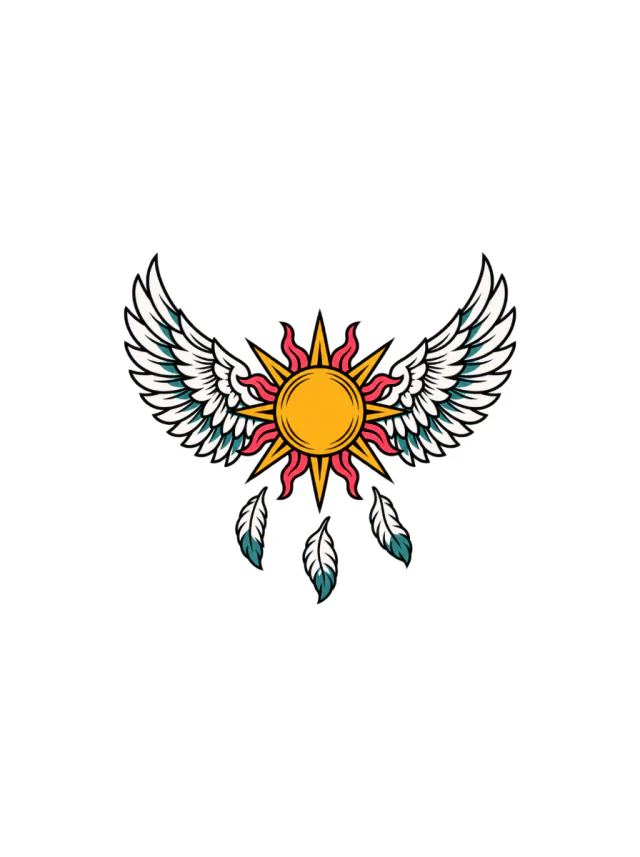
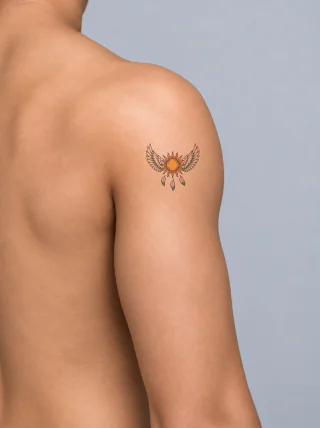
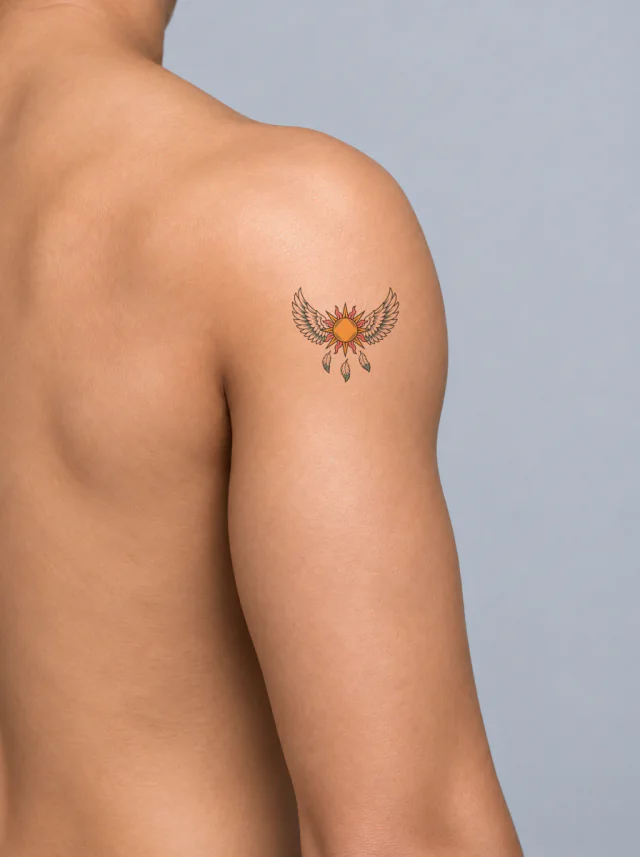
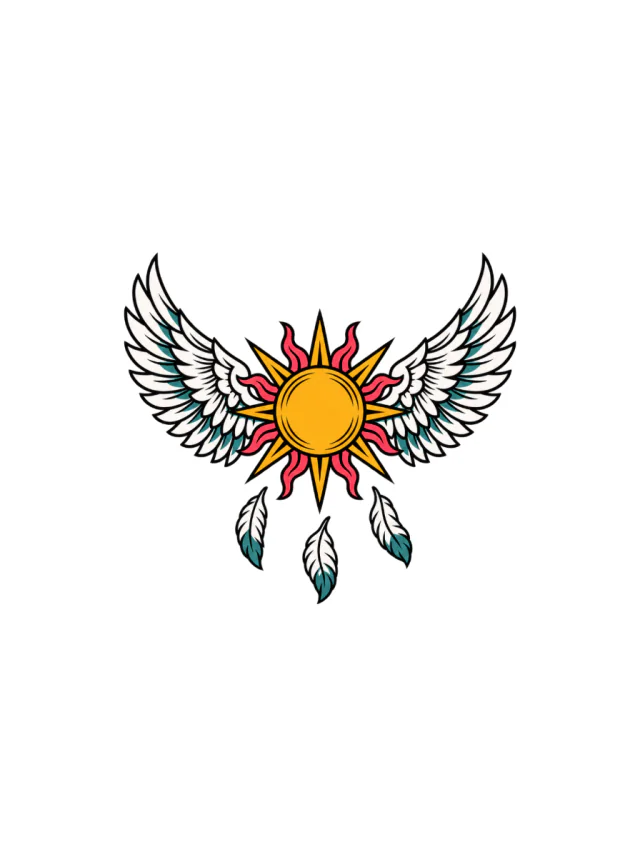
A golden sun disk with white wings, red rays, teal accents and three hanging feathers, shown as a small centered emblem on the upper shoulder.
Clean Design
Design 20 · Shoulder
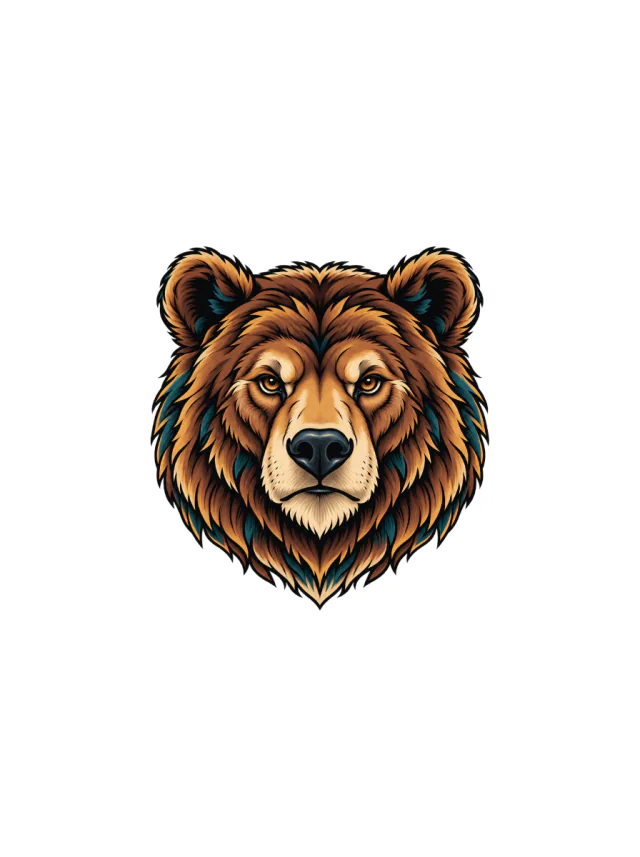
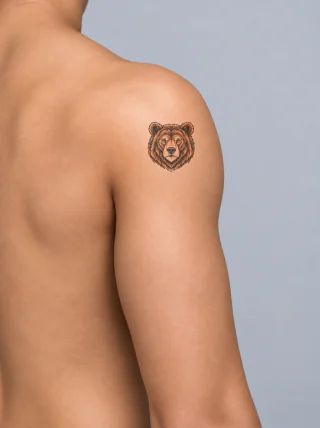
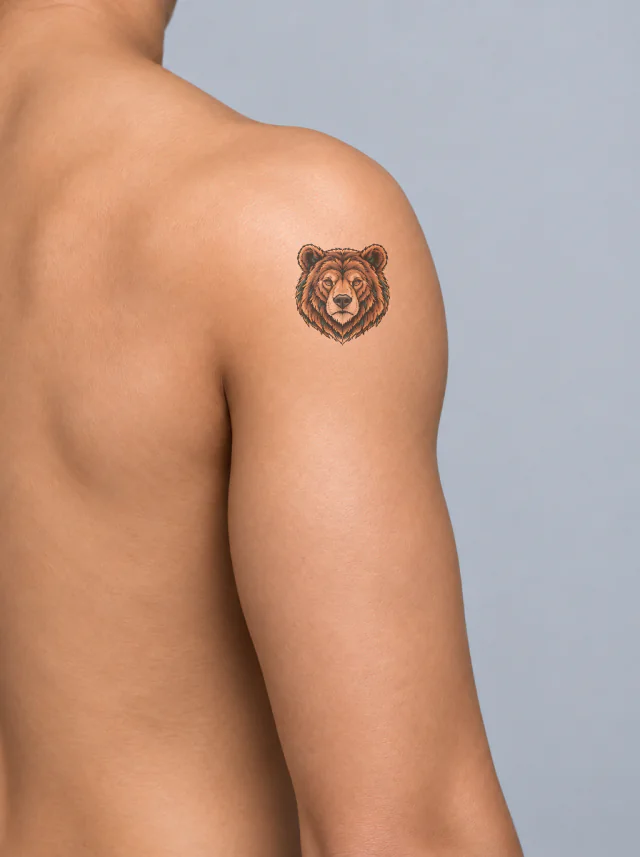
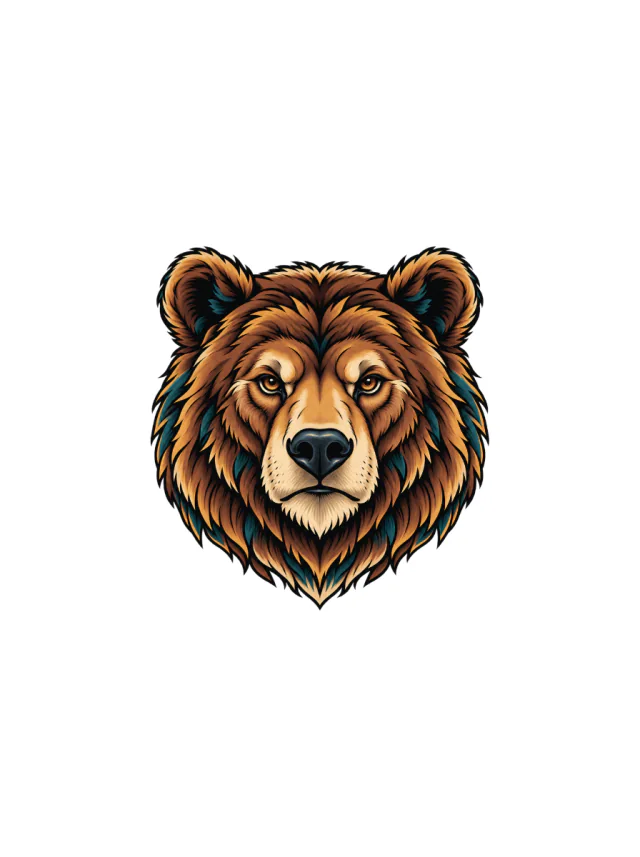
A warm brown bear head with rounded ears, teal fur shadows and a cream muzzle, centered as a compact tattoo on the shoulder cap.
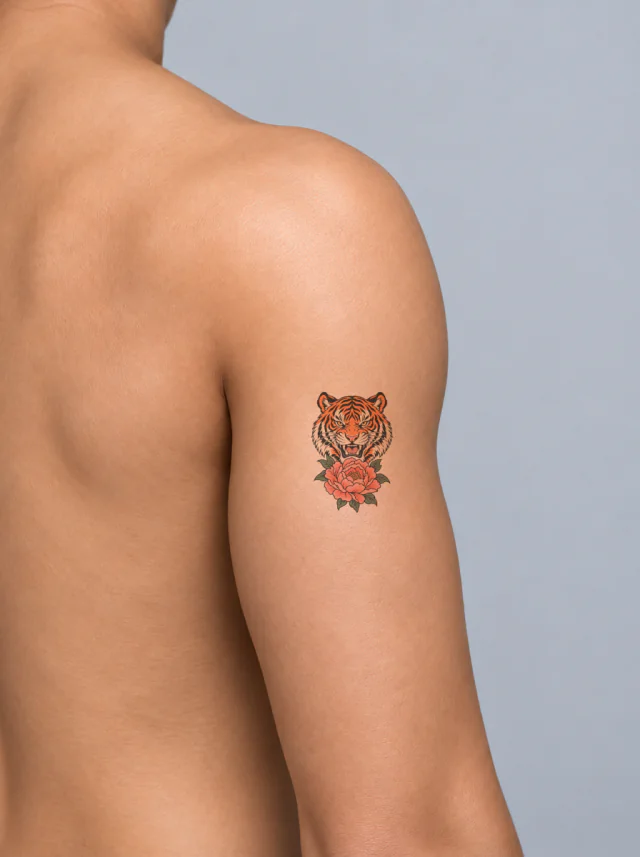
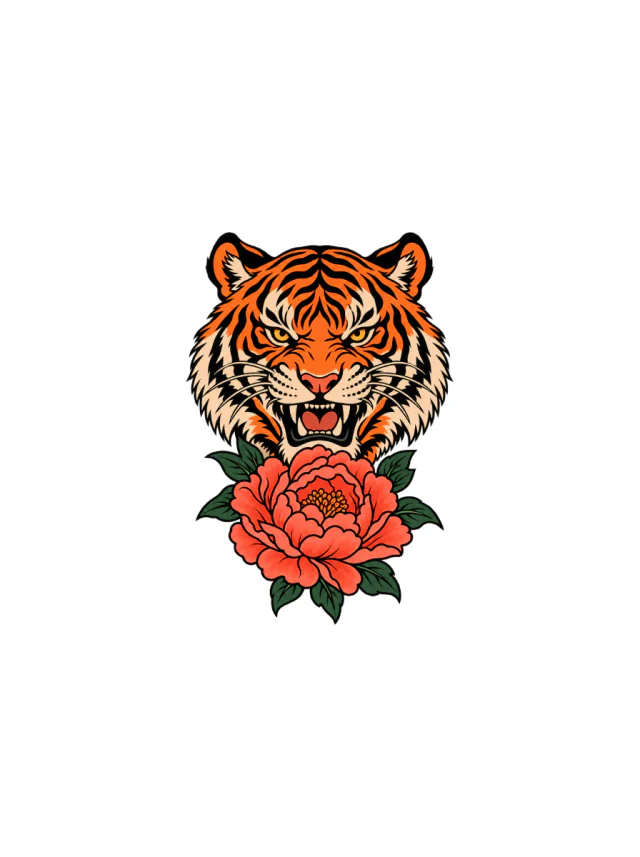
Clean Design
Design 21 · Shoulder
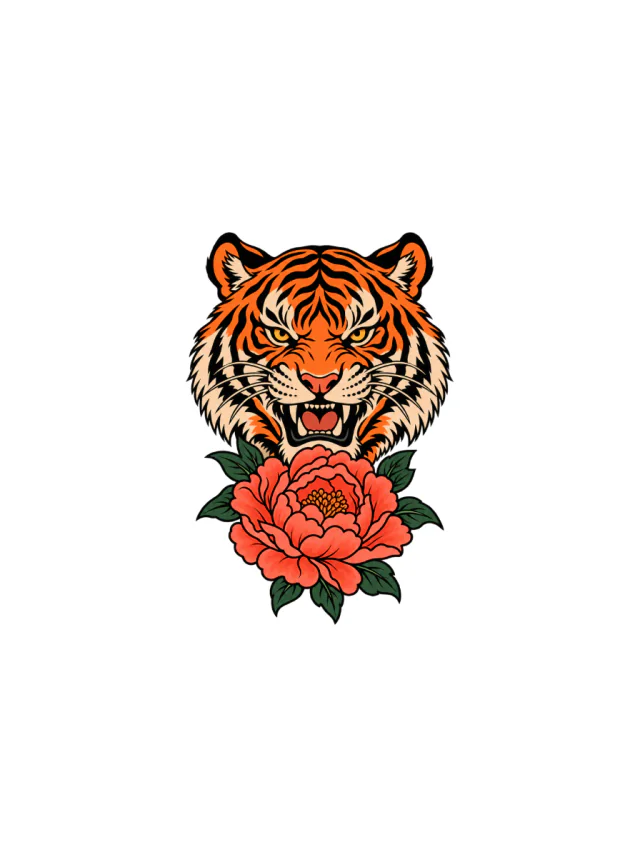
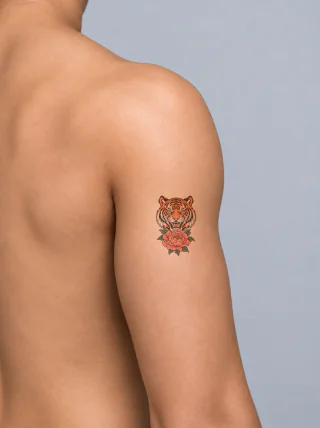
An orange tiger head rises over a coral peony with dark green leaves and black stripes, forming a compact vertical upper-arm centerpiece.
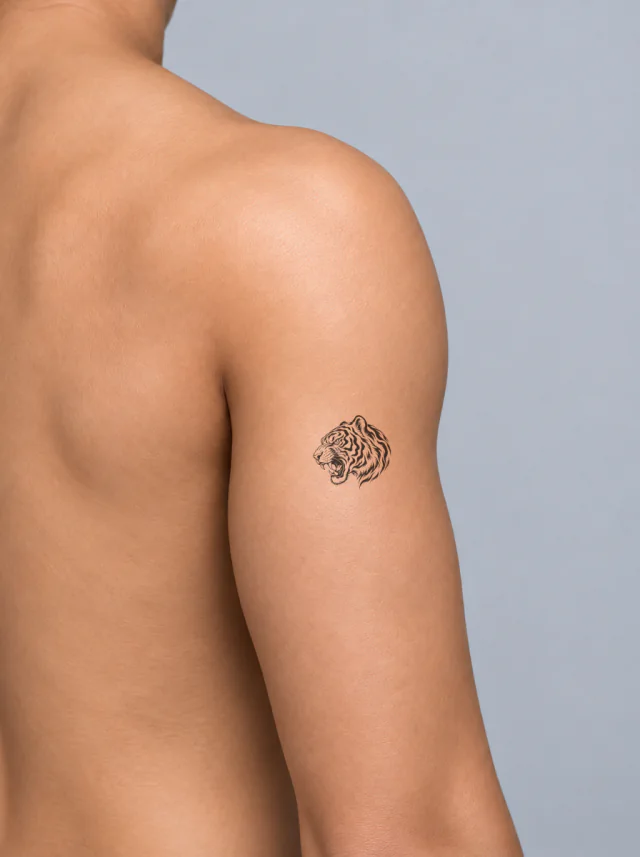
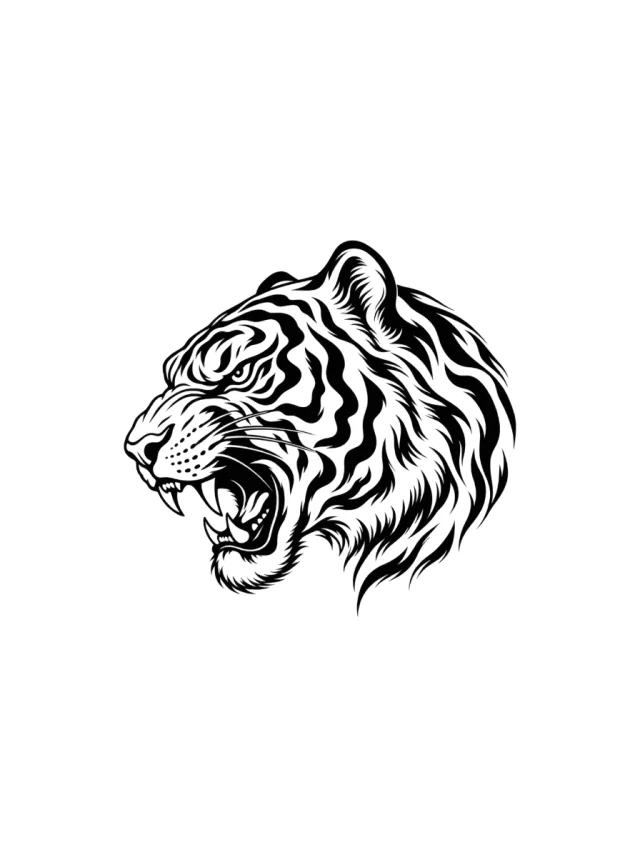
Clean Design
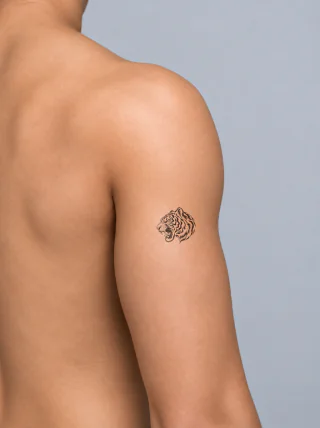
Design 22 · Shoulder
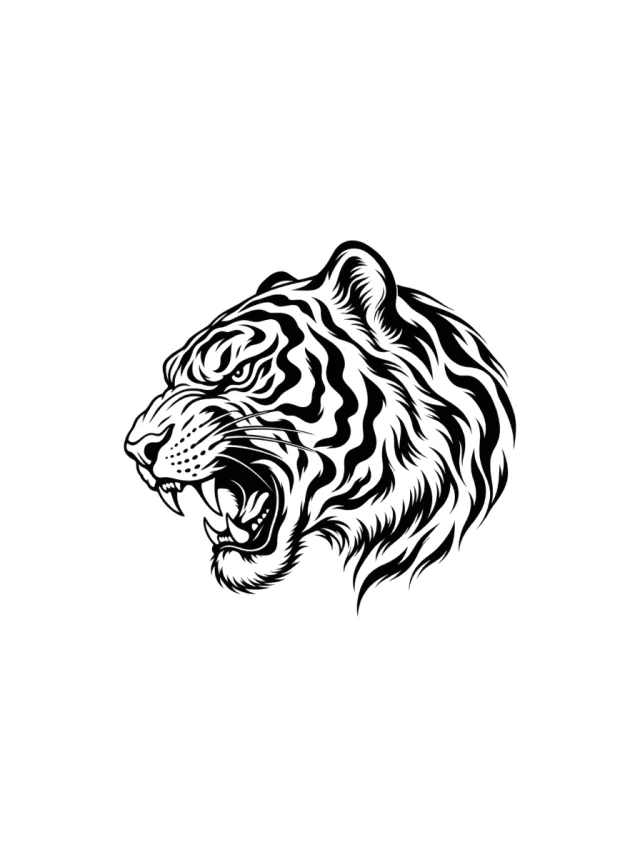
A compact blackwork tiger head in left profile shows an open mouth, two curved fangs, striped cheek fur and a swept mane edge.
Clean Design
Design 23 · Shoulder
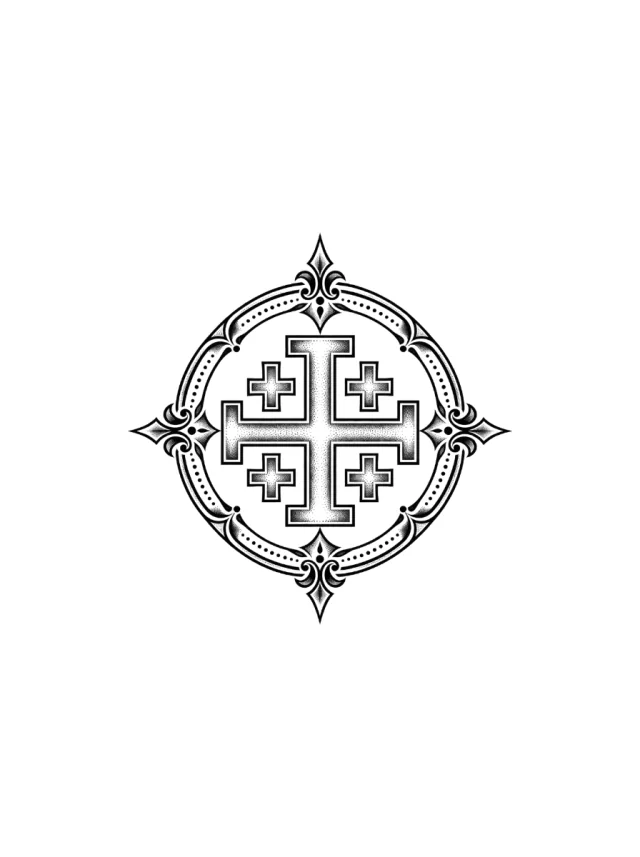
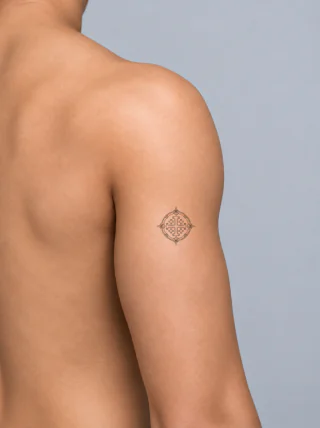
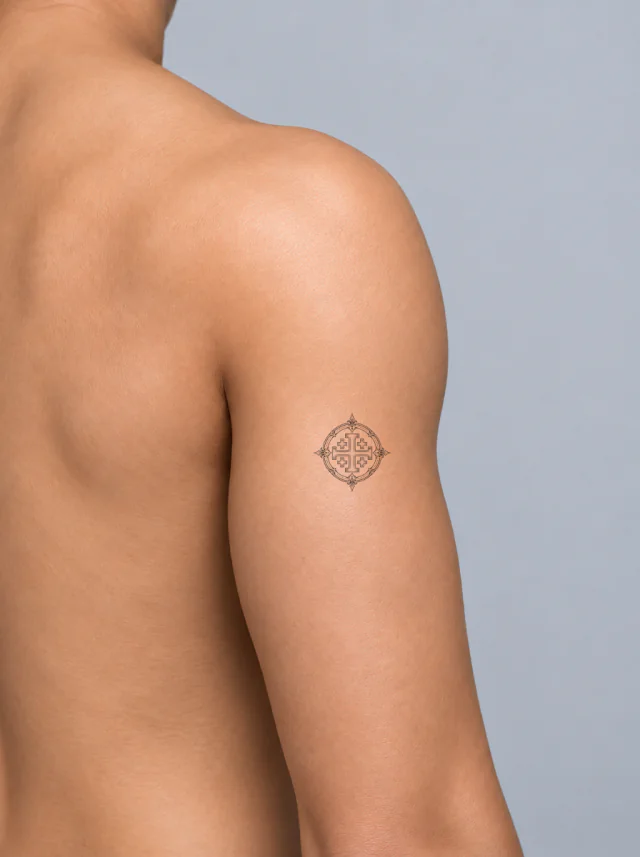
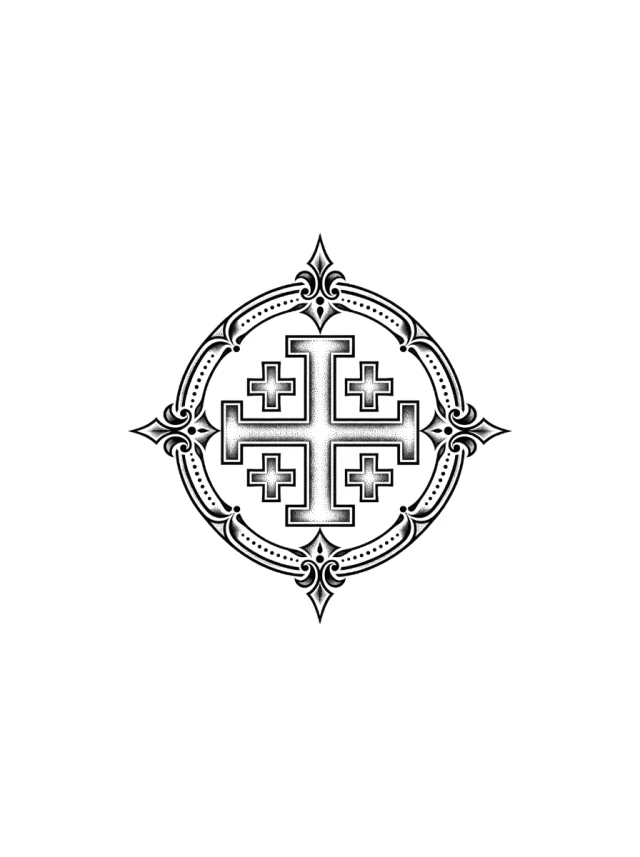
A five-cross Jerusalem emblem sits inside a dotted circular frame with pointed flourishes high on the small rounded outer shoulder.
Clean Design
Design 24 · Shoulder
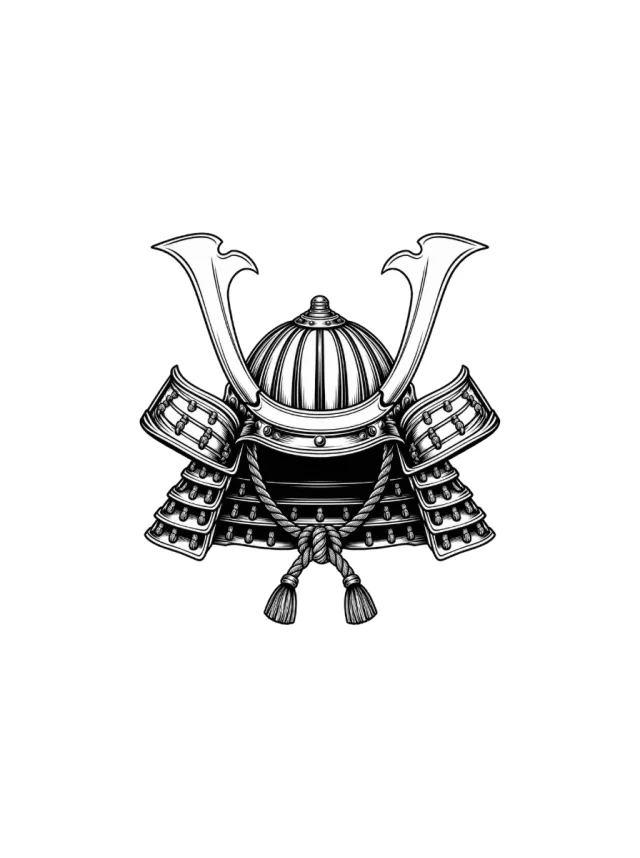
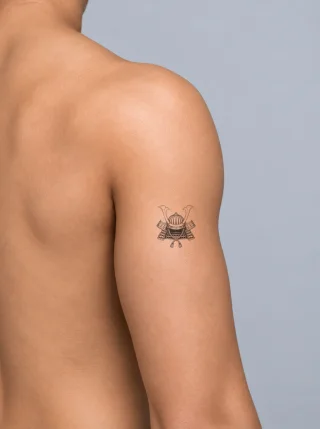
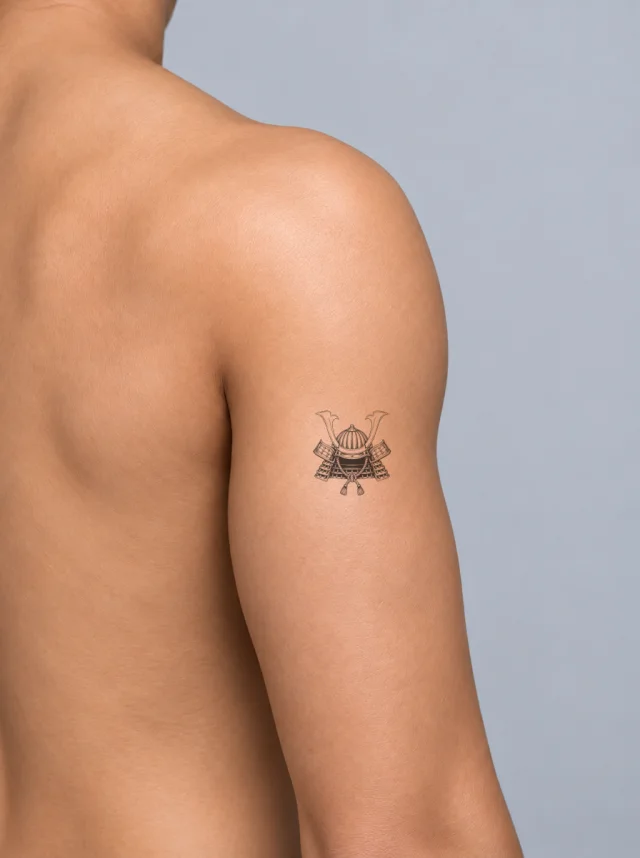
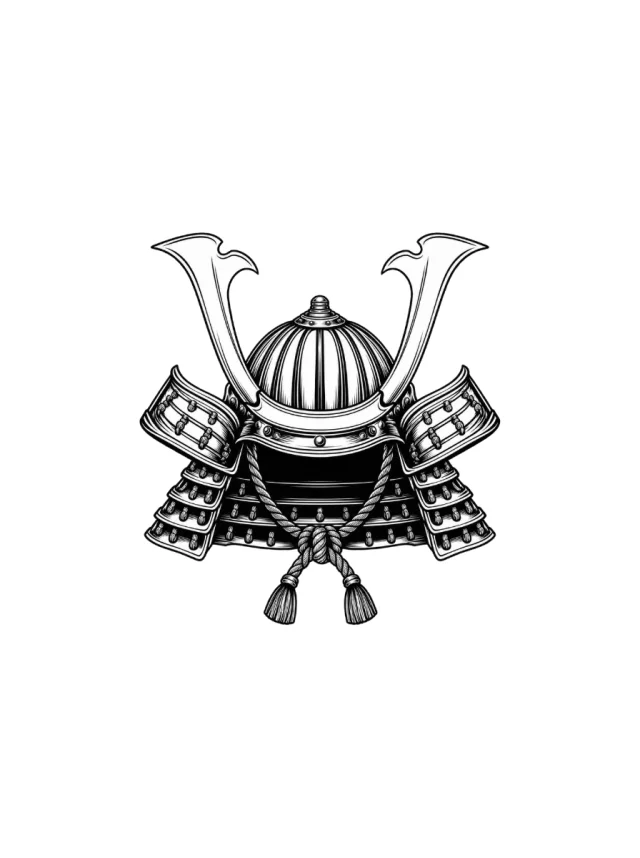
A front-facing blackwork kabuto with tall crescent horns, ribbed dome, layered side guards and braided tassels, placed high on the shoulder.
Clean Design
Design 25 · Shoulder
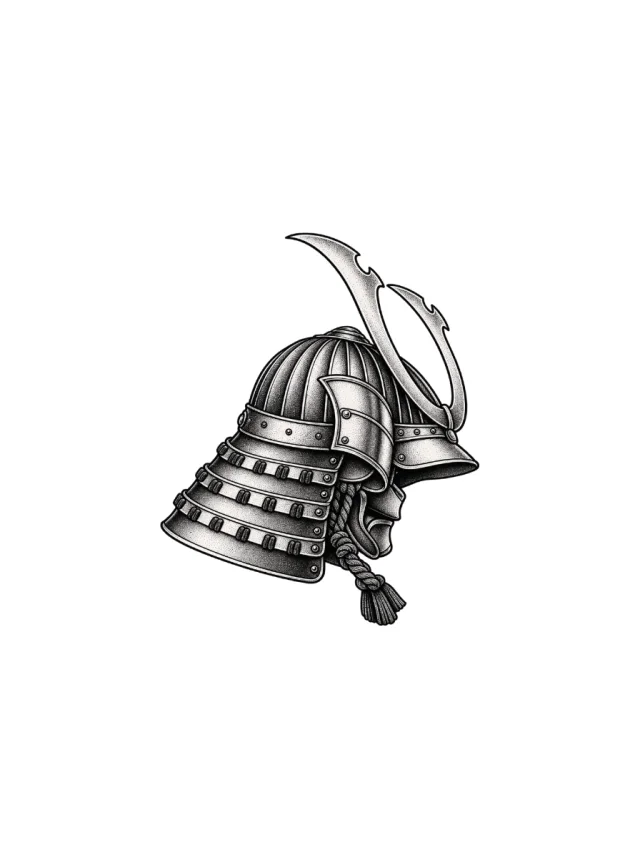
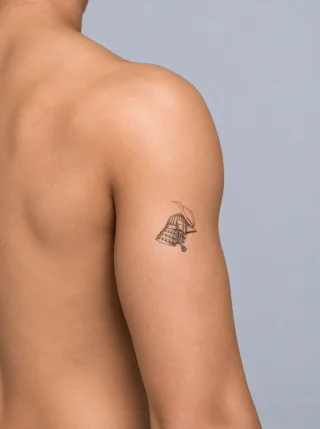
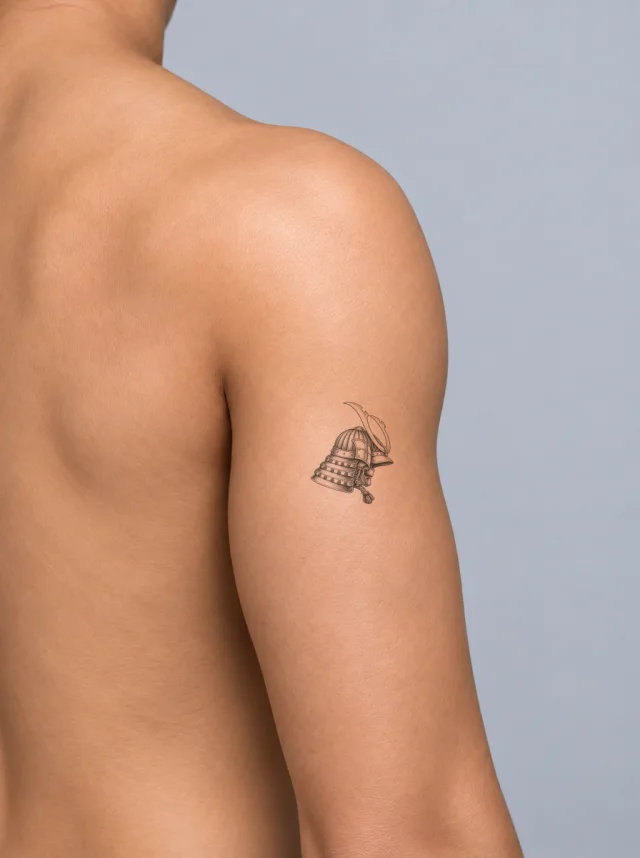
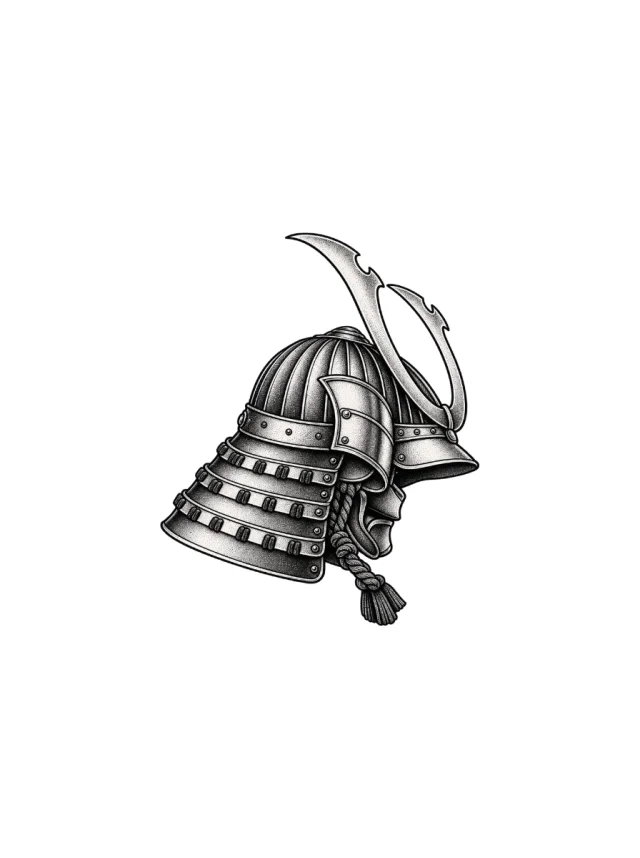
A side-view kabuto helmet with a ribbed dark dome, swept crescent crest, layered neck guard and hanging cord, placed on the outer shoulder.
Clean Design
Design 26 · Shoulder
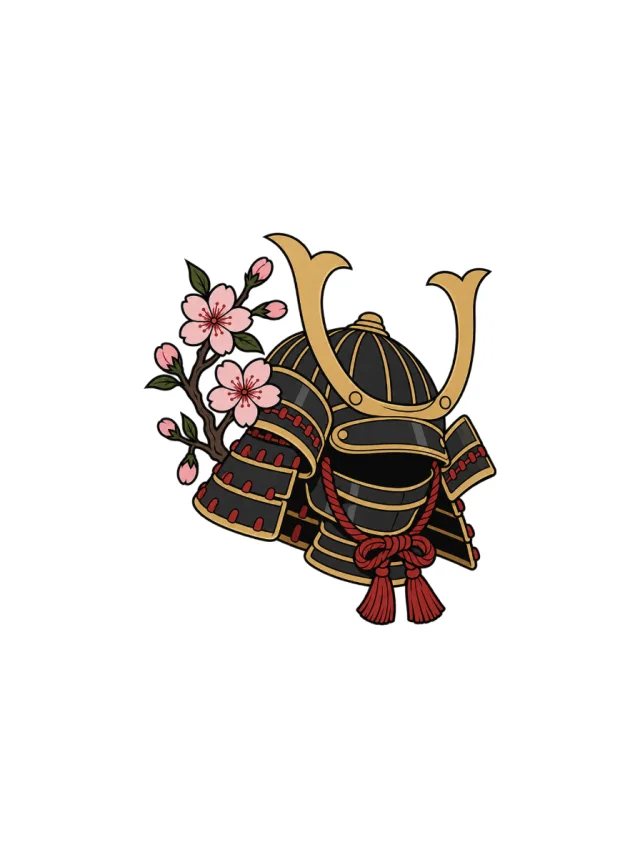
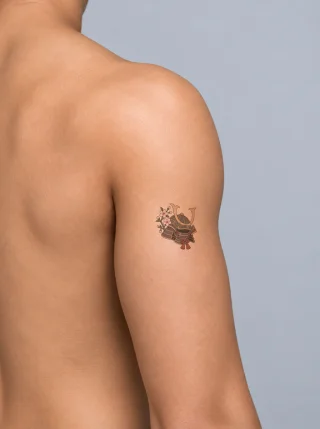
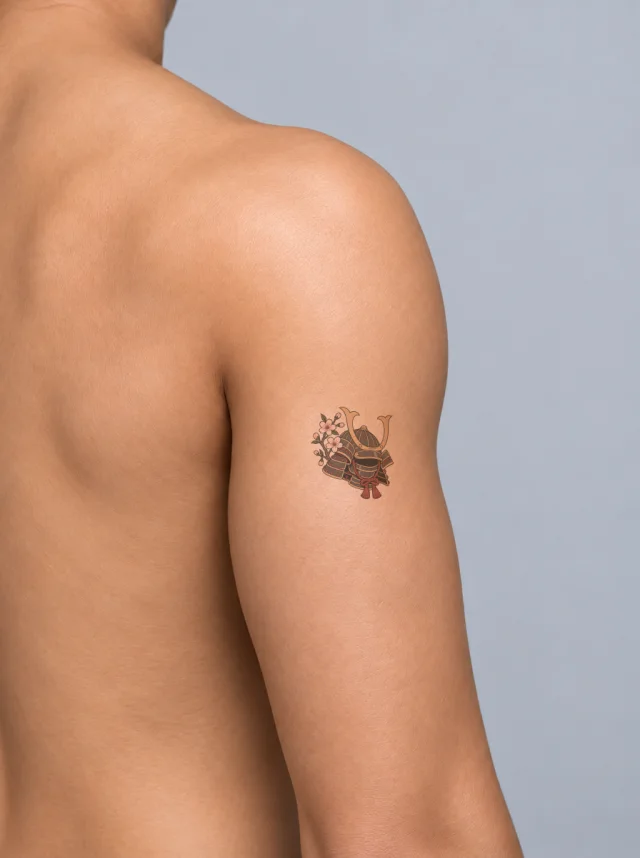
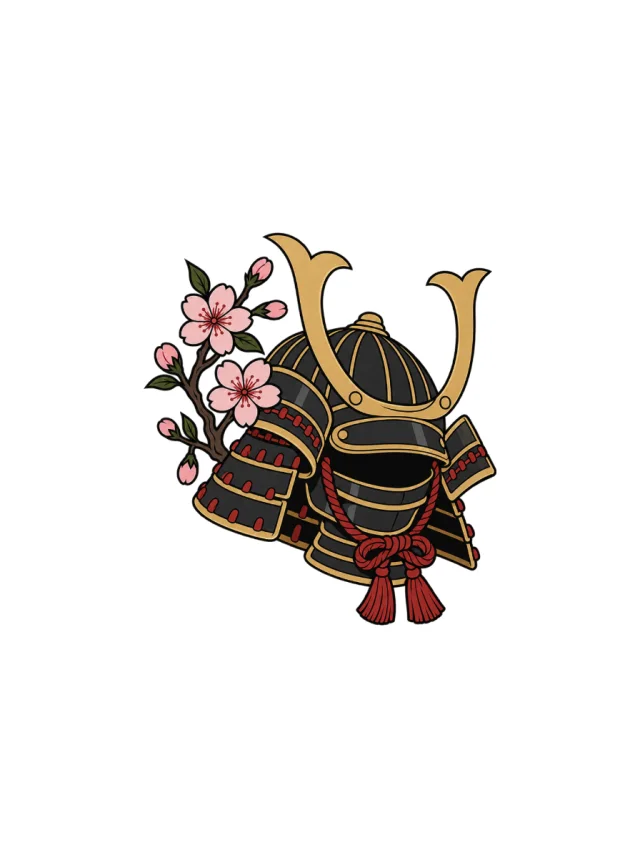
A black and gold kabuto with red cords sits beside pink cherry blossoms and green leaves, placed high on the outer shoulder.
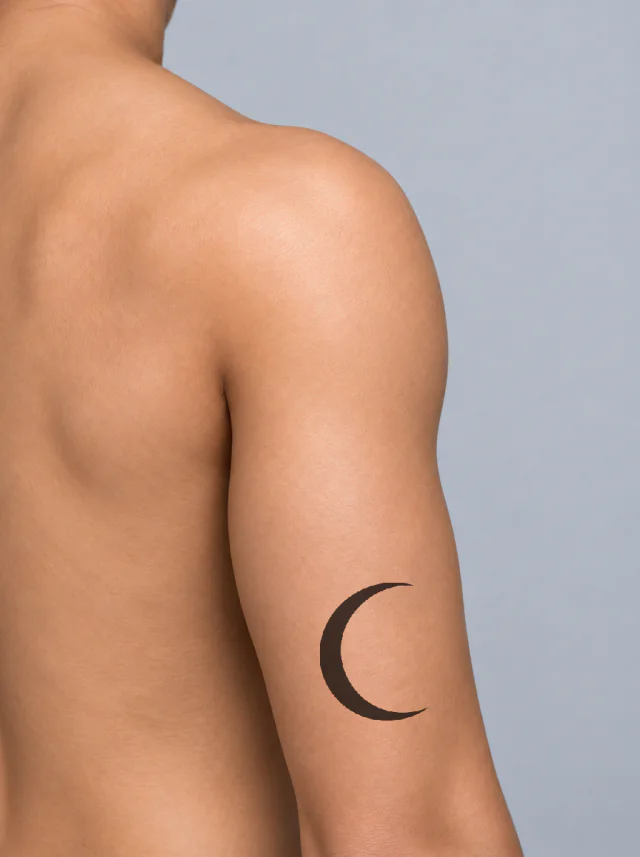

Clean Design
Design 27 · Shoulder
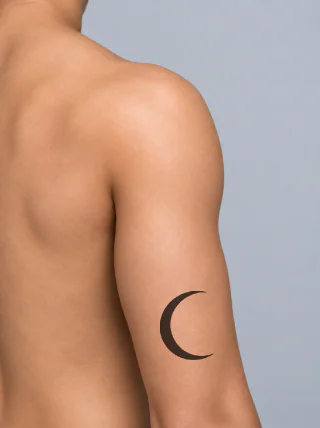
A solid black crescent moon with a smooth right-facing opening, placed low on the outside of the upper arm below the shoulder cap.
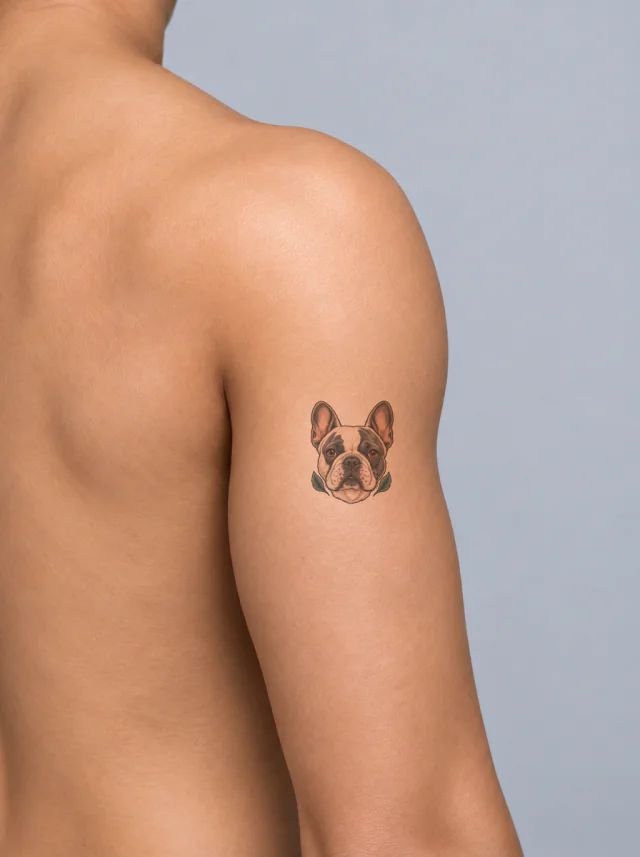
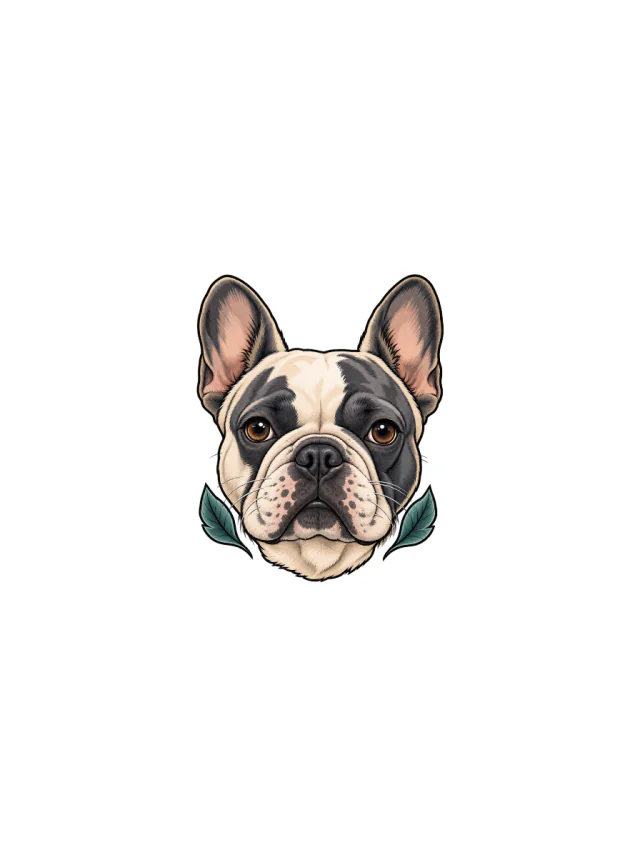
Clean Design
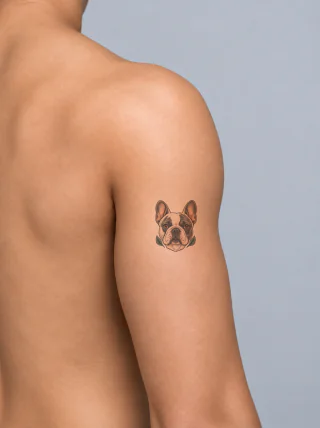
Design 28 · Shoulder
Color French Bulldog portrait with upright bat ears, charcoal eye patches and two teal leaves, previewed on the shoulder.
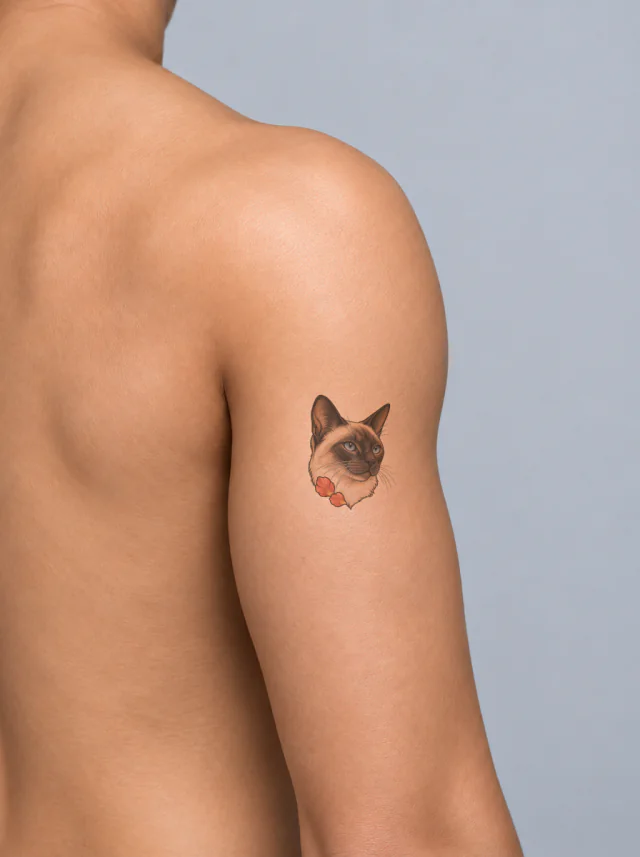
Clean Design
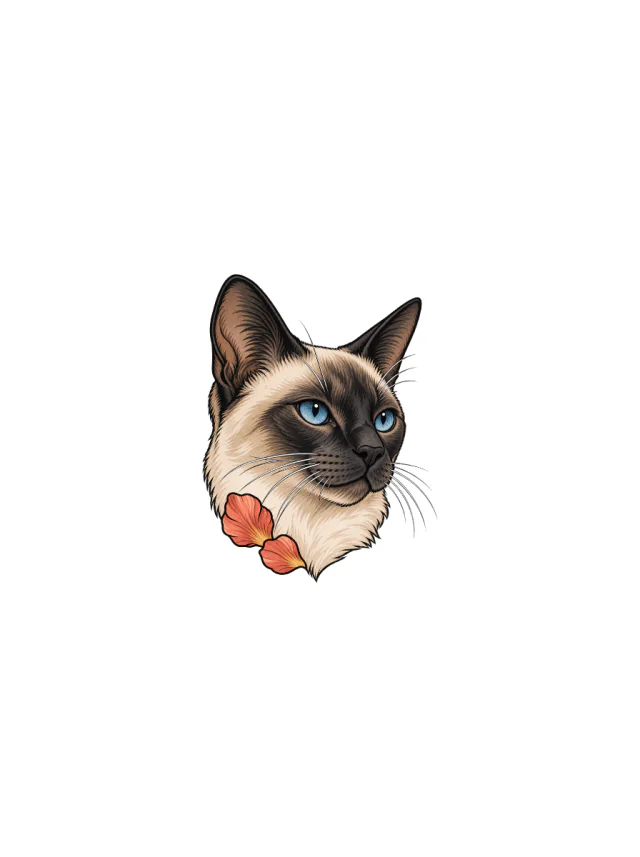
Design 29 · Shoulder
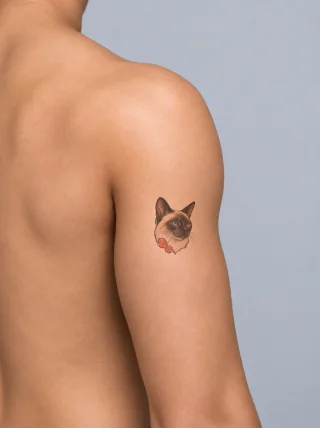
A tan Siamese head turns three-quarters right, with vivid blue eyes, charcoal face points, whiskers and two coral petal accents.
Clean Design
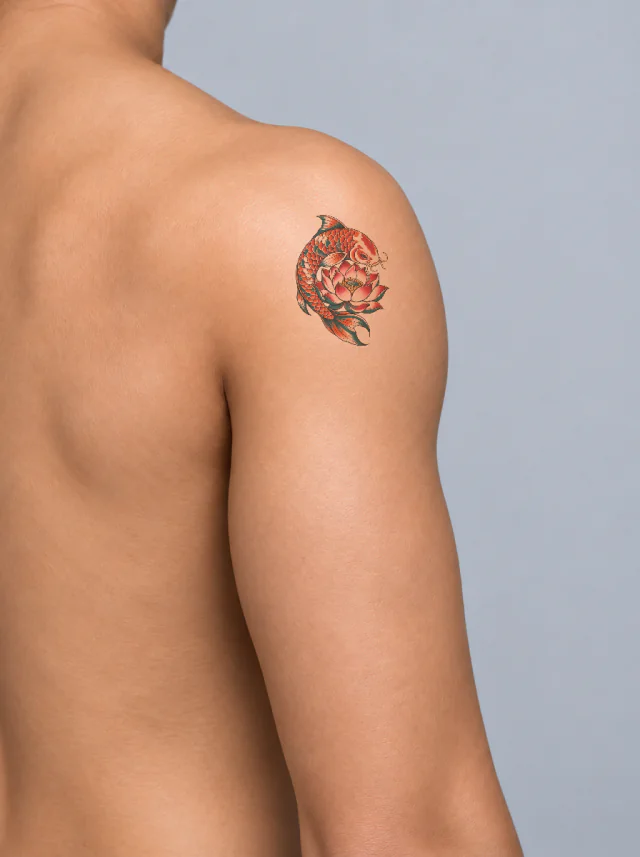
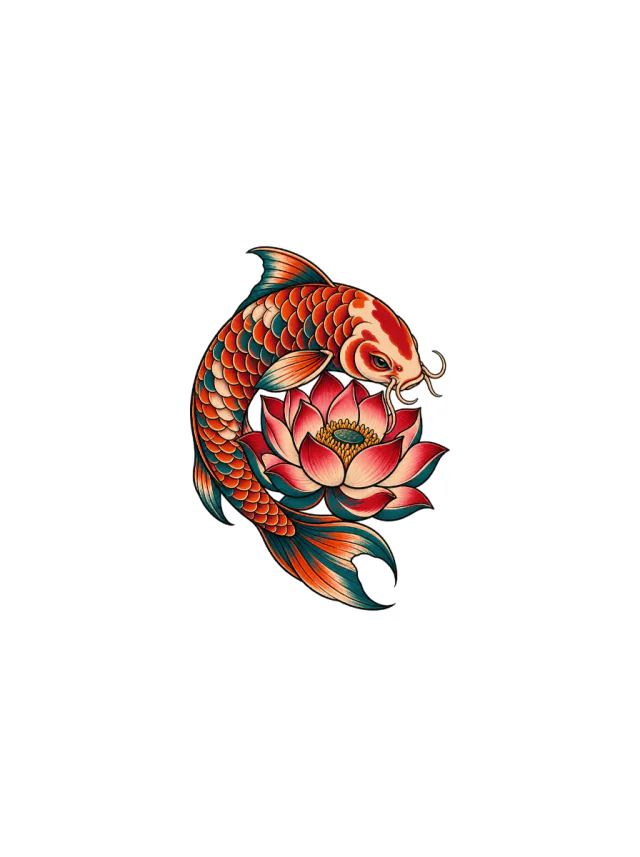
Design 30 · Shoulder
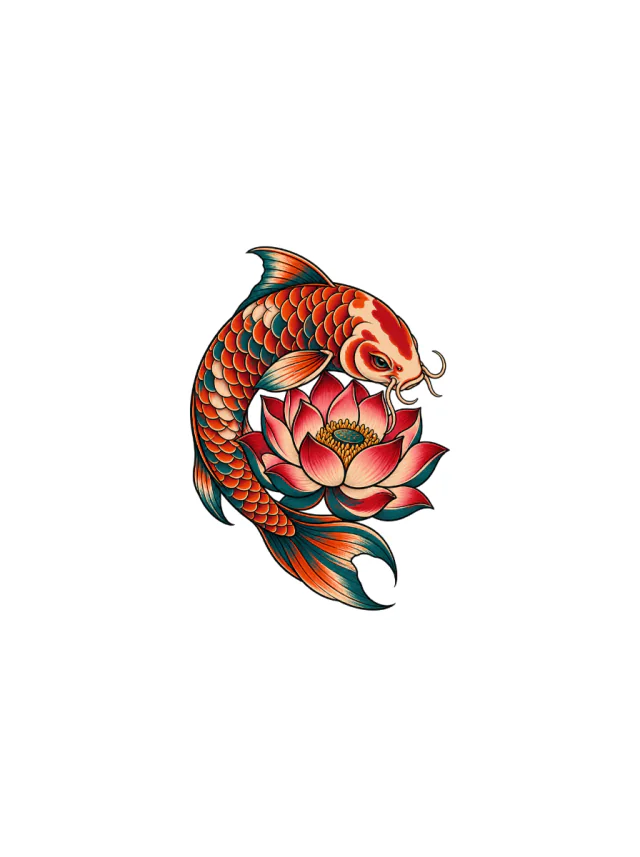
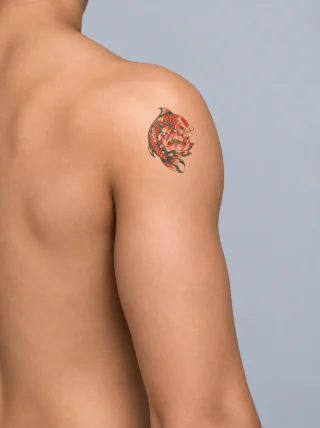
A red-orange koi curling around a pink lotus with teal fins and a dotted gold center, fitted to the rounded shoulder cap.
Clean Design
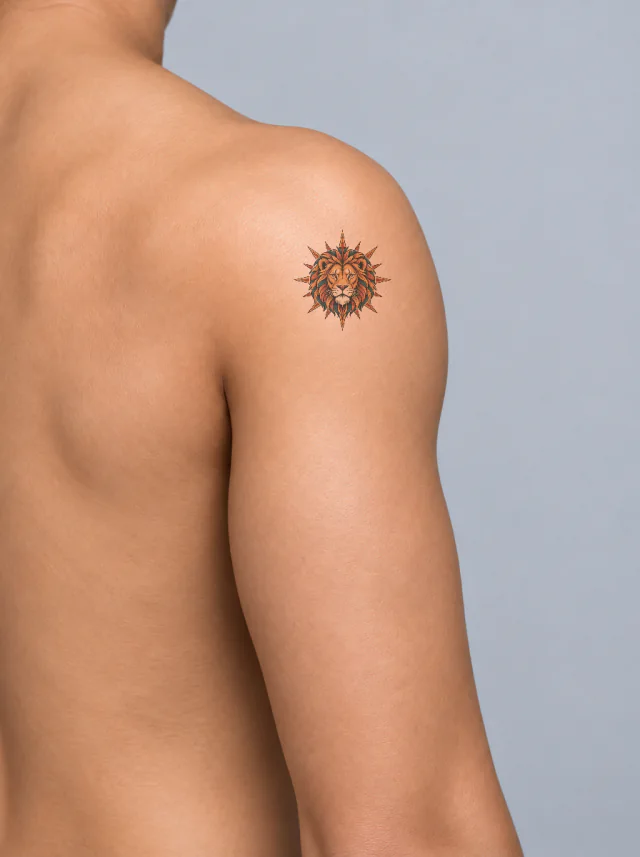
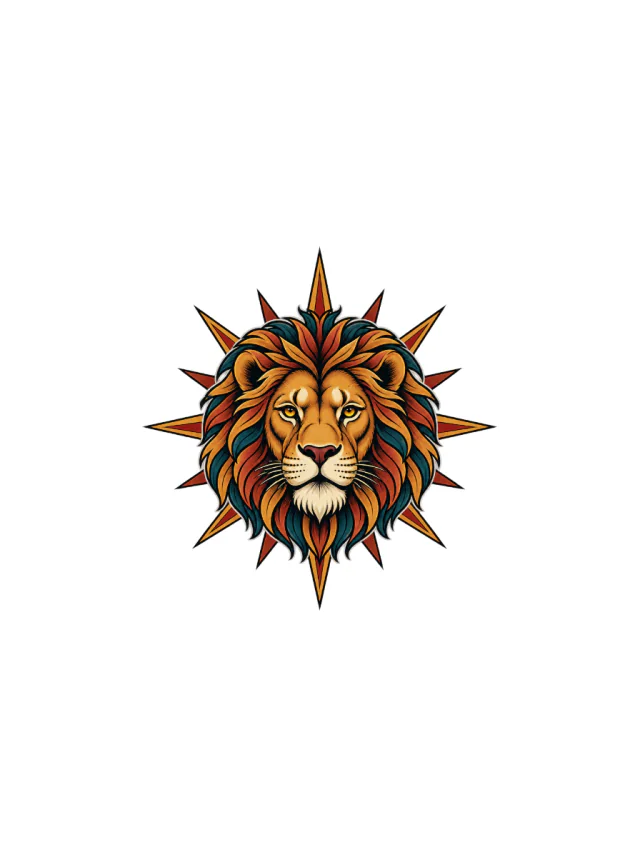
Design 31 · Shoulder
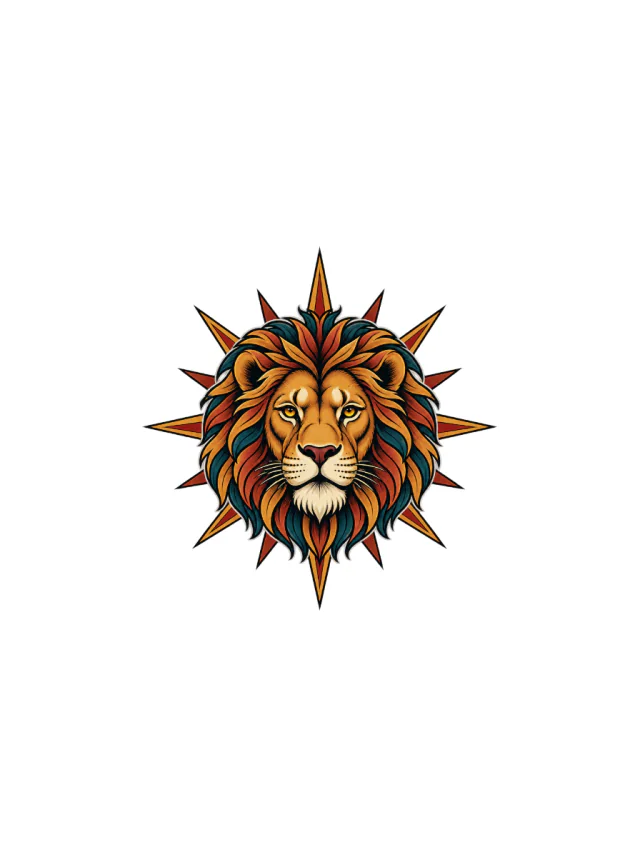
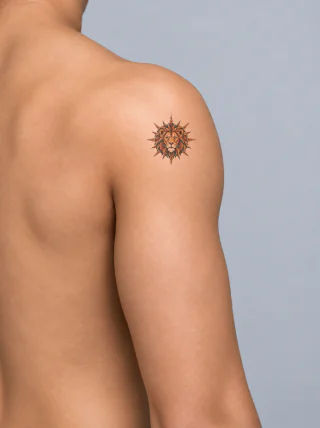
A golden lion head with teal-shadowed mane locks and red-gold sunburst rays, sitting as a compact emblem on the shoulder cap.
Clean Design
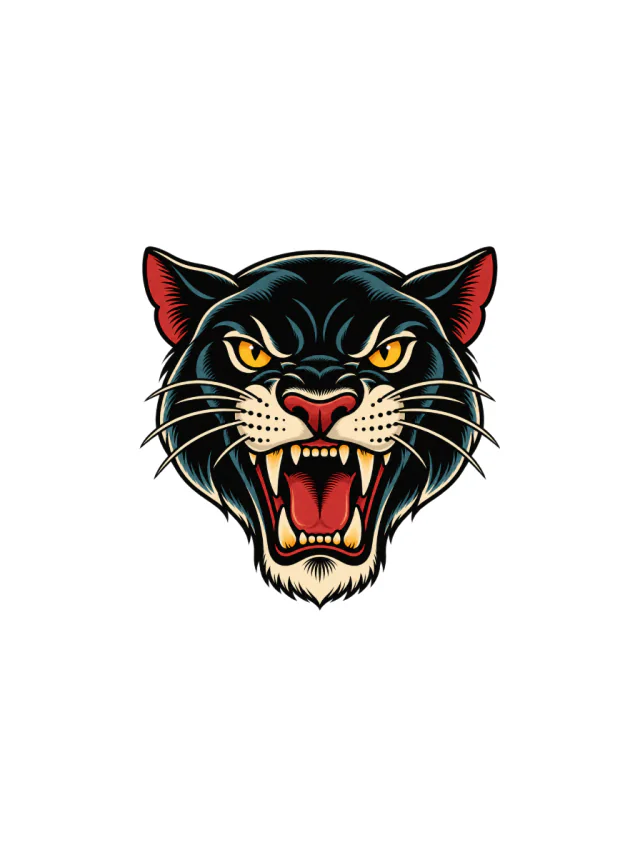
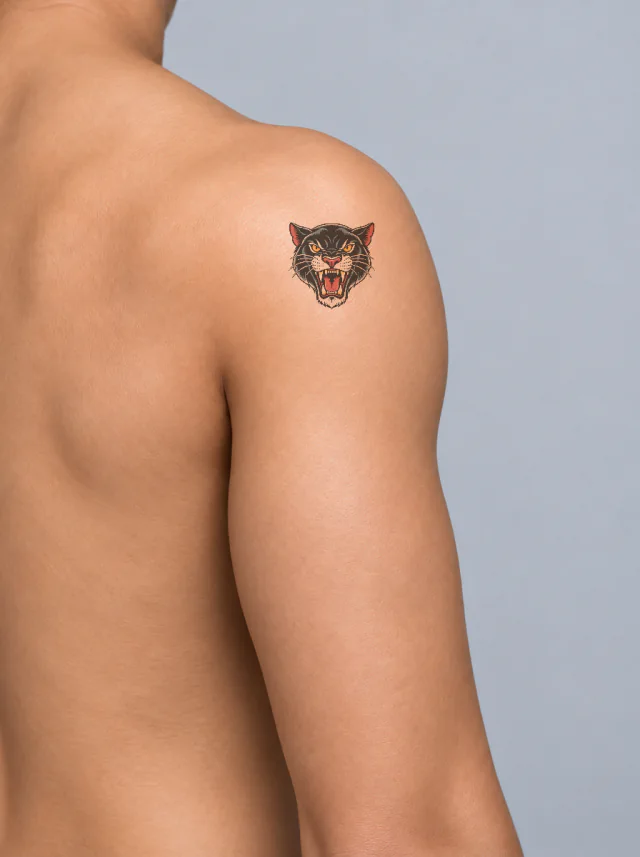
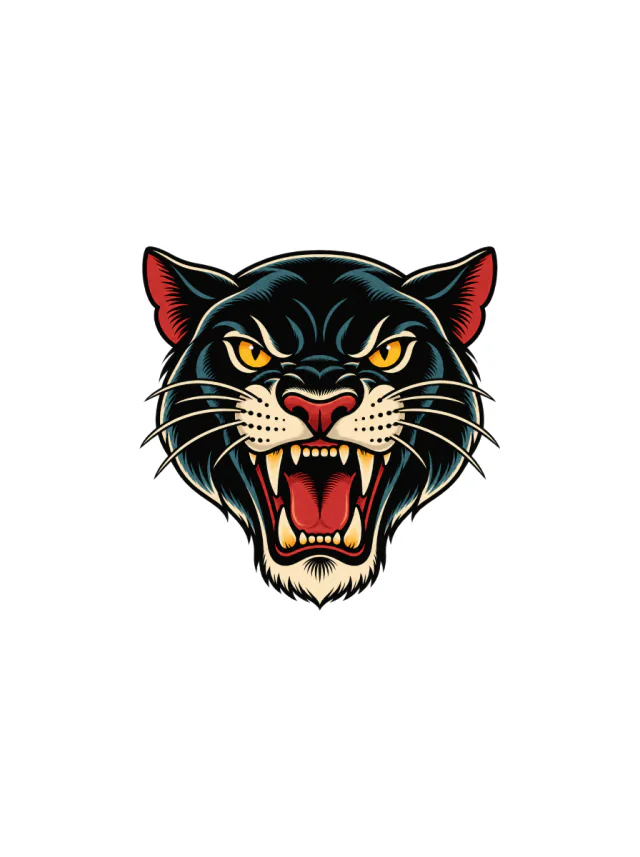
Design 32 · Shoulder
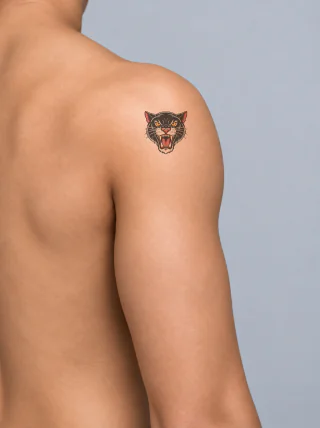
A roaring blue-black panther head with yellow eyes, long white fangs and a red tongue, placed upright on the shoulder cap.
Clean Design
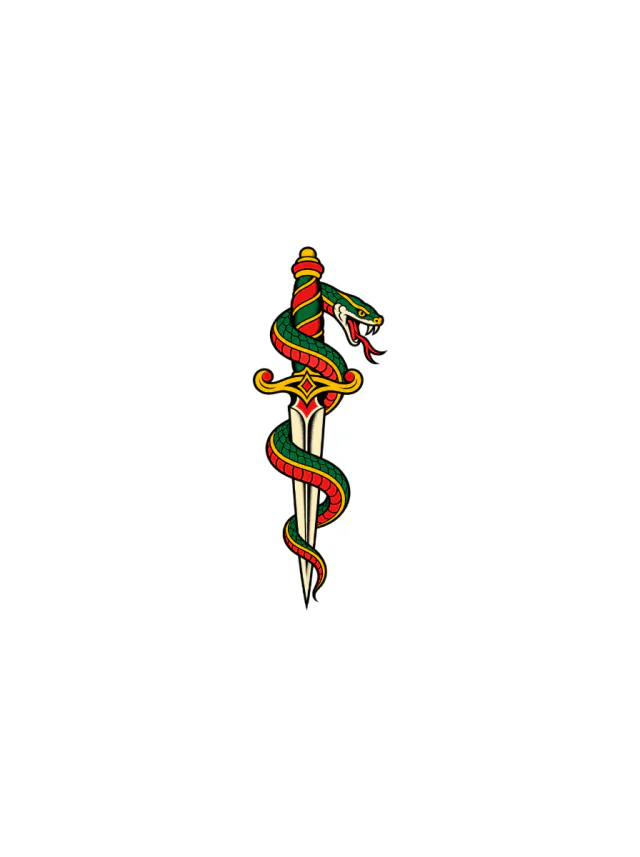
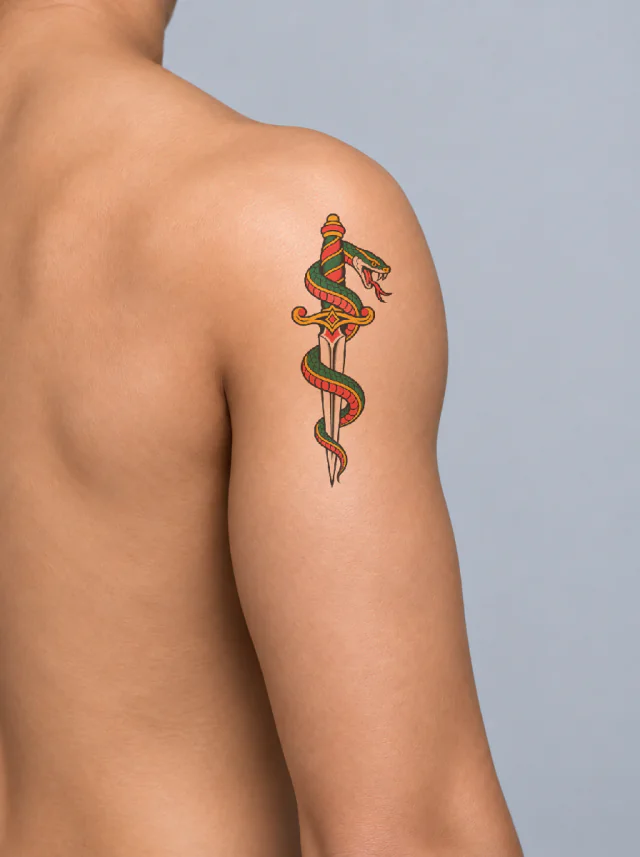
Design 33 · Shoulder
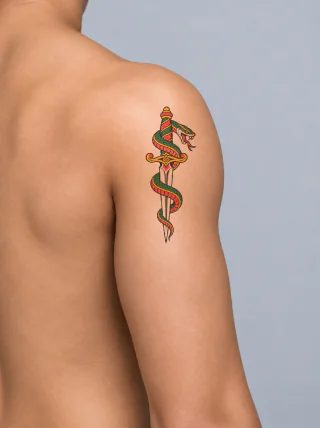
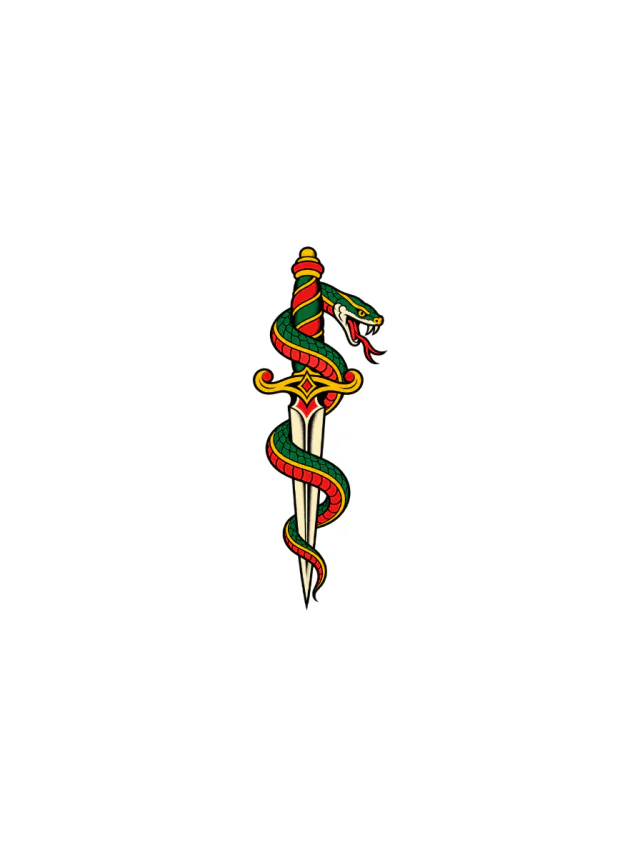
A green old-school snake coils three times around a cream dagger, with a red belly, yellow guard, and open fang-lined head on the shoulder.
Clean Design
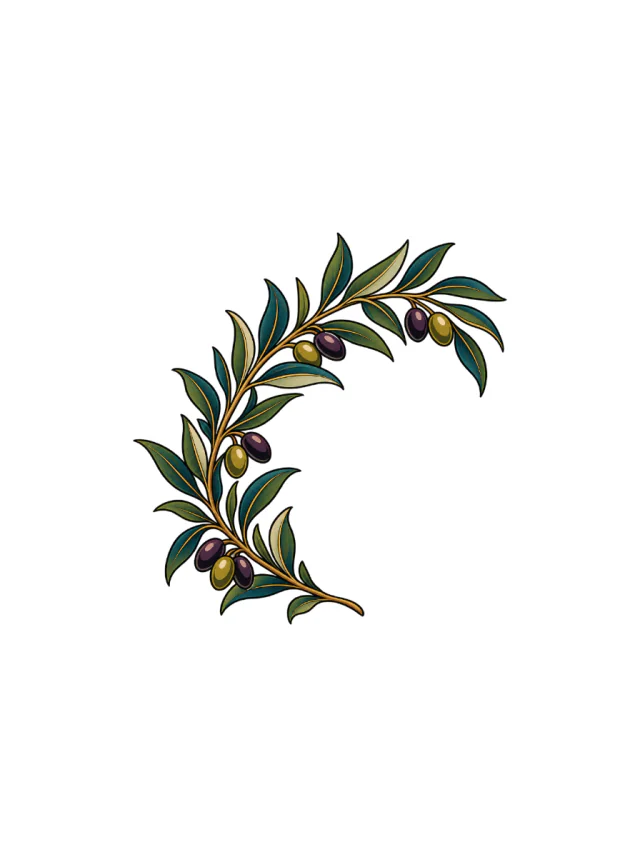
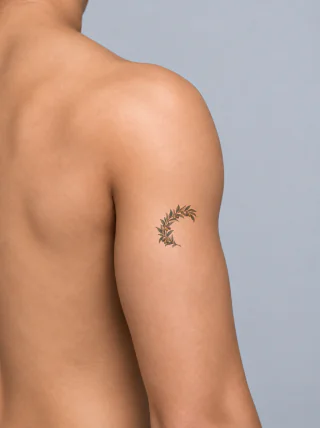
Design 34 · Shoulder
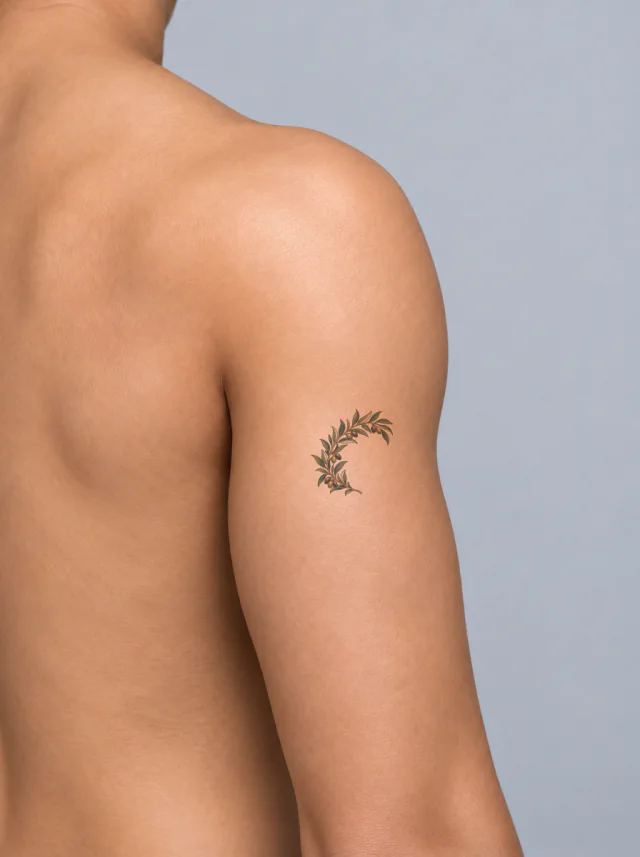
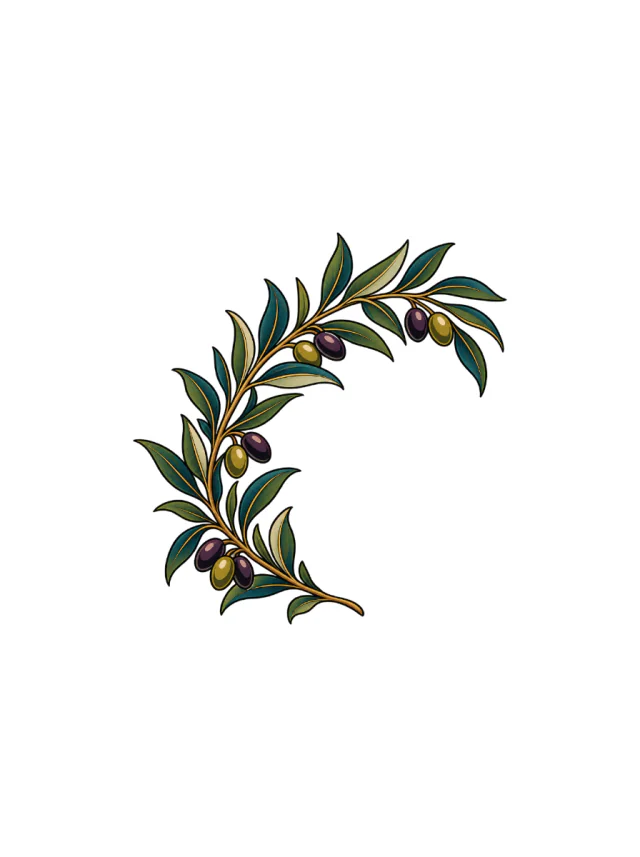
A curved olive branch with teal leaves and mixed purple-gold fruit wraps around an open center, shown at thumb length on the upper arm.
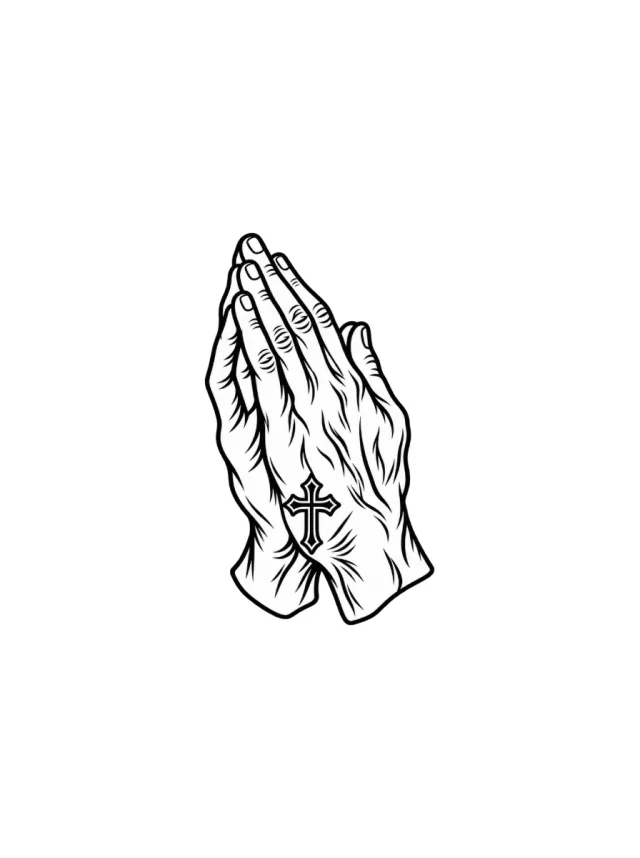
Clean Design
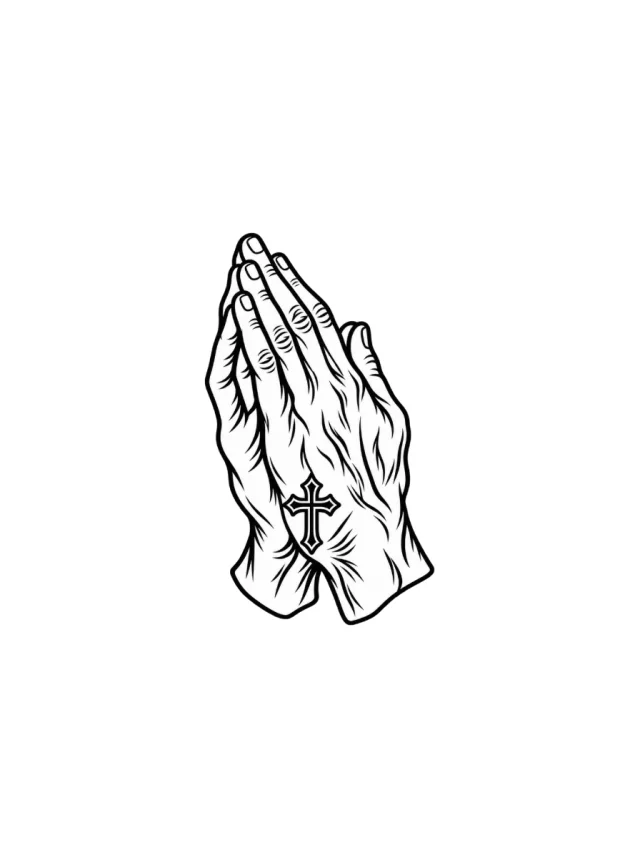
Design 35 · Shoulder
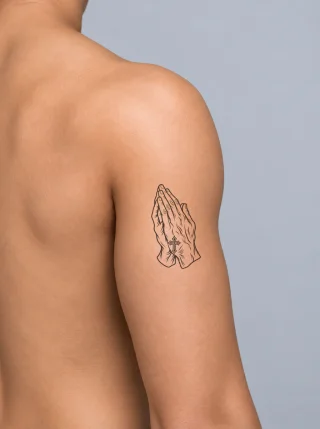
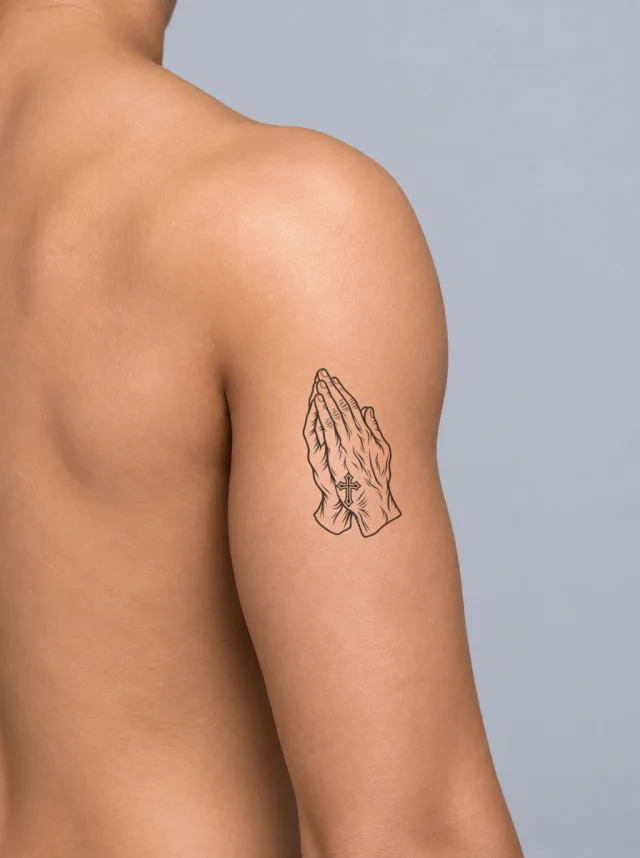
Paired praying hands in black linework with folded cuffs and a small cross on the wrist, placed upright on the outer upper arm.
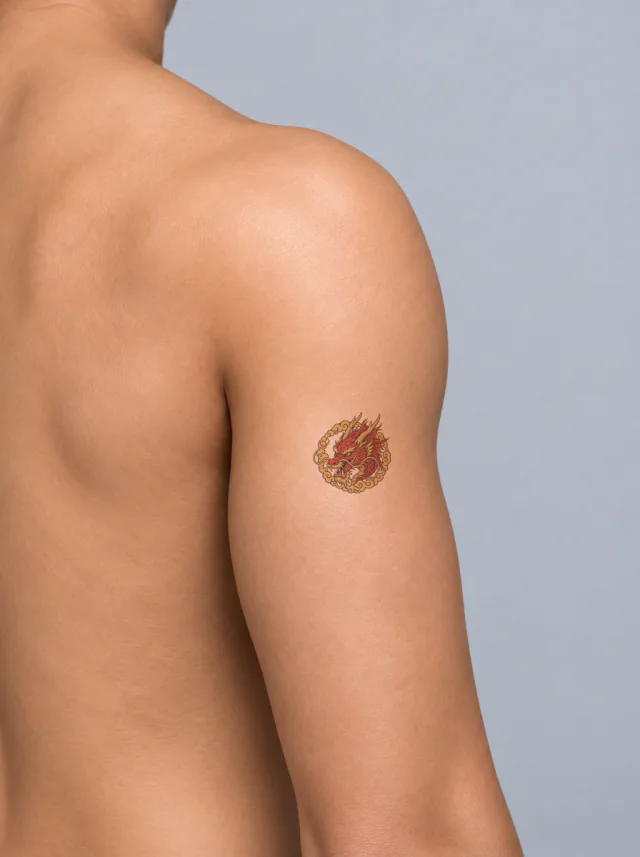
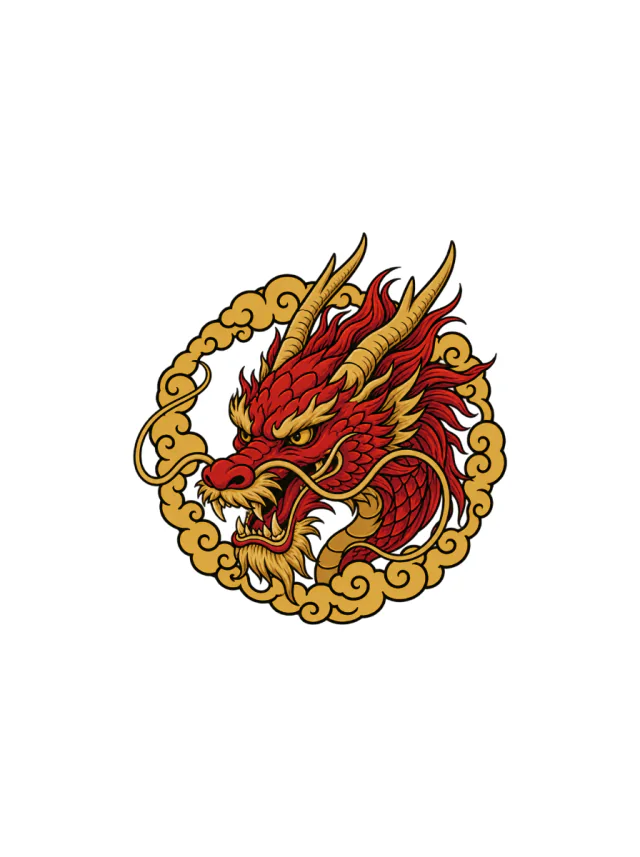
Clean Design
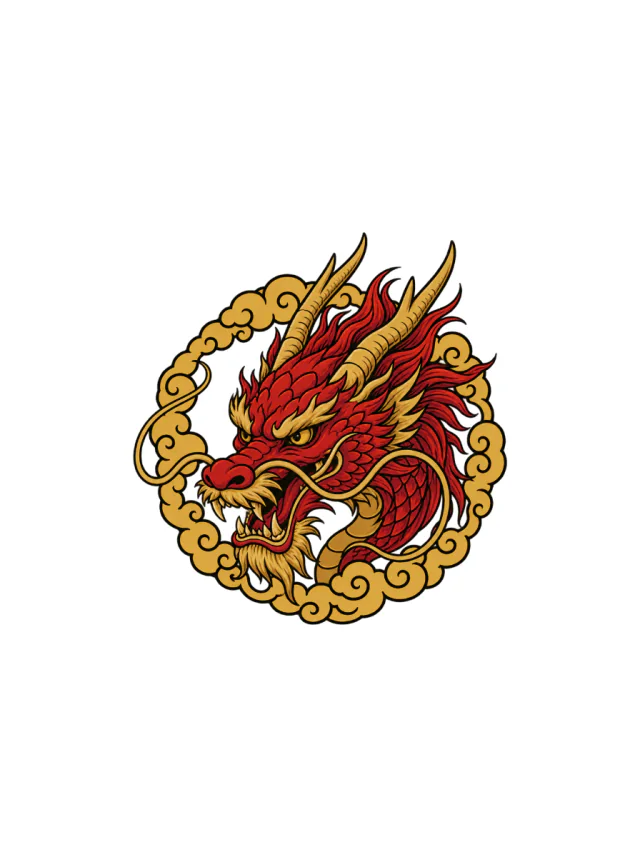
Design 36 · Shoulder
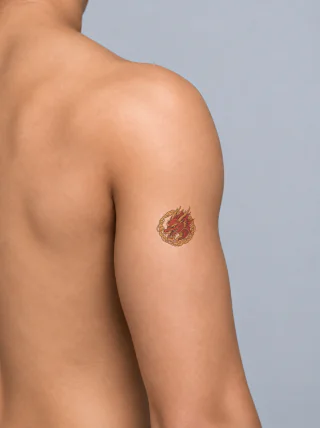
A red and gold dragon head with long horns, yellow eyes, flowing whiskers and a looping gold cloud border, shown small on the outer shoulder.
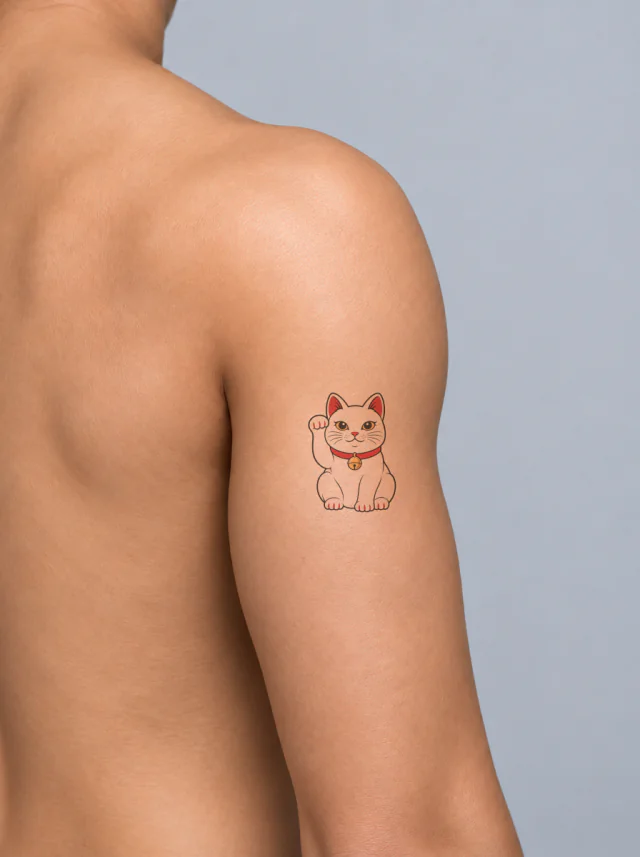
Clean Design
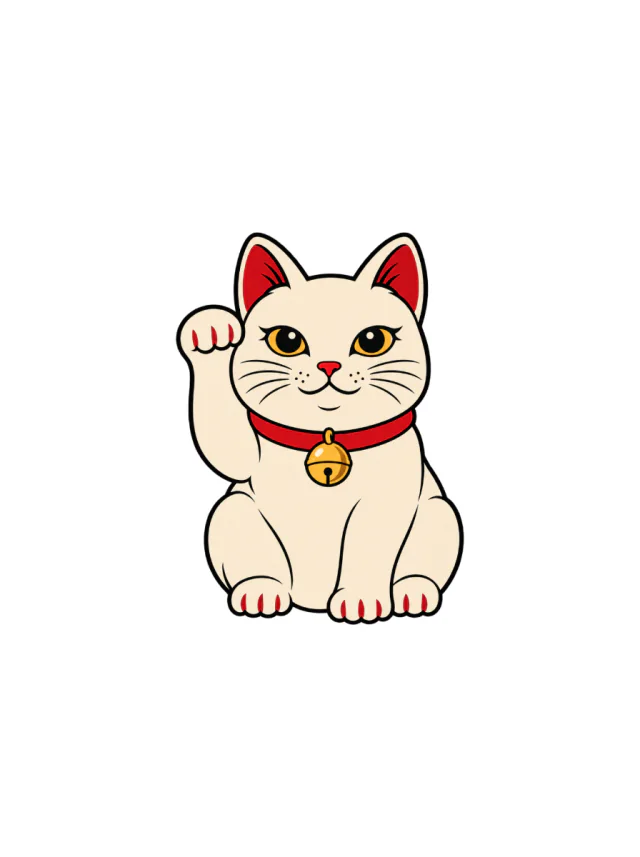
Design 37 · Shoulder
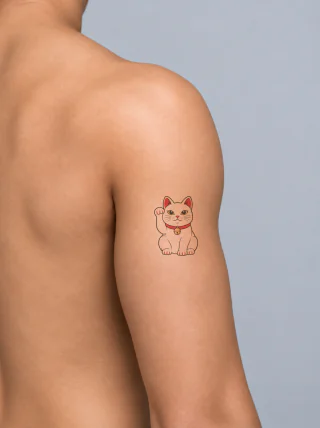
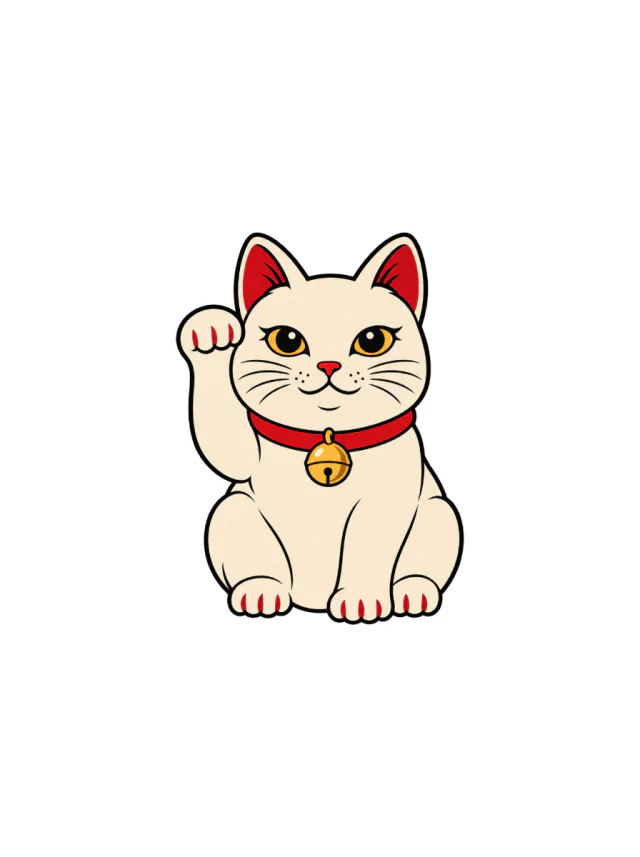
A cream maneki-neko with a raised left paw, red ear and claw accents, amber eyes and a gold bell on a bright red collar, shown small on the upper arm.
Clean Design
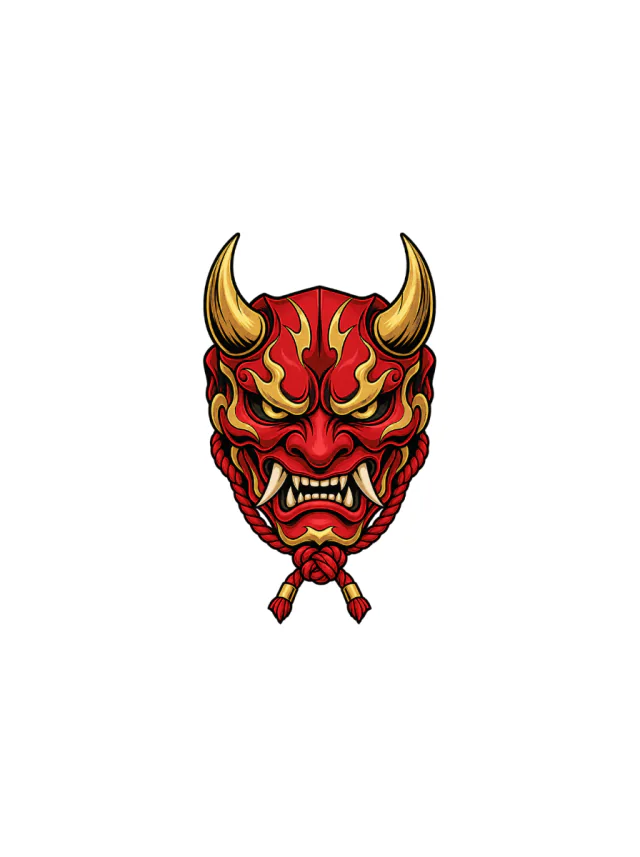
Design 38 · Shoulder
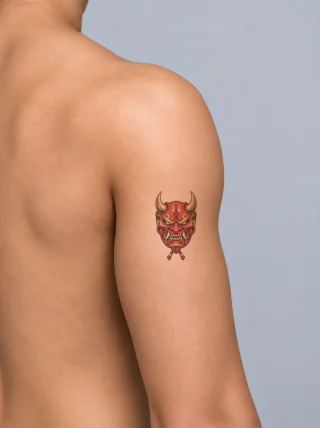
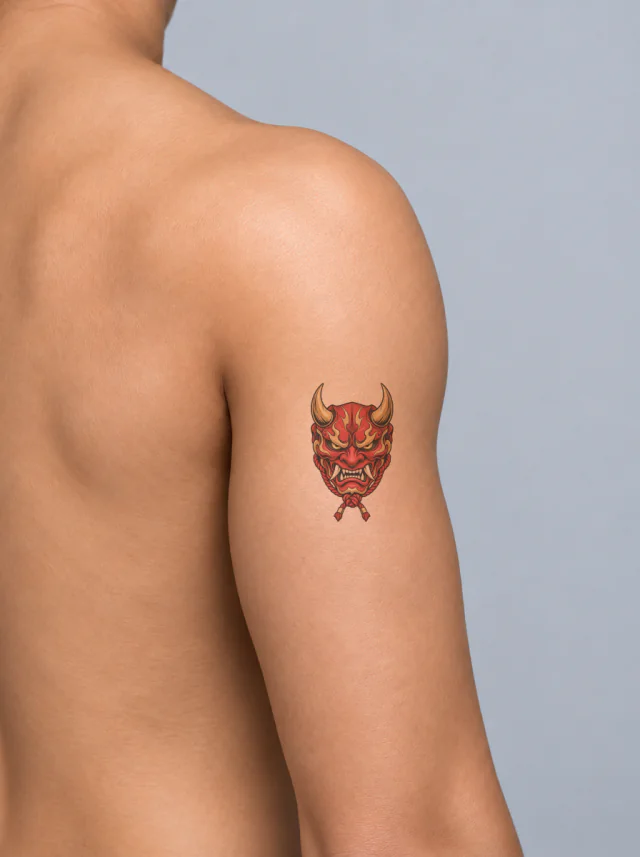
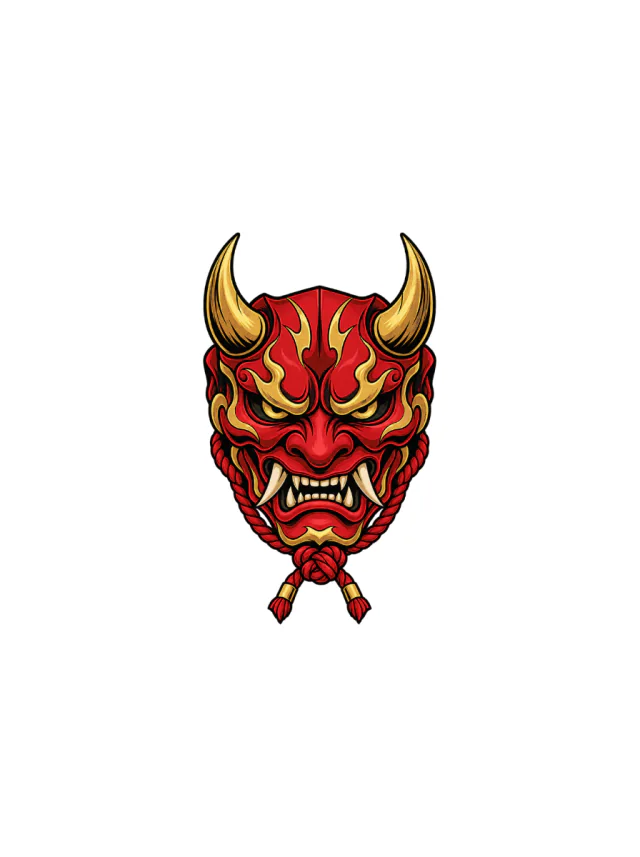
A red oni mask with gold horns, flame-shaped brow markings, ivory fangs and a knotted rope tassel, shown on the outer upper arm.
Clean Design
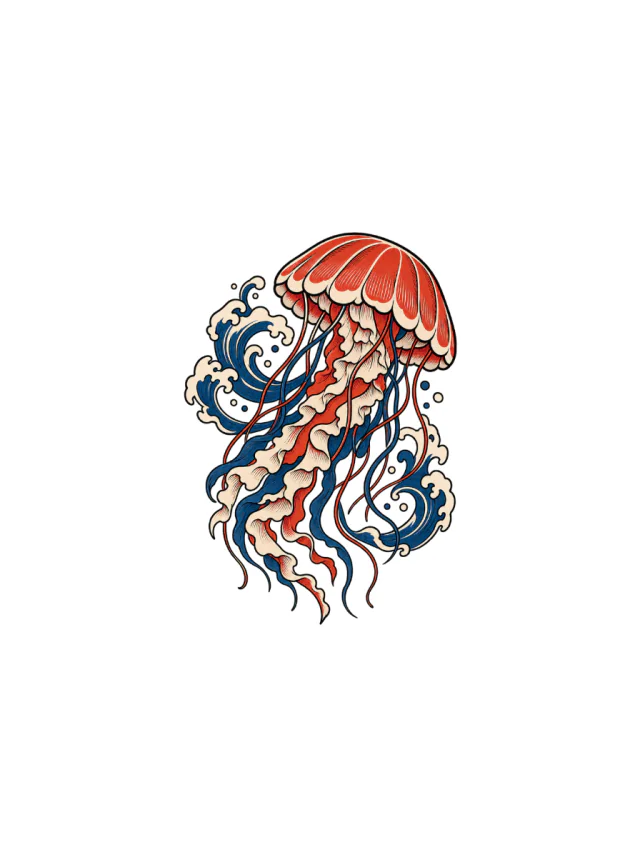
Design 39 · Shoulder
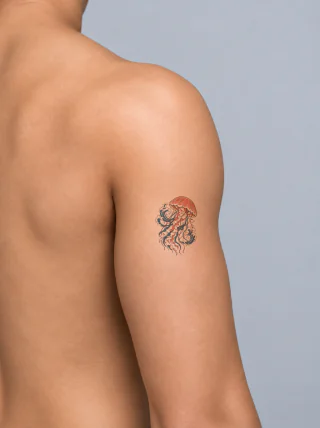
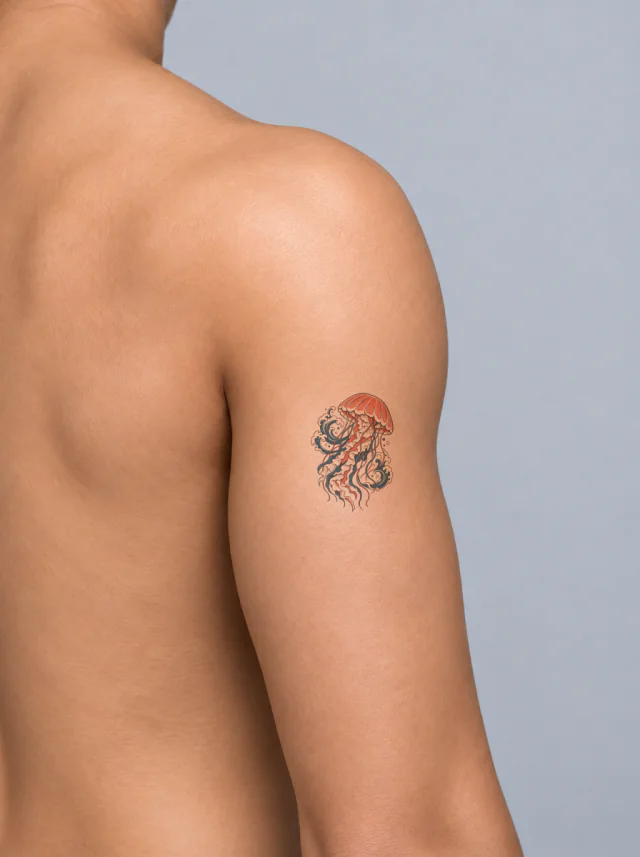
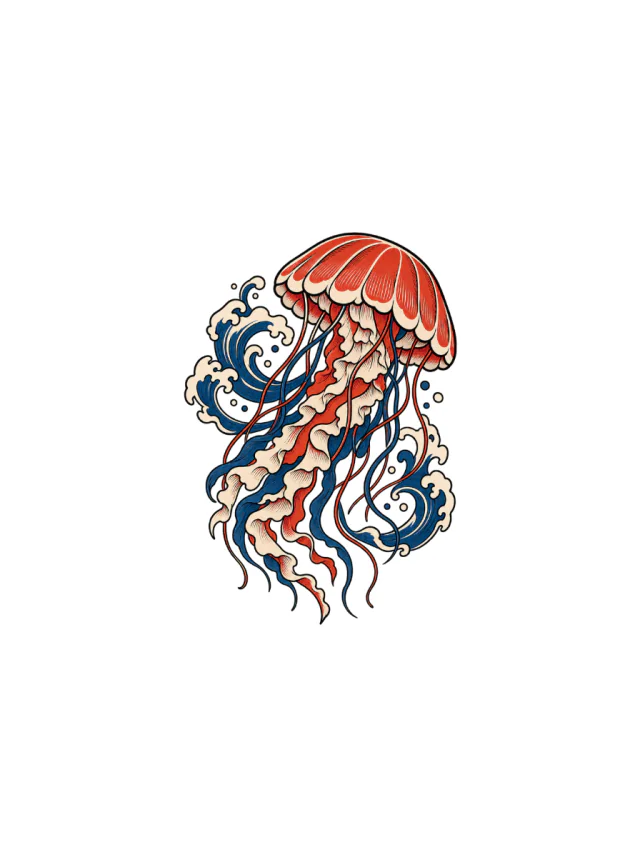
A red and indigo jellyfish with a striped scalloped bell, cream ruffled ribbons and curling blue wave crests, shown small on the outer upper arm.
Clean Design
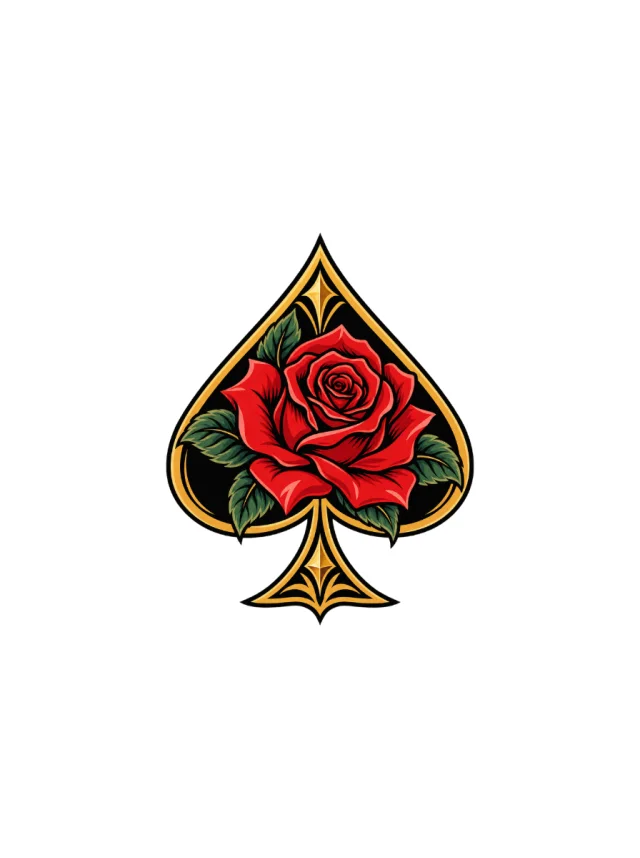
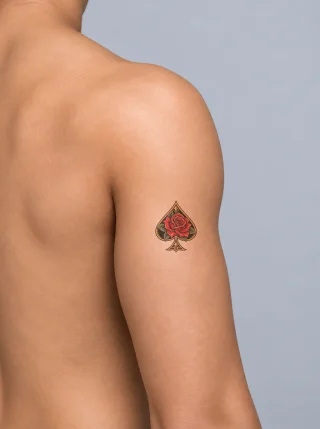
Design 40 · Shoulder
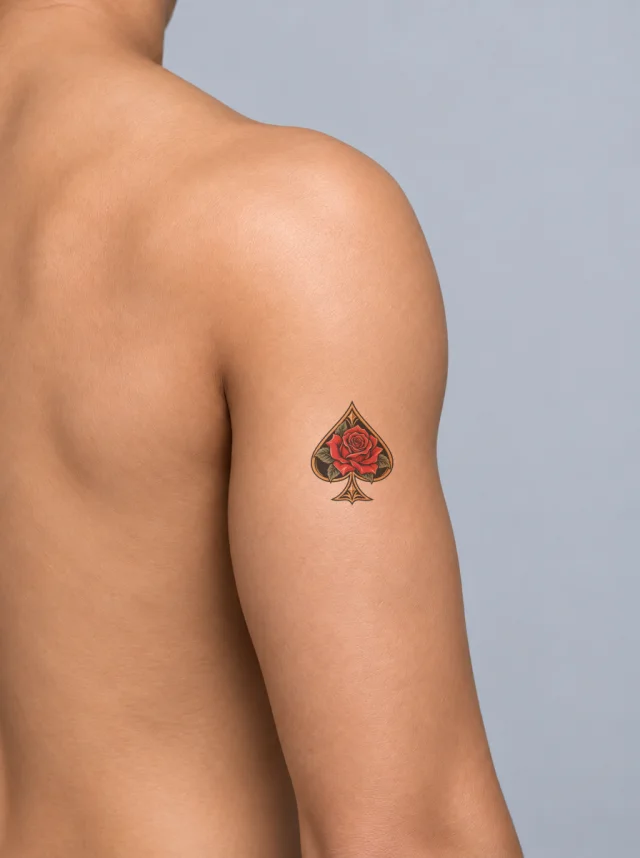
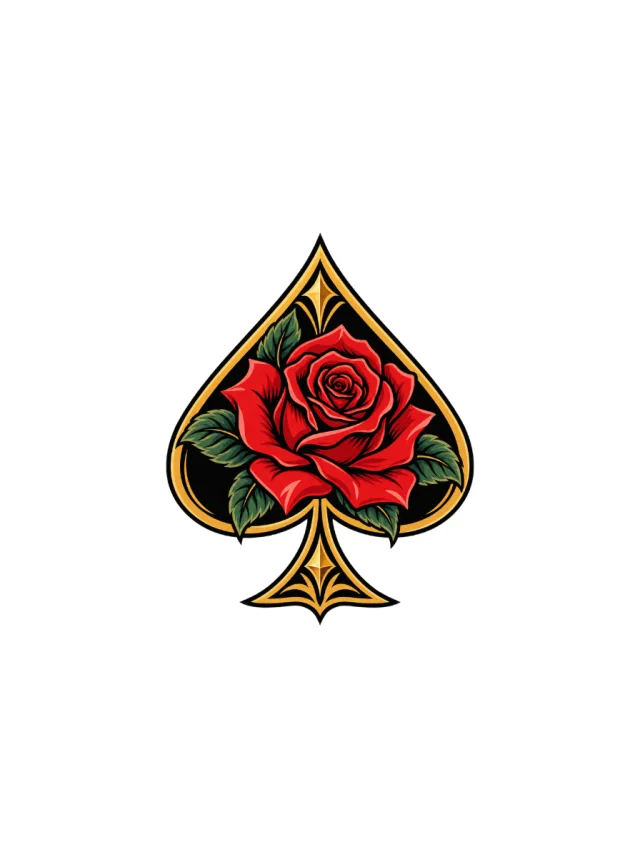
A red rose with dark green leaves fills a black and gold spade frame, placed upright at compact palm size on the outer upper arm.
Clean Design
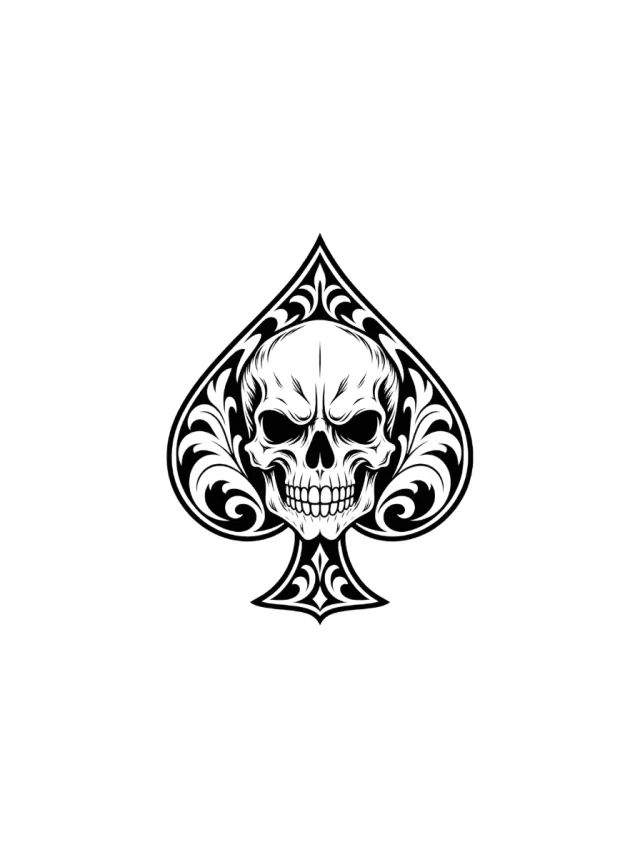
Design 41 · Shoulder
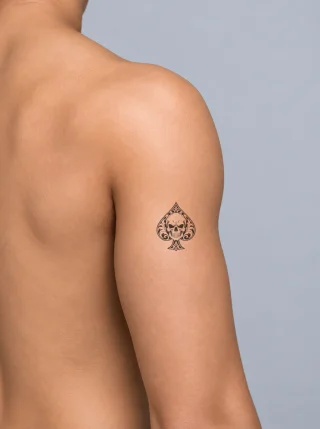
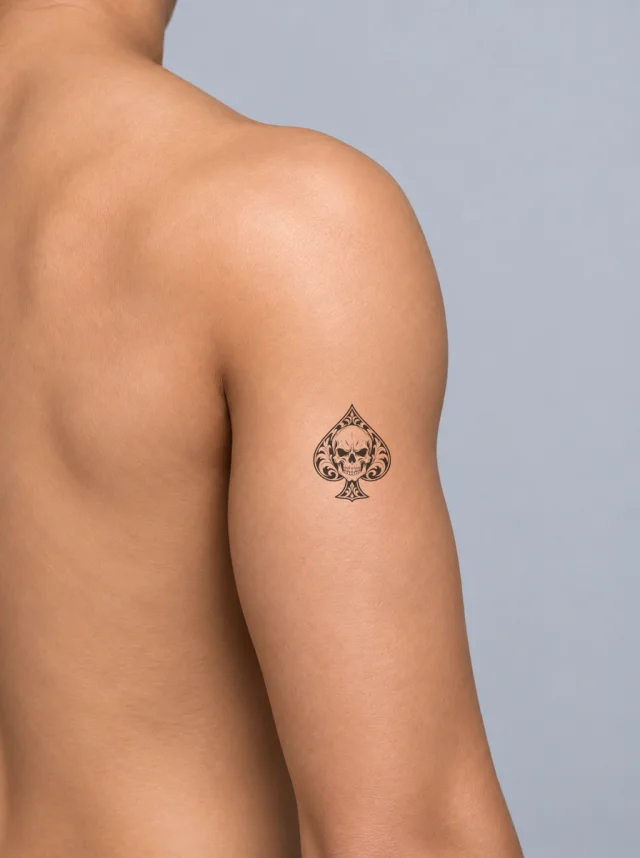
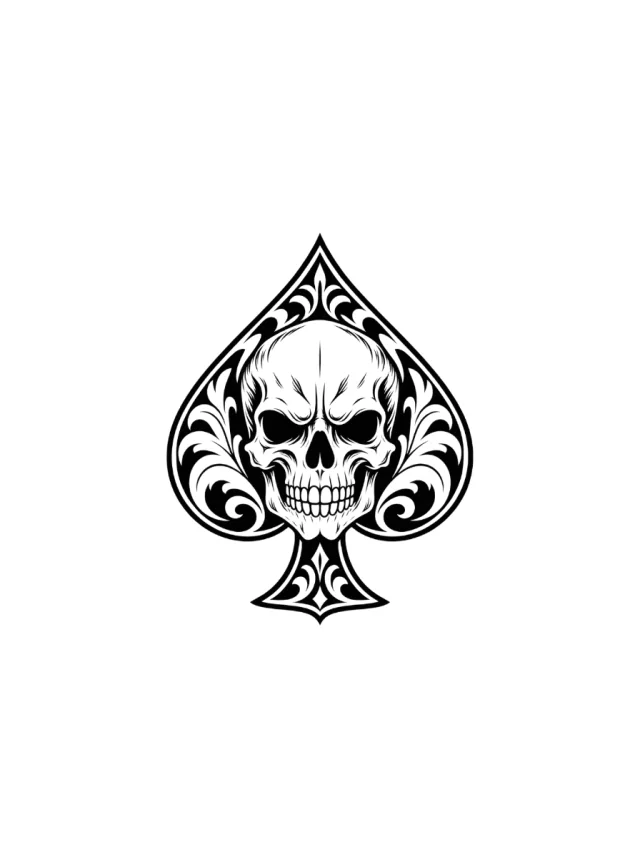
A detailed front-facing skull inside a black ornamental spade, with curled white filigree at both lobes and a small decorated stem, shown on the shoulder.
Clean Design
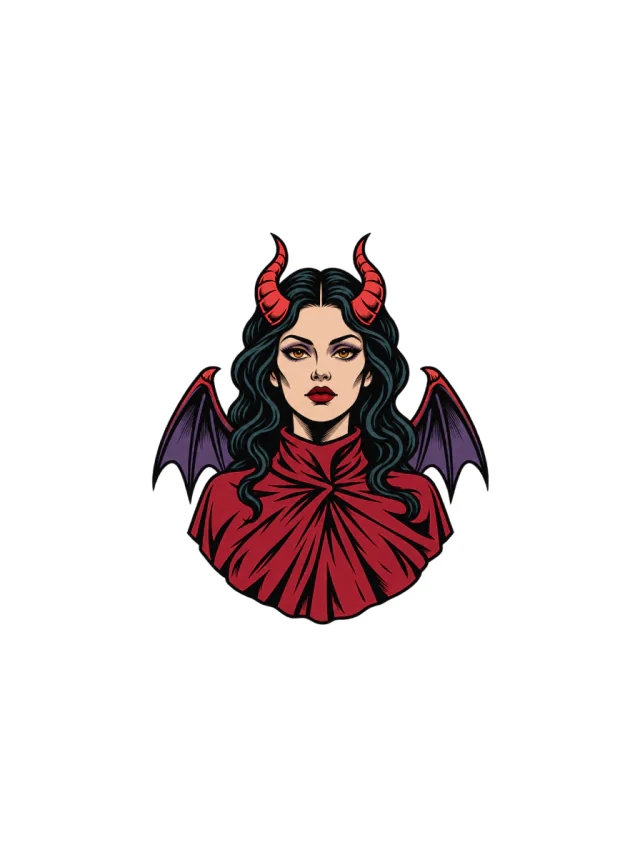
Design 42 · Shoulder
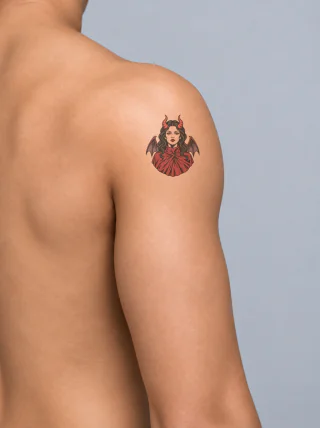
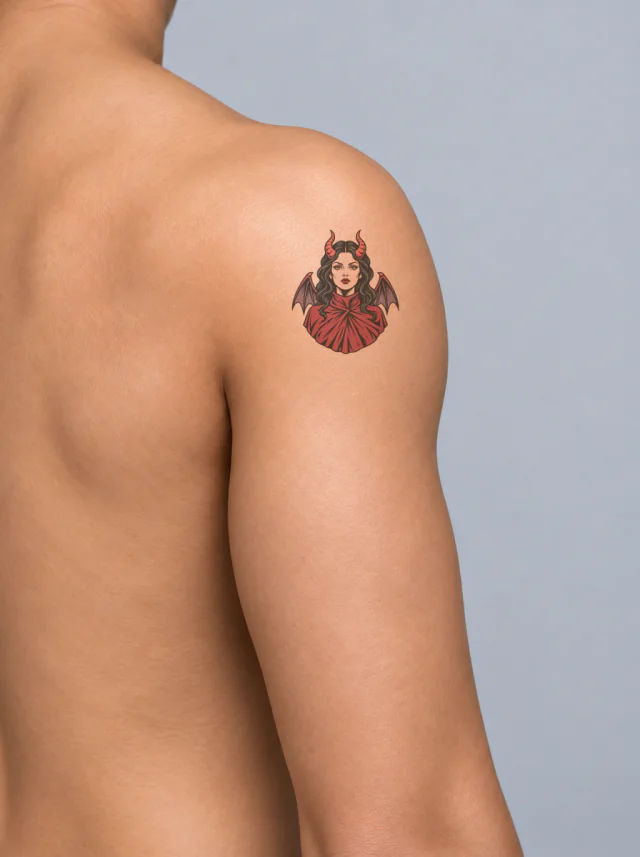
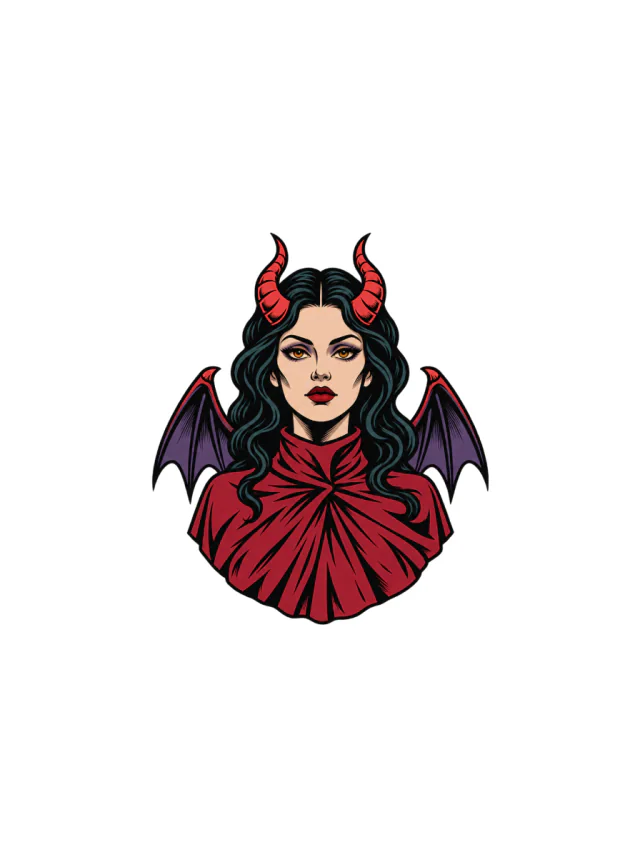
A front-facing horned woman with teal-black curls, purple bat wings, and a pleated crimson cloak sits on the outer shoulder.
Clean Design
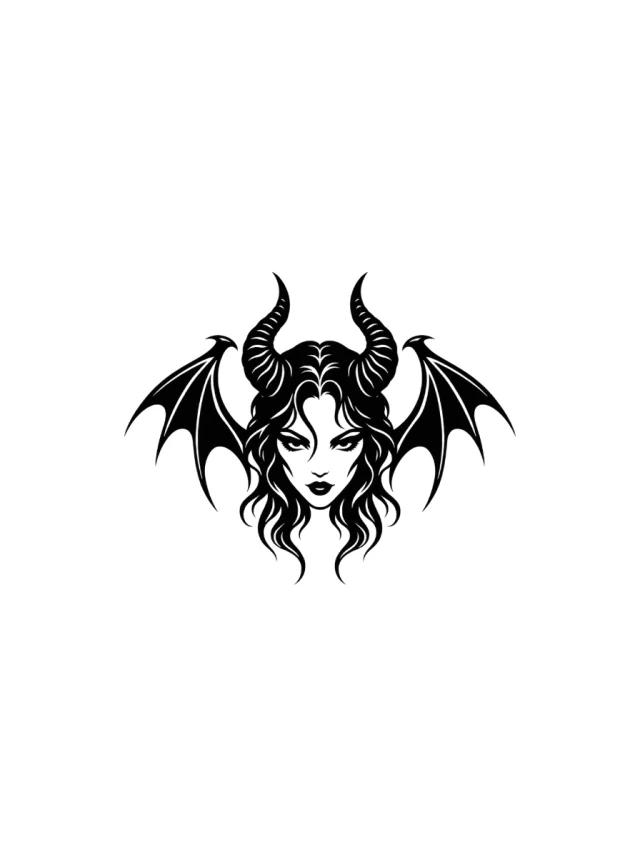
Design 43 · Shoulder
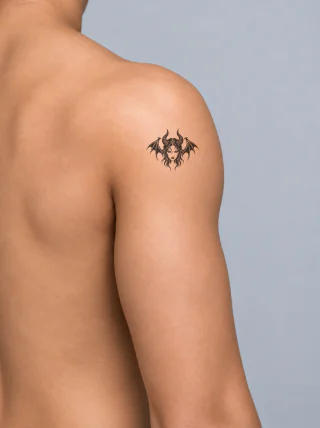
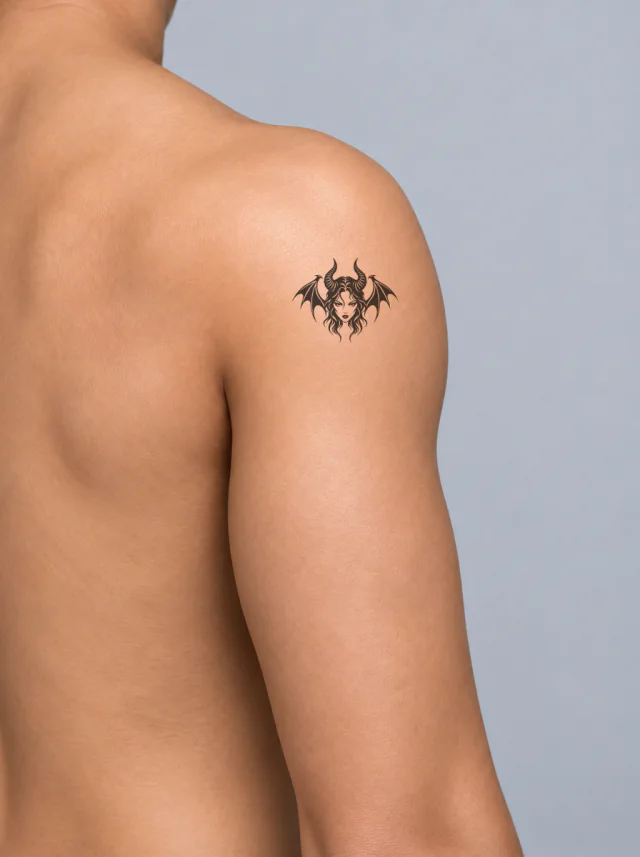
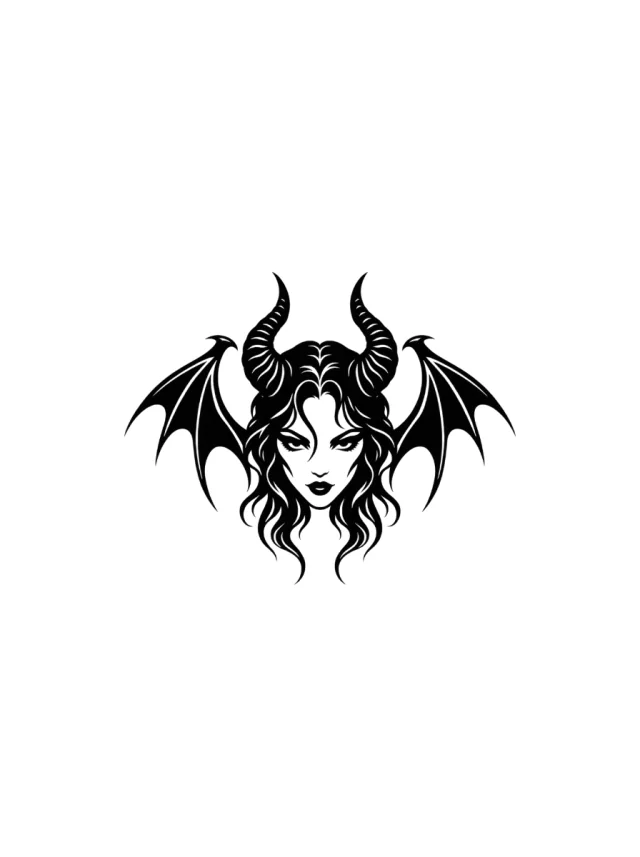
A black horned face with striped horns, curled hair, and symmetrical bat wings sits as a compact emblem high on the rounded outer shoulder.
Clean Design
Design 44 · Shoulder
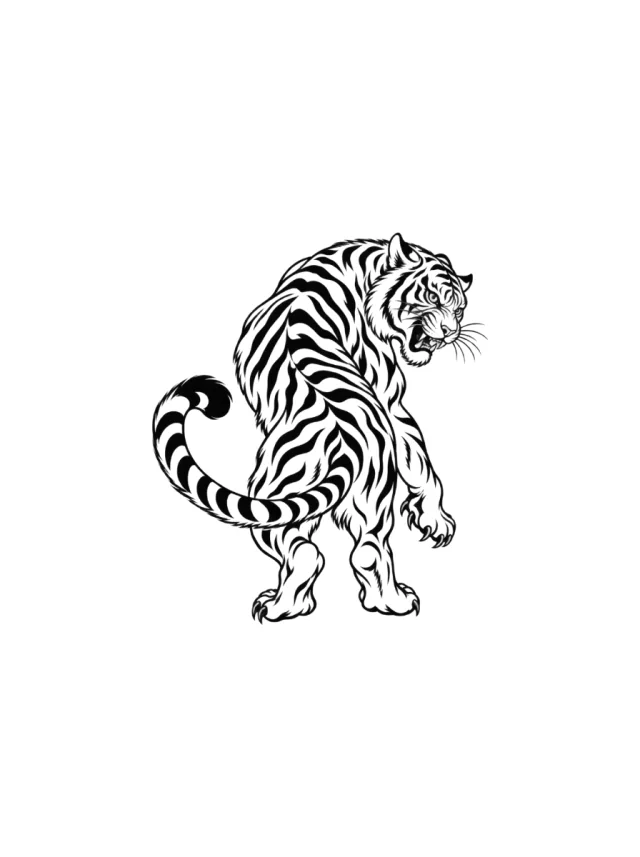
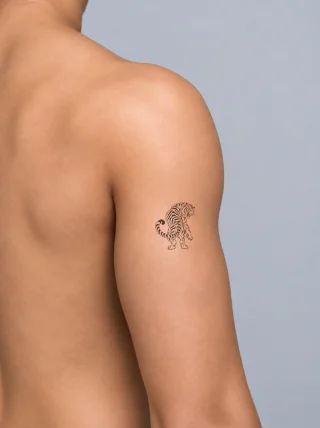
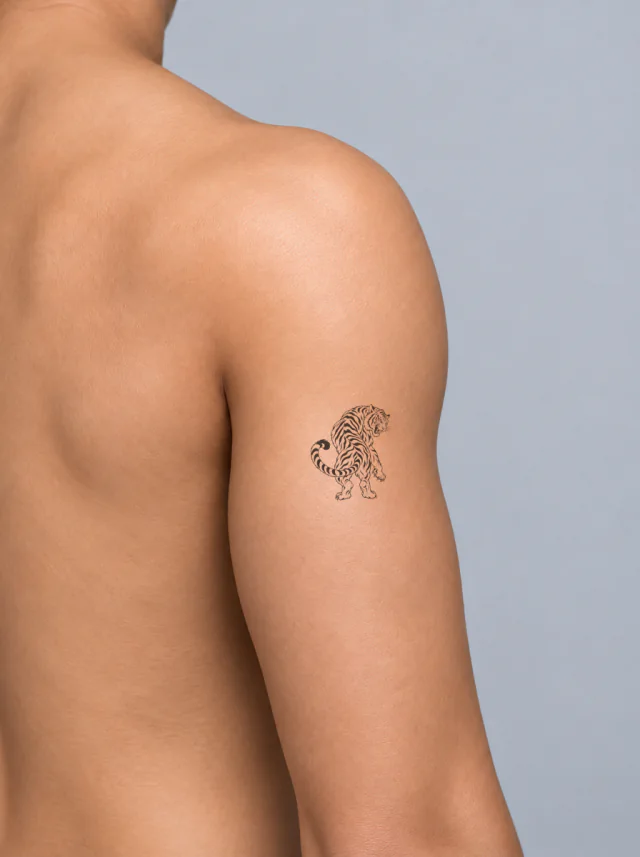
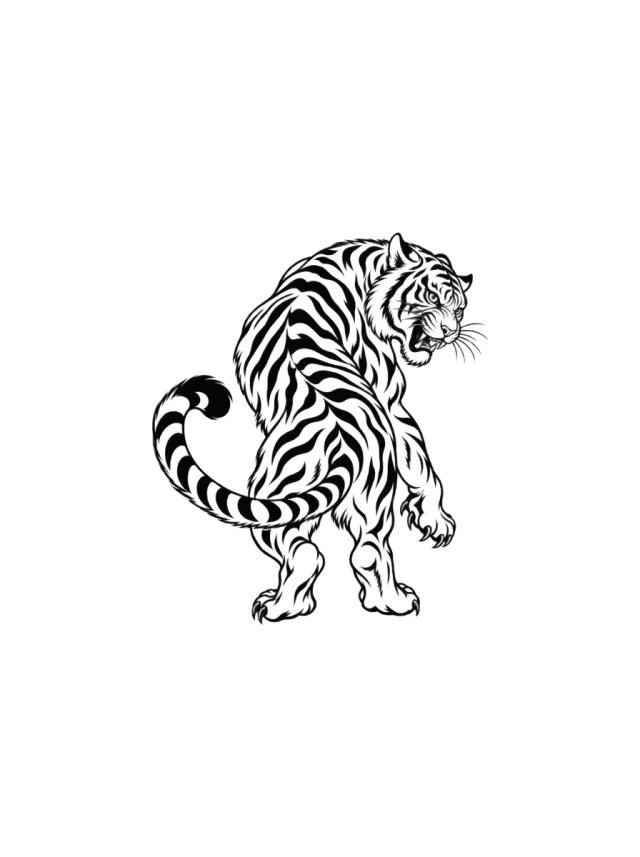
A blackwork tiger turns its snarling head over one shoulder while a thick striped tail loops around its rear legs on the outer upper arm.
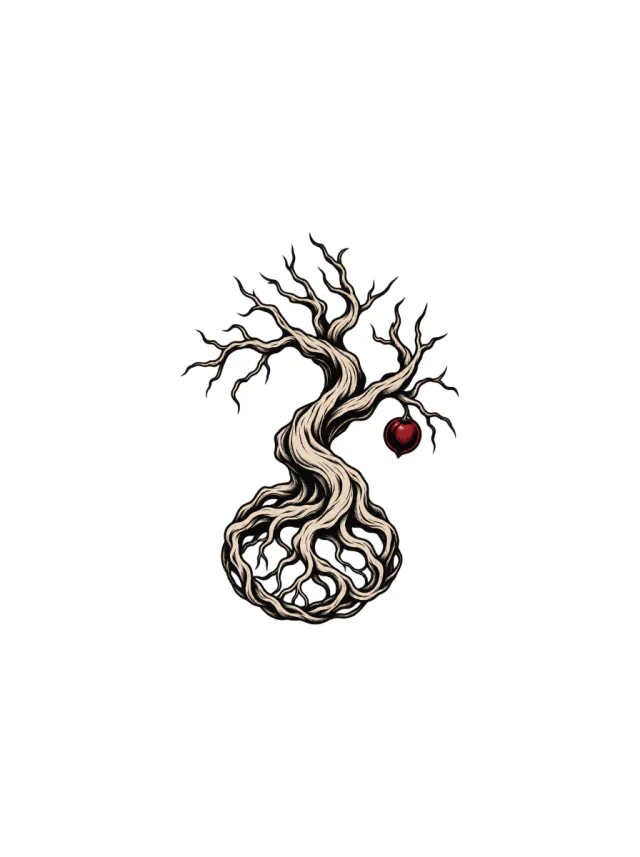
Clean Design
Design 45 · Shoulder
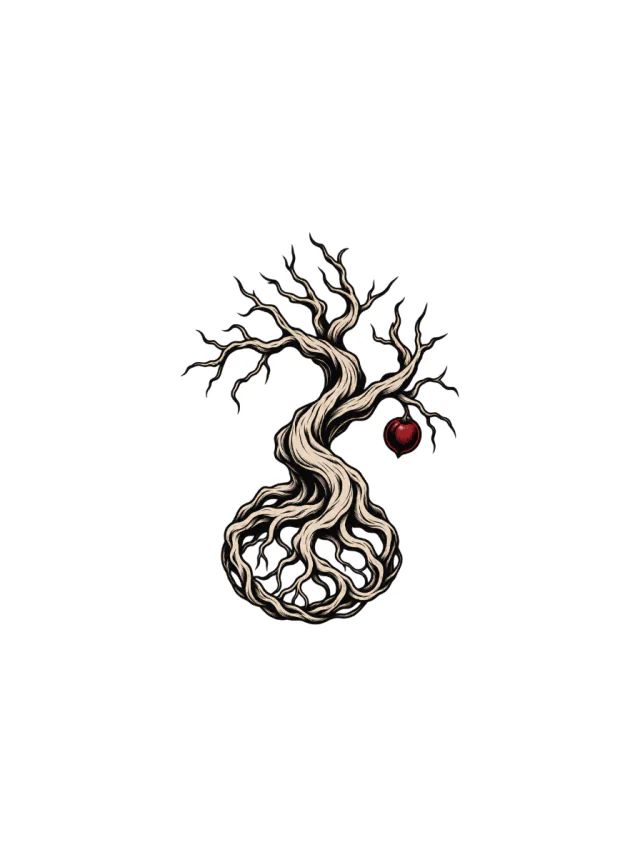
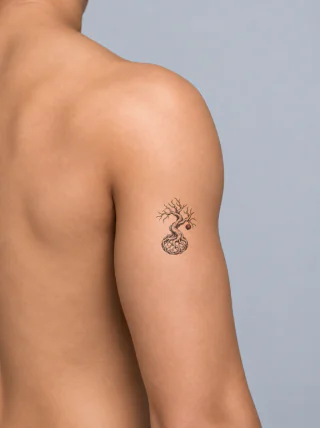
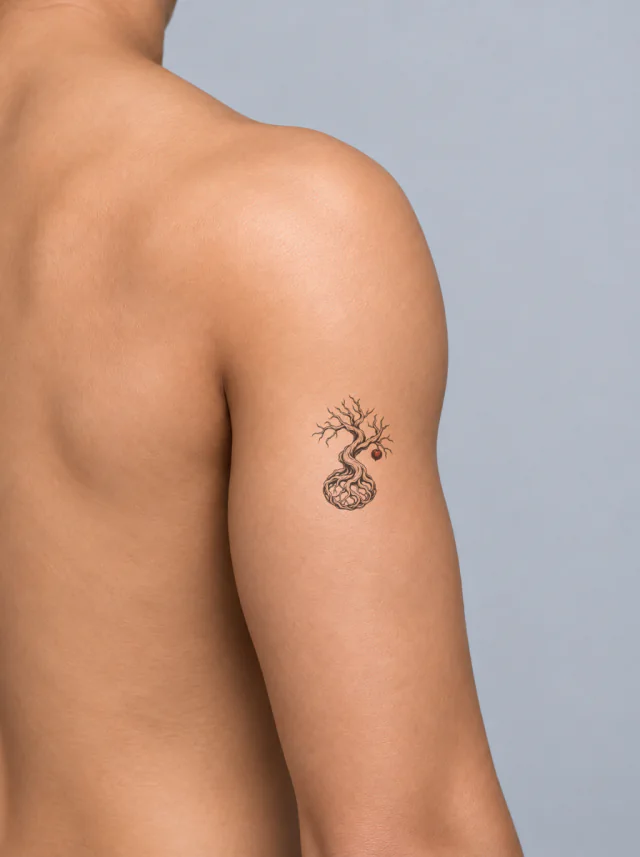
A pale twisted tree with bare crooked branches, a small red apple and exposed roots woven into a rounded circular base, shown on the outer shoulder.
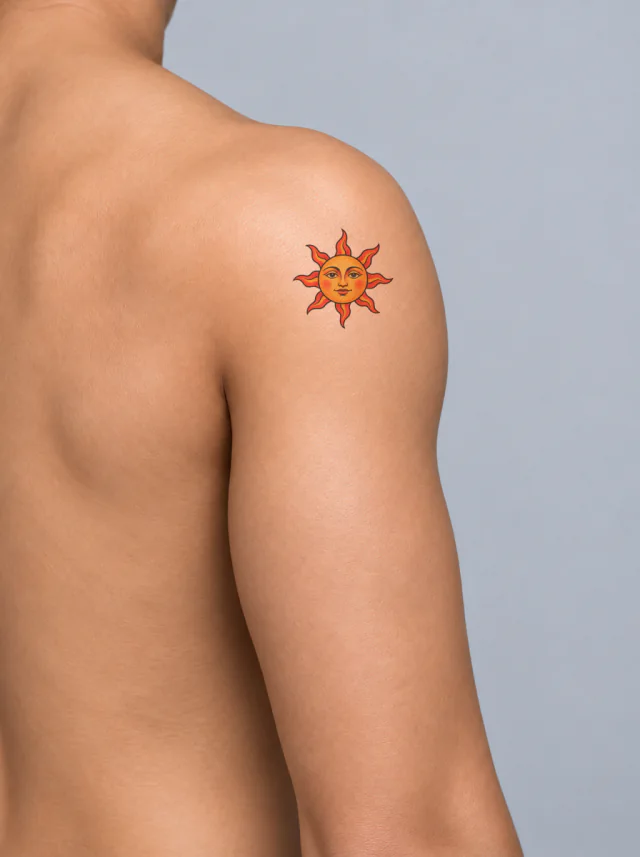
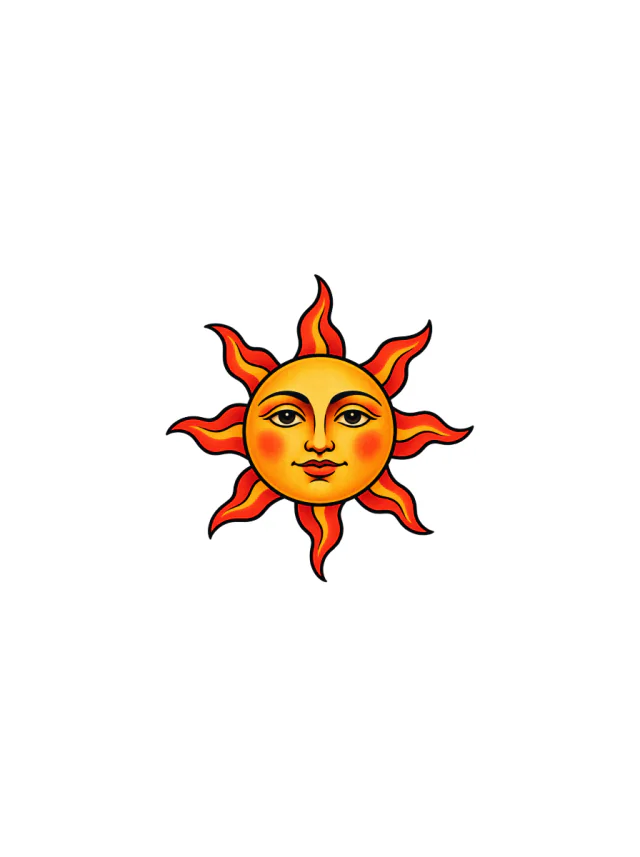
Clean Design
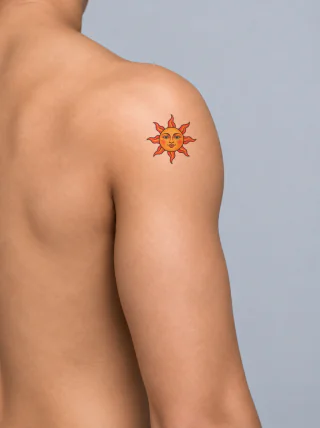
Design 46 · Shoulder
A golden sun face with eight red-orange flame rays, arched brows, warm cheeks and a closed mouth, shown on the shoulder as a compact color motif.
Placement decides scale. Pick the shoulder design whose silhouette matches the space you actually have, then leave enough skin around it for the next piece.
Measure the gap
Check the on-skin preview against your own shoulder: a design that fills the whole area leaves no room for a patchwork neighbour.
Match the direction
Vertical pieces follow the limb; round emblems sit on joints and centerlines. Rotate the design in the Builder until it reads naturally on the shoulder.
Keep negative space
Patchwork works because each piece stays separate. Keep at least a finger of clear skin between this design and the next one.


 155 reviewed designsArm tattoo ideas155 reviewed arm designs, shown clean and on skin.BlackworkNeo traditional1 placementBrowse the collection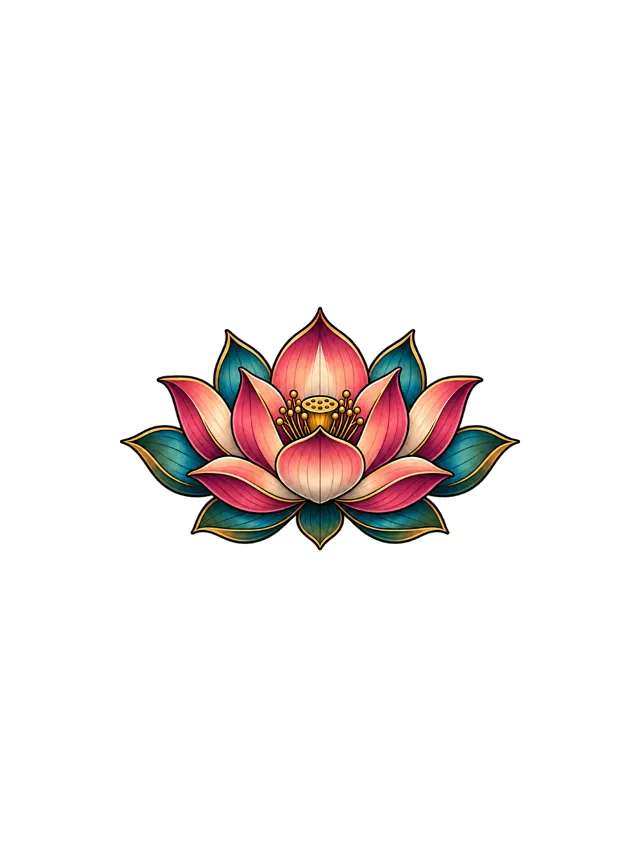
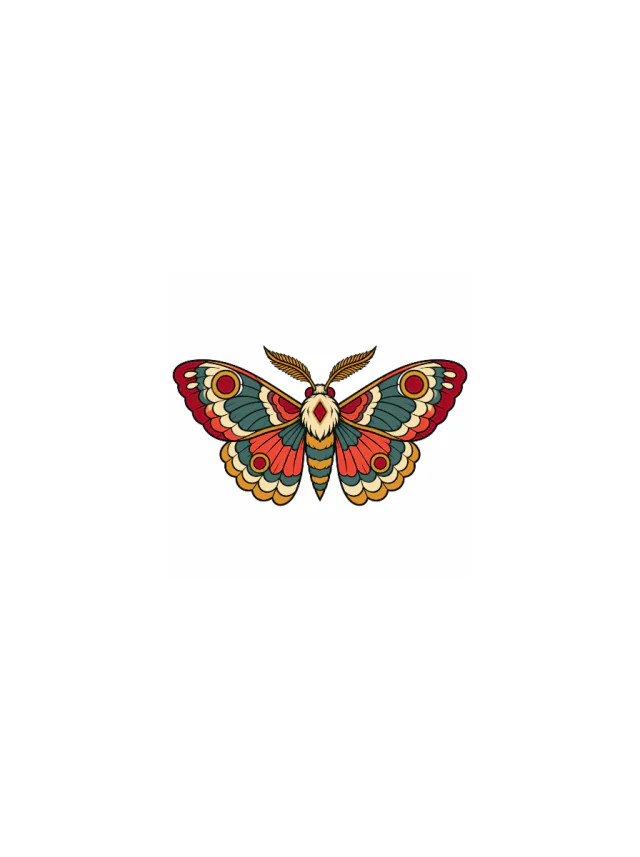 59 reviewed designsNeo traditional tattoo ideas59 reviewed neo traditional designs, shown clean and on skin.Neo traditional8 placementsBrowse the collection
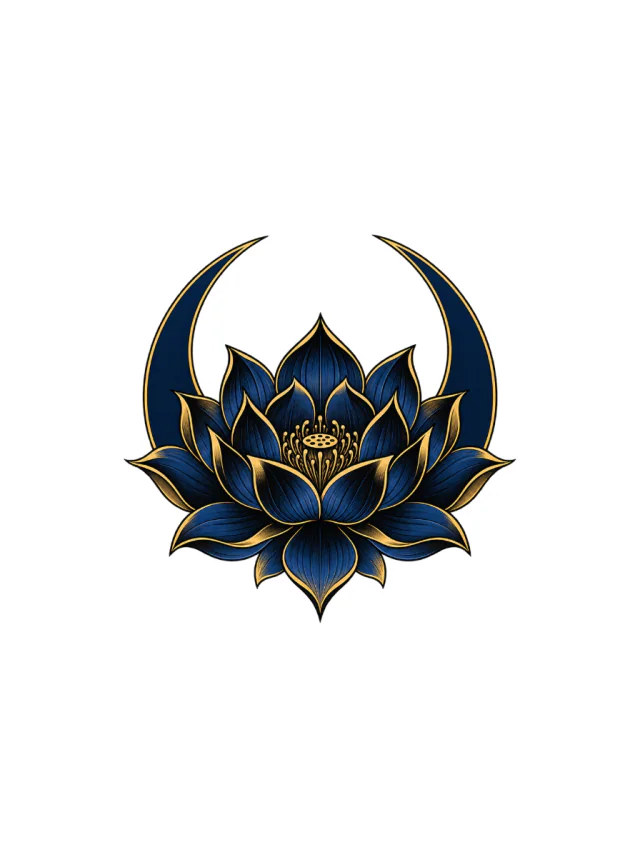
 177 reviewed designsColor tattoo ideas177 reviewed color designs, shown clean and on skin.IllustrativeNeo traditional8 placementsBrowse the collection
Start with your own description, or arrange the reviewed pieces above into a patchwork layout.
Want more than shoulder tattoo ideas? Browse all patchwork tattoo ideas